
GPT Image 2Prompt IA
GitHub Project Deep-Dive Infographic Poster Prompt
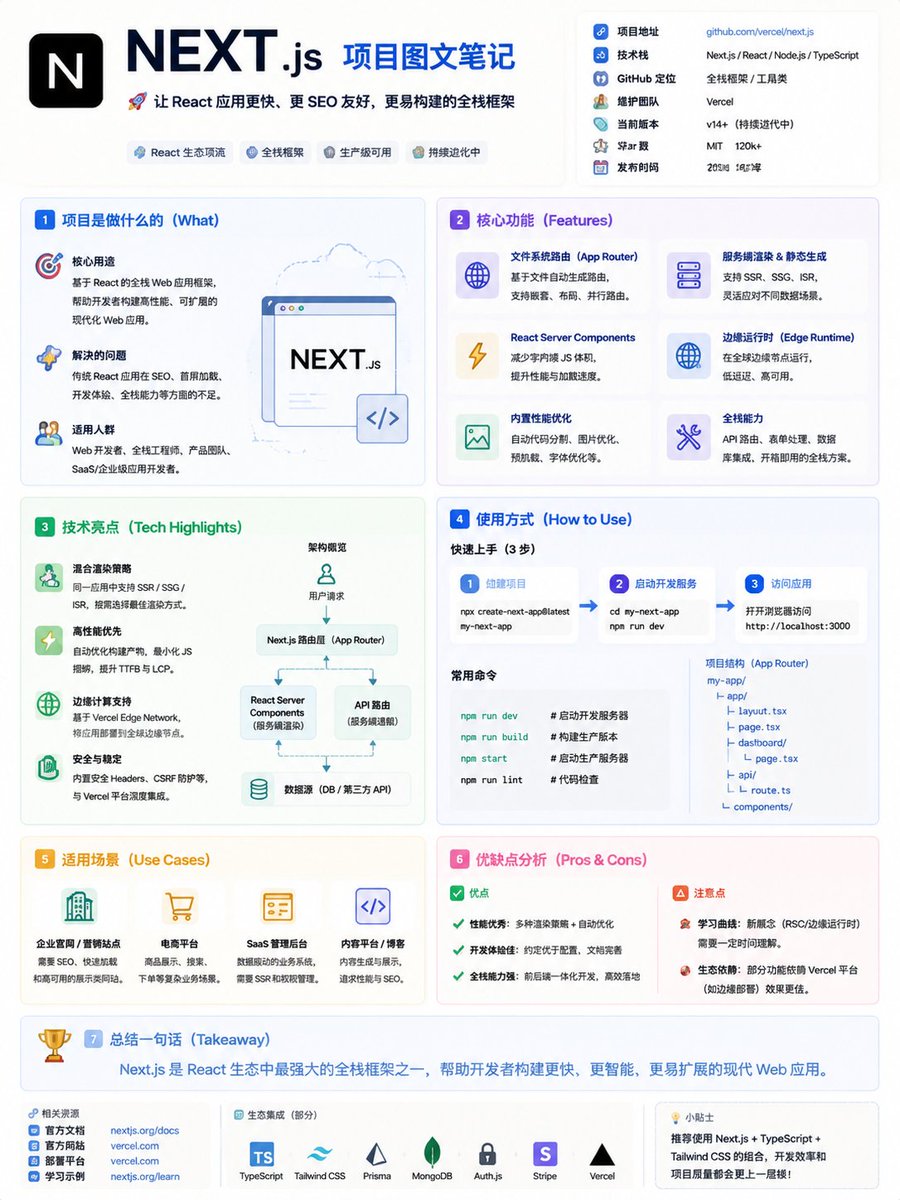
Generate a clean, high-density infographic poster that breaks down any GitHub project's core functions, tech stack, pros, and cons in a modern, card-based layout.
1 / 2
PROMPT · EN
生成一张主题为“argproject link: GitHub 项目名称/链接 深度解析”的高密度信息图海报。[基本信息] 名称:argname: 项目名称,核心功能:argfunction: 一句话解释解决的问题,技术栈:argstack: 例如:Next.js, React, Python,类型:工具/UI/SaaS/AI。[风格] 现代极简 UI + 技术信息图风格。柔和背景(米色/浅灰色)。低饱和度配色(蓝/绿/紫)。扁平化插图 + 图标。高密度但层级清晰。[结构] 包含以下模块:项目简介、核心功能(4-6 点)、技术亮点(SSR/性能)、如何使用、应用场景、优缺点。[视觉] 卡片式布局(Notion/Linear 风格),分区明确,使用 ⚙️ 🚀 📦 等图标,关键信息加粗。[输出] 全文使用中文,语言简洁且富有节奏感,避免大段文字。
À propos de ce prompt
Generate a clean, high-density infographic poster that breaks down any GitHub project's core functions, tech stack, pros, and cons in a modern, card-based layout. Use it as a Art Conceptuel starting point for GPT Image 2: keep the visual structure and style constraints intact, then swap in your own subject, brand, or scene.
Start by replacing project link, name, function, and stack, then keep the camera, composition, and material cues in the same order. This makes the output easier to compare across variations.
Comment utiliser ce prompt
- Copy the prompt into an AI image generator that supports Chinese text rendering (e.g., Sora 2).2. Replace the placeholder variables with your target project's details (name, link, function, stack).3. Select or confirm a model known for high-quality poster or illustration output.4. Generate the image and review the layout for clarity and text accuracy.5. Tweak any color or icon preferences in the prompt's style block if needed, then regenerate.


