
Which Hairstyle Suits You? AI Visualizer — Sora 2 Prompt
Instantly compare hairstyles on any face with a visual analysis graphic, highlighting the most flattering cuts via side-by-side images and concise labels.
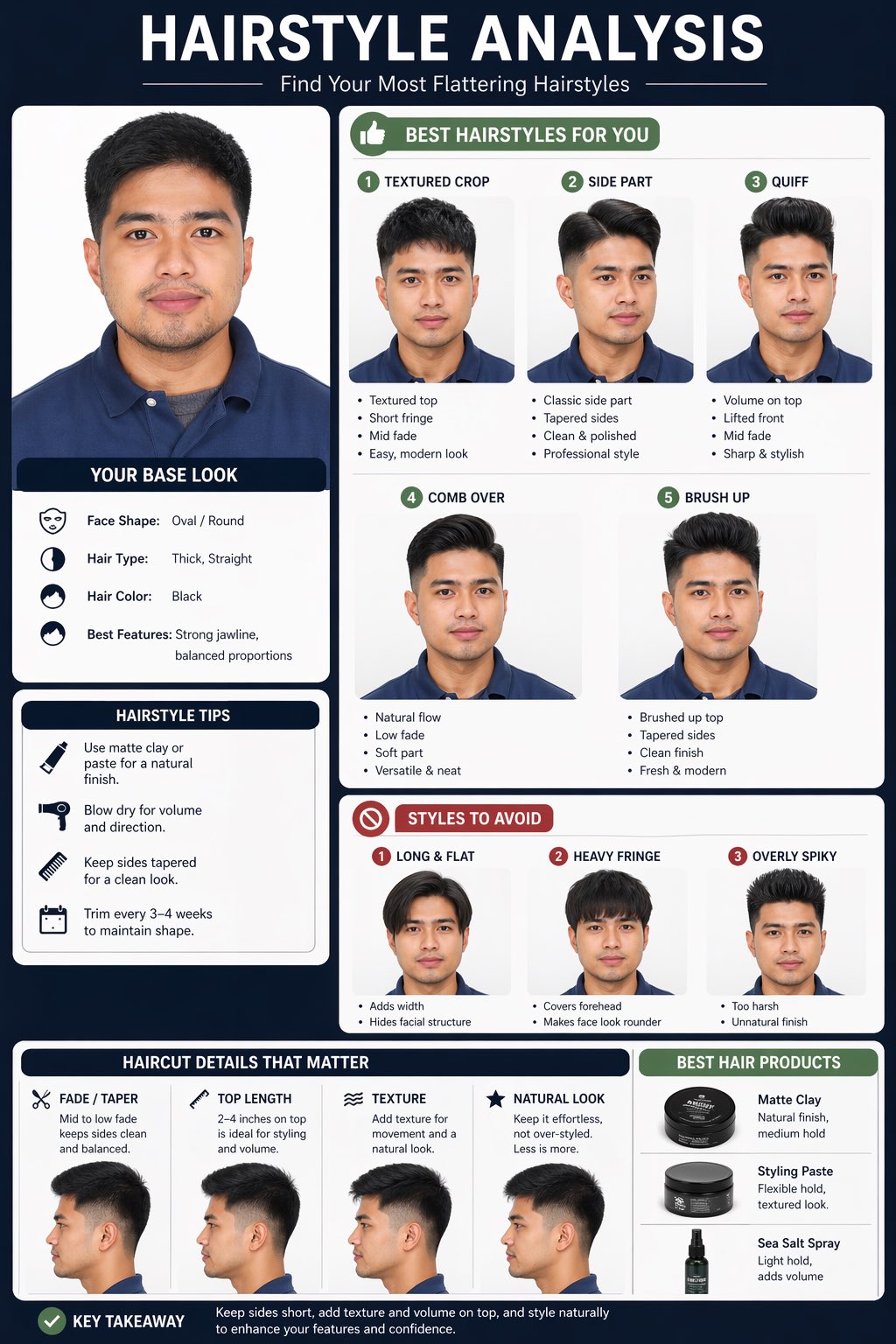
Create a hairstyle analysis graphic using this picture. Show side-by-side hairstyle comparisons to highlight which hairstyles suit the subject best. Make it visual-first, with short labels only and details about the haircut.
À propos de ce prompt
Instantly compare hairstyles on any face with a visual analysis graphic, highlighting the most flattering cuts via side-by-side images and concise labels. Use it as a Art Conceptuel starting point for GPT Image 2: keep the visual structure and style constraints intact, then swap in your own subject, brand, or scene.
Common directions include infographics, education & documents. Treat these tags as creative cues; the prompt structure and preview image are the more useful guide.
Start with small changes to subject, scene, camera, and color, then generate a few variations to compare composition and detail without turning the page copy into keyword stuffing.
Comment utiliser ce prompt
- Copy the prompt and upload a clear front-facing portrait photo to your AI image generator.
- Choose a model that supports visual comparisons (e.g., Sora 2, DALL·E 3, Midjourney) and paste the prompt.
- Optionally, tweak the prompt to specify haircut types (e.g., “bob,” “pixie”) or the number of comparisons.
- Generate the image to get a side-by-side graphic with labels indicating the best-suited hairstyle.
- Download the result and use it for styling advice or personal inspiration.


