Sora2 Hub
Sora2 Hub
  • Bibliothèque de prompts
  • Tarifs
  • Galerie
Sora2 Hub
Sora2 Hub
Sora2 Hub

Sora2 Hub

Plateforme de création IA professionnelle propulsée par Sora 2, Veo 3.1 et Nano Banana Pro. Créez des vidéos époustouflantes et des images de qualité studio avec un contrôle avancé, une qualité HD et sans filigrane.

Email:support@sora2hub.org

Générateur Vidéo IA

  • Texte vers Vidéo
  • Image vers Vidéo
  • Veo 3.1
  • Sora 2
  • Kling 3.0
  • Kling 2.6
  • Kling 2.5
  • Runway
  • Wan 2.6
  • Seedance 2.0
  • Hailuo 2.3
  • Grok Imagine
  • HappyHorse-1.0

Générateur d'Image IA

  • Texte vers Image
  • Image vers Image
  • Nano Banana Pro
  • Nano Banana
  • 4o Image
  • Flux Kontext
  • Z Image
  • Seedream 4.5
  • Seedream 5.0 Lite
  • Nano Banana 2
  • GPT Image 2
  • Agrandisseur d'Image IA

Effets IA

  • Filtre d'Âge IA
  • Échange de Genre IA
  • Baiser IA
  • Câlin IA
  • Image Ghibli
  • Filtre Sirène IA
  • Secousse Corporelle IA
  • Filtre Sourire
  • Gros IA
  • Figurine d'Action

Produit

  • Fonctionnalités
  • Vitrines
  • Tarifs

Entreprise

  • À propos
  • Contact

© 2025 • Sora2 Hub ORG Tous droits réservés.

  • Politique de confidentialité
  • Conditions d'utilisation
  • Politique de remboursement
  1. Accueil
  2. /
  3. Prompts
  4. /
  5. GPT Image 2
  6. /
  7. OPUS vs CODEX: Pixar-Style Split-Screen AI Prompt
GPT Image 2Prompt IA

OPUS vs CODEX: Pixar-Style Split-Screen AI Prompt

Generate a highly detailed 3D Pixar-style illustration contrasting two opposite programmer personalities with customizable text, props, and environmental storytelling.
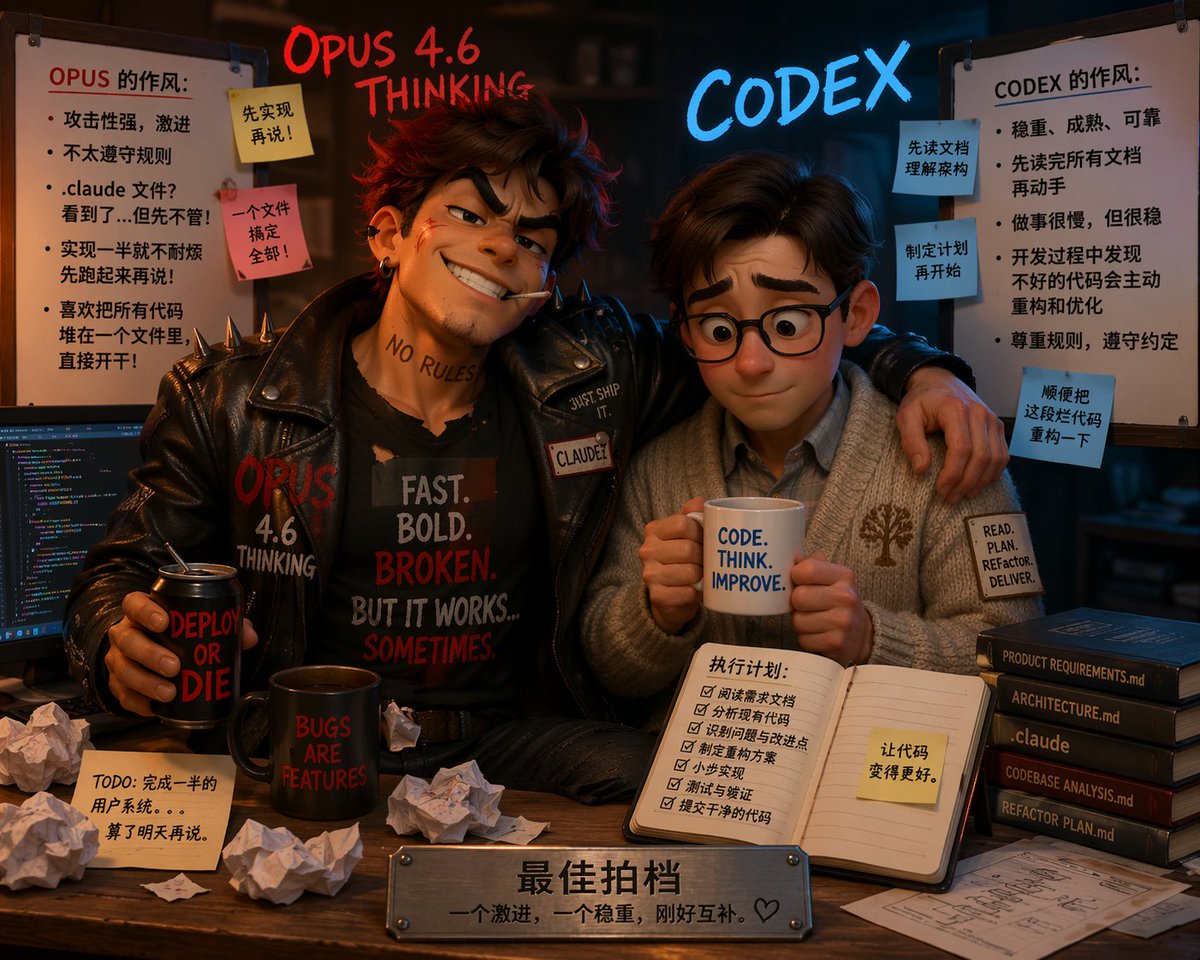
OPUS vs CODEX: Pixar-Style Split-Screen AI Prompt
PROMPT · EN
type
3D 皮克斯风格动画插画
composition
两个性格迥异的角色坐在书桌前,采用分屏美学,左侧凌乱,右侧整洁
floating_text
left
{argument name="left character name" default="OPUS 4.6 THINKING"} 使用发光的红色手写字体
right
{argument name="right character name" default="CODEX"} 使用发光的蓝色霓虹字体
characters
item 1
position
左侧
persona
叛逆、激进的程序员
appearance
凌乱的棕色头发,自信的坏笑,嘴里叼着烟,脖子上有“NO RULES”纹身
clothing
带有铆钉的黑色皮夹克,黑色 T 恤上印有“{argument name="left shirt text" default="FAST. BOLD. BROKEN. BUT IT WORKS... SOMETIMES."}”
pose
手臂搭在右侧角色身上,手里拿着写有“DEPLOY OR DIE”的黑色易拉罐
item 2
position
右侧
persona
有条理、稳重的程序员
appearance
整洁的棕色头发,圆框眼镜,表情紧张但顺从
clothing
舒适的灰色开衫,带有树木标志,衬衫领口,袖口贴片写着“READ. PLAN. REFACTOR. DELIVER.”
pose
双手捧着写有“{argument name="right mug text" default="CODE. THINK. IMPROVE."}”的白色马克杯
environment
left_side
vibe
混乱且凌乱
props
item 1
显示着彩色代码的电脑显示器
item 2
写有“BUGS ARE FEATURES”的黑色马克杯
item 3
5 张揉皱的纸团
item 4
桌上贴着 1 张便签,写着“TODO: 完成一半的用户系统。。。算了明天再说。”
whiteboard
title
OPUS 的作风:
bullet_points_count
5
sticky_notes_count
2
sticky_notes_text
item 1
先实现再说!
item 2
一个文件搞定全部!
right_side
vibe
结构化且整洁
props
item 1
打开的笔记本,上面有 6 项清单,标题为“执行计划:”,并贴有一张黄色便签“让代码变得更好。”
item 2
一叠 5 本深色书籍,书脊文字为:“PRODUCT REQUIREMENTS.md”、“ARCHITECTURE.md”、“.claude”、“CODEBASE ANALYSIS.md”、“REFACTOR PLAN.md”
item 3
桌上放着整齐的架构蓝图
whiteboard
title
CODEX 的作风:
bullet_points_count
5
sticky_notes_count
3
sticky_notes_text
item 1
先读文档理解架构
item 2
制定计划再开始
item 3
顺便把这段代码重构一下
foreground
plaque
书桌前缘的金属铭牌,刻有文字“{argument name="plaque text" default="最佳拍档 一个激进,一个稳重,刚好互补。♡"}”

À propos de ce prompt

Generate a highly detailed 3D Pixar-style illustration contrasting two opposite programmer personalities with customizable text, props, and environmental storytelling. Use it as a Art Conceptuel starting point for GPT Image 2: keep the visual structure and style constraints intact, then swap in your own subject, brand, or scene.

This prompt is organized as structured JSON with fields such as type, composition, floating text, characters, environment, and foreground. Keeping that hierarchy helps the model separate the subject, layout, interface elements, and detail constraints.

Start with small changes to subject, scene, camera, and color, then generate a few variations to compare composition and detail without turning the page copy into keyword stuffing.

Comment utiliser ce prompt

  1. Copy the prompt into your AI image generator (e.g., Sora, Midjourney, DALL-E).
  2. Ensure your model supports detailed scene composition and text rendering.
  3. Replace placeholder texts like character names, shirt text, and mug text to your preference.
  4. Generate the image and refine by emphasizing 'split-screen' or adjusting details if needed.
  5. Use the final illustration for presentations, concept art, or social media to highlight coding philosophies.
FAQ

长歌

@cg0xC0DE→

Publié
25 avr. 2026
Langue source
EN
Modèle
GPT Image 2
Catégorie
Art Conceptuel
GPT Image 2Art Conceptuelgpt-image-2twitter
Vues
320
Copies
19
J’aime
16

Partager

Plus de GPT Image 2

Tout voir
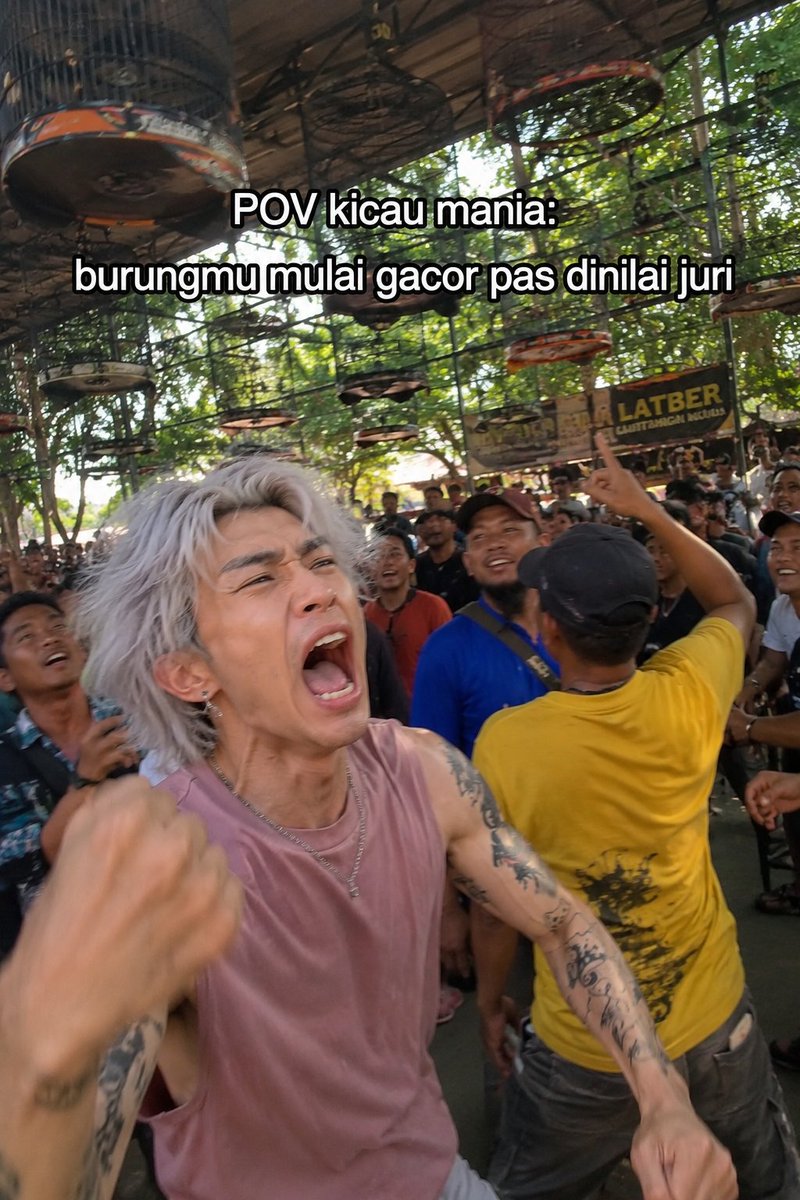
Indonesian Bird Contest Meme — Low-Quality Phone Photo

Indonesian Bird Contest Meme — Low-Quality Phone Photo

@NyaiiBubu
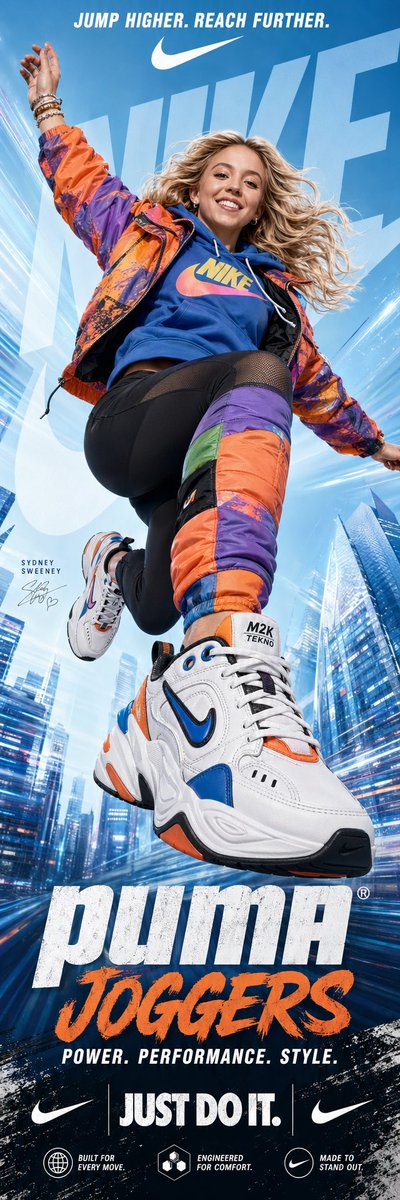
Dynamic Nike Ad Poster — Sora 2 Prompt with Sydney Sweeney

Dynamic Nike Ad Poster — Sora 2 Prompt with Sydney Sweeney

@im_shahid7
Photorealistic Fashion Magazine Cover — Sora 2 Prompt

Photorealistic Fashion Magazine Cover — Sora 2 Prompt

@aichof21

Créez plus vite avec les prompts Sora2Hub.

Utilisez des pages de prompts curées comme entrées recherchables, puis générez avec le bon contexte de modèle.

Explorer les prompts