
GPT Image 2Prompt IA
Erase Body, Add Glowing Feet & Custom Hat — Sora 2 Prompt
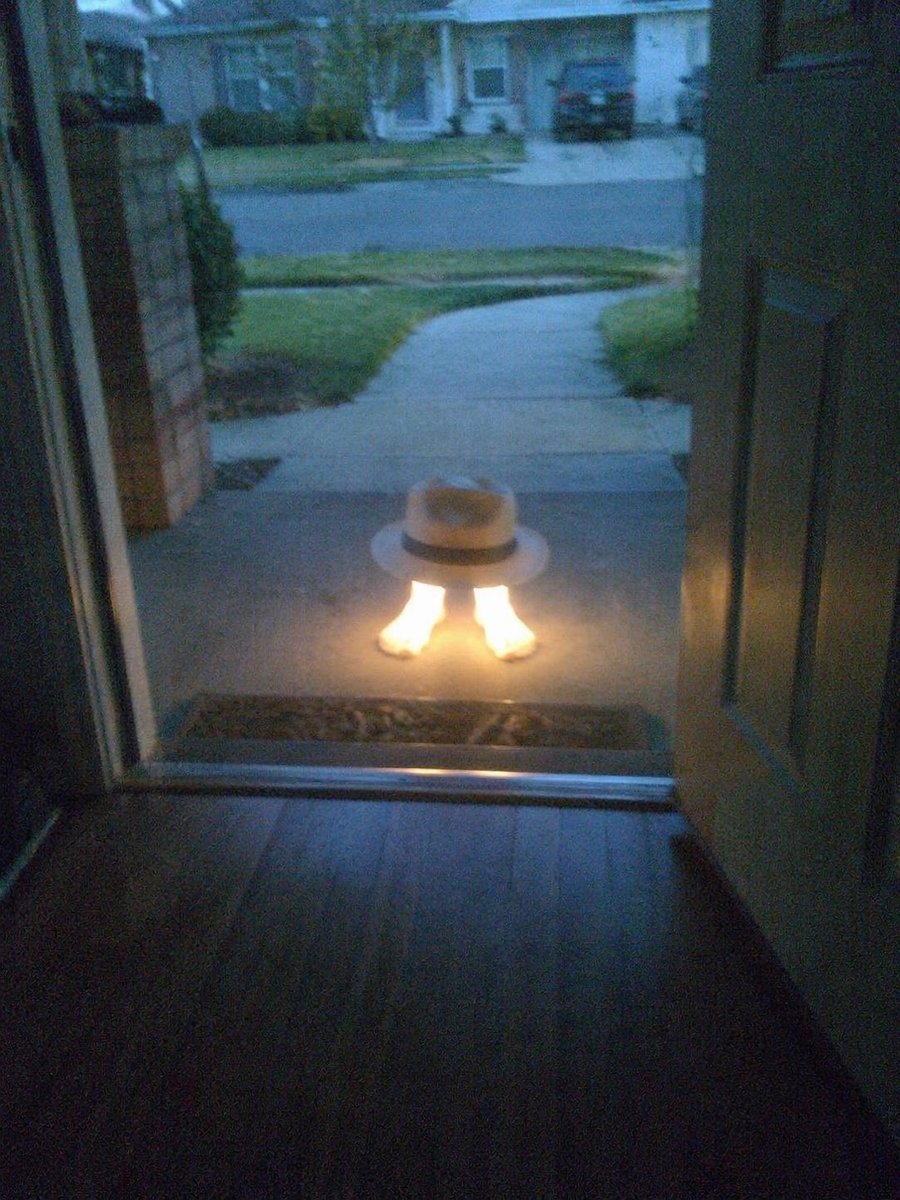
Transform any reference image by erasing the main subject, replacing elements with a custom hat, and adding an eye-catching glowing effect to feet.
PROMPT · EN
使用参考图,彻底移除鹈鹕的身体。将交通锥替换为 arghat style: 带有黑色饰带的白色软呢帽,并将其直接放置在人类脚部上方。为脚部添加强烈的发光效果,使其 argfoot effect: 散发出明亮的暖光。保持开放的门框、门廊环境以及黄昏郊区的背景不变。
À propos de ce prompt
Transform any reference image by erasing the main subject, replacing elements with a custom hat, and adding an eye-catching glowing effect to feet. Use it as a Art Conceptuel starting point for GPT Image 2: keep the visual structure and style constraints intact, then swap in your own subject, brand, or scene.
Start by replacing hat style and foot effect, then keep the camera, composition, and material cues in the same order. This makes the output easier to compare across variations.
Comment utiliser ce prompt
- Copy the prompt text to your clipboard.
- Open Sora 2 and paste the prompt, then upload a reference image with a pelican, traffic cone, open doorway, and dusk background.
- Customize the optional arguments
hat styleandfoot effectto fit your vision. - Generate the image to see the subject erased, a hat placed above human feet, and a vibrant glow effect applied.


