GPT Image 2Prompt IA
Cinematic Realistic Character Design Sheet — Sora 2 Prompt
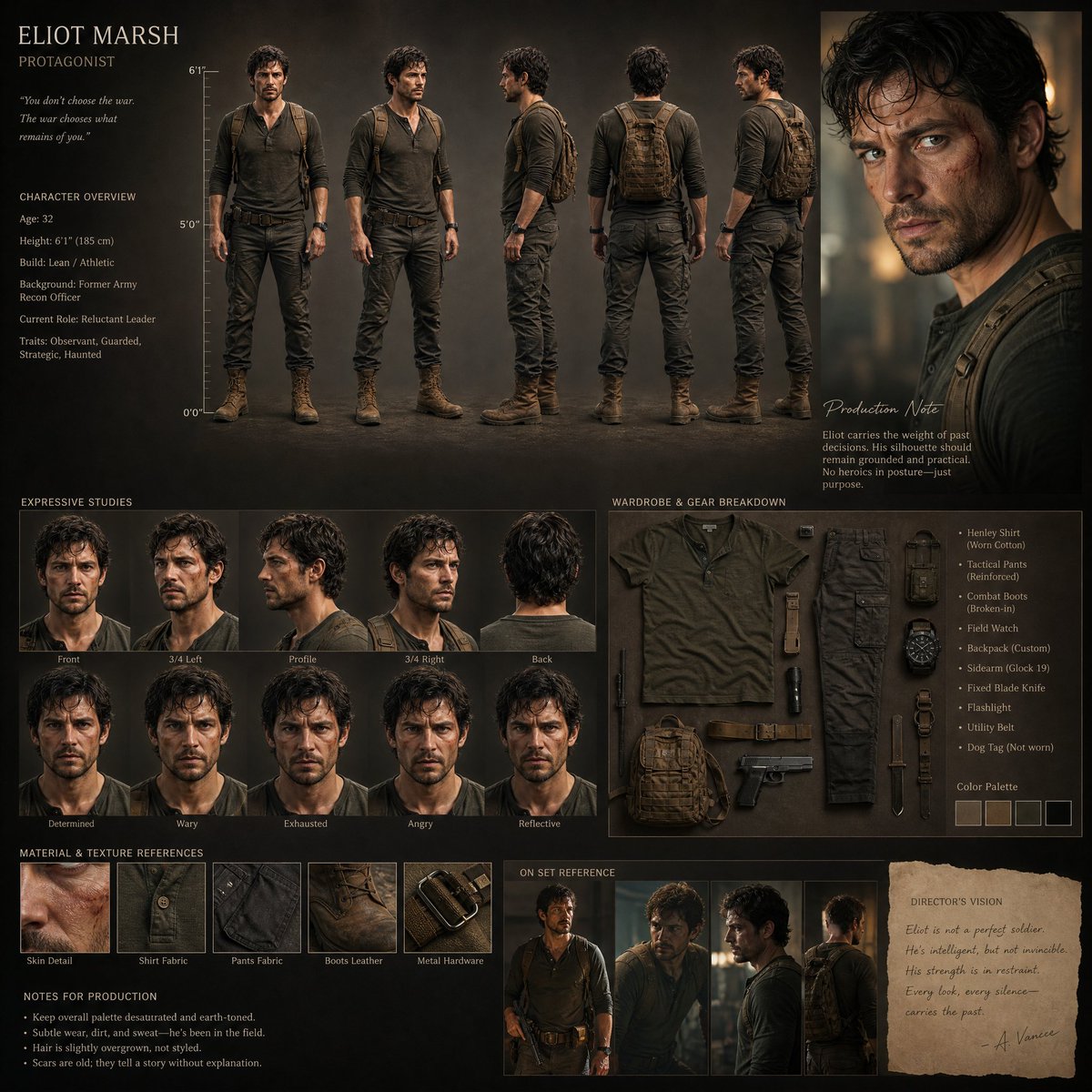
Generate a film-quality character design project with multi-angle views, material breakdowns, and consistent proportions for high-end production.
PROMPT · EN
为高预算电影制作创建一个电影级的写实角色设计项目。避免使用通用的网格、完美的对称或模板式的布局。构图应具有艺术指导感,略显不对称,并像高端电影提案演示一样具有视觉意图。设计一个具有扎实比例、可信解剖结构、自然瑕疵和富有表现力的表演张力的写实人类角色。包括:* 全身三视图(正面、3/4 侧面、侧面、背面、3/4 背面)* 多角度的表情头部特写 * 电影感肖像镜头 * 服装和道具拆解 * 布料、皮肤和材质的真实感 * 注释说明和制作笔记 * 身高参考比例。角色应感觉像是一位在瞬间被捕捉到的真实演员,而不是摆拍的模型图。风格:半写实电影角色设计,电影制作质量,柔和的自然光,情感可读性,微妙的夸张,真实的材质,浅景深,高端工作室演示美学。重要提示:在每个角度和部分中,保持面部、比例、发型、服装和细节的严格一致性。
À propos de ce prompt
Generate a film-quality character design project with multi-angle views, material breakdowns, and consistent proportions for high-end production. Use it as a Art Conceptuel starting point for GPT Image 2: keep the visual structure and style constraints intact, then swap in your own subject, brand, or scene.
Start with small changes to subject, scene, camera, and color, then generate a few variations to compare composition and detail without turning the page copy into keyword stuffing.
Comment utiliser ce prompt
- Copy the full prompt text.
- Paste it into your preferred AI video or image generator (e.g., Sora 2, Runway, or similar models).
- Adjust character-specific variables like ethnicity, age, or costume details to match your vision.
- Generate and review the output for consistency across all views and angles.
- Iterate with minor tweaks to lighting or style keywords for optimal results.