
GPT Image 2Prompt IA
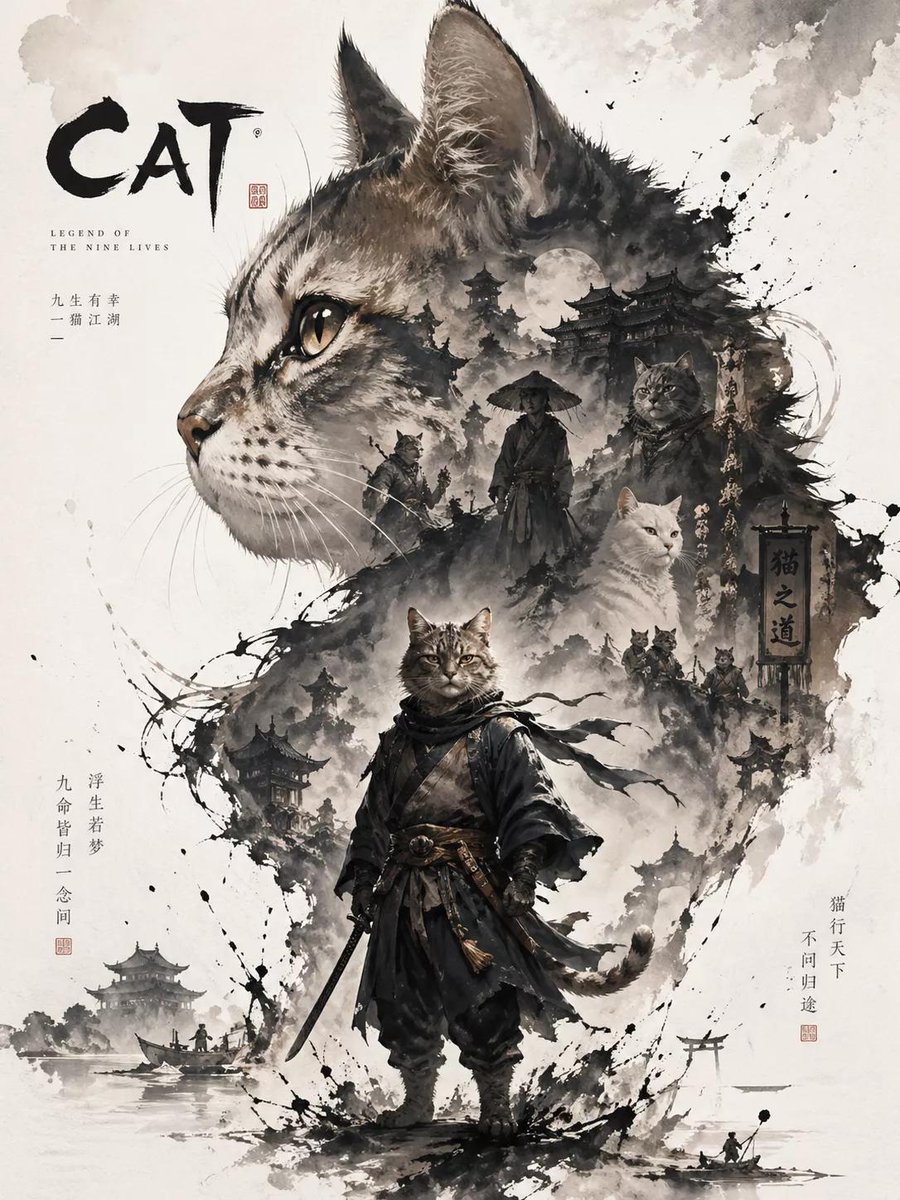
Oriental Ink Double Exposure Poster — Sora 2 Prompt
Design a striking character poster with Oriental ink aesthetics, double exposure collage, and airy negative space using this AI prompt.
1 / 2
PROMPT · EN
生成一张以“argsubject: cat”为角色的宣传海报,采用直观的主视觉构图。海报采用上下层级结构:上部以最具辨识度的头部、面部轮廓、面具或人物外轮廓作为大型视觉主体,形成高辨识度的剪影主形;中下部则以完整的人物形象作为次要主体。在大轮廓内部及周围运用双重曝光与拼贴叙事构图,将多个场景、图像、小型人物关系、辅助元素及环境层级融合在云雾、水墨与留白之中。整体画面保留大面积留白,边缘处以水墨晕染及虚化破碎处理,在 argstyle: 东方美学 中营造出真实的空间关系与呼吸感。尺寸:3:4
À propos de ce prompt
Design a striking character poster with Oriental ink aesthetics, double exposure collage, and airy negative space using this AI prompt. Use it as a Art Conceptuel starting point for GPT Image 2: keep the visual structure and style constraints intact, then swap in your own subject, brand, or scene.
Start by replacing subject and style, then keep the camera, composition, and material cues in the same order. This makes the output easier to compare across variations.
Comment utiliser ce prompt
- Copy the prompt from the description.
- Paste it into your preferred AI image generator (e.g., Sora 2, Midjourney, DALL·E 3).
- Replace the
subjectvariable (default 'cat') with your character, and adjust thestylevariable (e.g., '东方美学' or 'modern ink'). - Set the aspect ratio to 3:4.
- Generate and iterate for desired results.


