Sora2 Hub
Sora2 Hub
  • Bibliothèque de prompts
  • Tarifs
  • Galerie
Sora2 Hub
Sora2 Hub
Sora2 Hub

Sora2 Hub

Plateforme de création IA professionnelle propulsée par Sora 2, Veo 3.1 et Nano Banana Pro. Créez des vidéos époustouflantes et des images de qualité studio avec un contrôle avancé, une qualité HD et sans filigrane.

Email:support@sora2hub.org

Générateur Vidéo IA

  • Texte vers Vidéo
  • Image vers Vidéo
  • Veo 3.1
  • Sora 2
  • Kling 3.0
  • Kling 2.6
  • Kling 2.5
  • Runway
  • Wan 2.6
  • Seedance 2.0
  • Hailuo 2.3
  • Grok Imagine
  • HappyHorse-1.0
  • HappyHorse 1.1
  • Kling 3.0 Turbo
  • Volcengine Video-to-Video Lip Sync
  • OmniHuman 1.5
  • Grok Imagine Video 1.5
  • Gemini Omni
  • Wan 2.7 Video
  • Seedance 2.0 Mini

Générateur d'Image IA

  • Texte vers Image
  • Image vers Image
  • Nano Banana Pro
  • Nano Banana
  • 4o Image
  • Flux Kontext
  • Z Image
  • Seedream 4.5
  • Seedream 5.0 Lite
  • Nano Banana 2
  • GPT Image 2
  • Agrandisseur d'Image IA
  • Seedream 5.0 Pro
  • Nano Banana 2 Lite
  • Qwen Image 2.0

Effets IA

  • Filtre d'Âge IA
  • Échange de Genre IA
  • Baiser IA
  • Câlin IA
  • Image Ghibli
  • Filtre Sirène IA
  • Secousse Corporelle IA
  • Filtre Sourire
  • Gros IA
  • Figurine d'Action

Produit

  • Fonctionnalités
  • Vitrines
  • Tarifs

Entreprise

  • À propos
  • Contact

© 2025 • Sora2 Hub ORG Tous droits réservés.

  • Politique de confidentialité
  • Conditions d'utilisation
  • Politique de remboursement
  1. Accueil
  2. /
  3. Prompts
  4. /
  5. GPT Image 2
  6. /
  7. Natural Light Portrait Photography — Sora 2 Prompt
GPT Image 2Prompt IA

Natural Light Portrait Photography — Sora 2 Prompt

Generate a detailed photography tutorial book page featuring a natural light portrait, camera specs, and composition tips, perfect for educational or magazine-style designs.
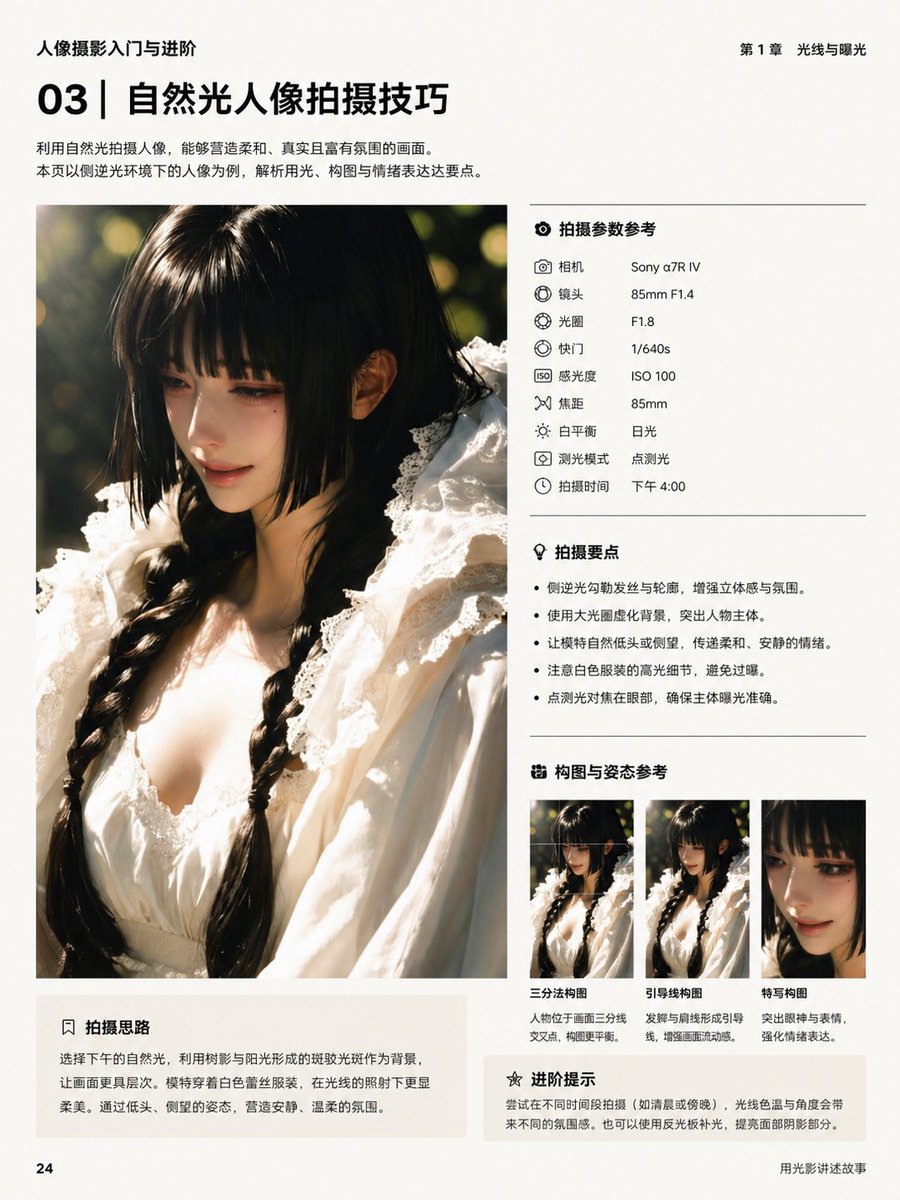
Natural Light Portrait Photography — Sora 2 Prompt
PROMPT · EN
type
书籍内页排版
language
中文
genre
摄影教程排版
page
size
竖版书页
background
米白色哑光纸
page_number
24
header_left
人像摄影入门与进阶
header_right
第 1 章 光线与曝光
footer_right
用光影讲述故事
title_block
section_number
03
headline
自然光人像拍摄技巧
subtext
利用自然光拍摄人像,能够营造柔和、真实且富有氛围的画面。本页以侧逆光环境下的人像为例,解析用光、构图与情绪表达这三大要点。
position
左上角
main_image
position
左侧栏
subject
一位留着黑色双麻花辫年轻女性的特写人像,身穿带有荷叶边领口和精致饰边的白色蕾丝裙,在午后温暖的自然光下拍摄
framing
从胸部到头顶的竖向裁剪
lighting
强烈的侧逆光,发丝和肩部带有金色轮廓光,柔和的暖色高光,浅景深,圆形背景虚化
background
深绿色户外植被,带有阳光斑驳的虚化效果
face
面部区域覆盖有刻意模糊的矩形
right_column
sections
item 1
title
拍摄参数参考
position
右上角
count
9
items
item 1
label
相机
value
Sony α7R IV
item 2
label
镜头
value
85mm F1.4
item 3
label
光圈
value
F1.8
item 4
label
快门
value
1/640s
item 5
label
感光度
value
ISO 100
item 6
label
焦距
value
85mm
item 7
label
白平衡
value
日光
item 8
label
测光模式
value
点测光
item 9
label
拍摄时间
value
下午 4:00
item 2
title
拍摄要点
position
中右侧
count
4
items
item 1
侧逆光勾勒发丝与轮廓,增强立体感与氛围。
item 2
使用大光圈虚化背景,突出人物主体。
item 3
让模特自然低头或侧望,传递柔和、安静的情绪。
item 4
点测光对焦在面部,确保主体曝光准确。
item 3
title
构图与姿态参考
position
右下角
count
3
items
item 1
label
三分法构图
description
人物位于画面三分线交叉点,构图更平衡。
item 2
label
引导线构图
description
发辫与肩线形成引导线,增强画面流动感。
item 3
label
特写构图
description
突出眼神与表情,强化情绪表达。
item 4
title
进阶提示
position
右底部
count
1
items
item 1
尝试在不同时间段拍摄(如清晨或傍晚),光线色温与角度会带来不同的氛围感。也可以使用反光板补光,提高面部明暗影部分。
bottom_left_box
title
拍摄思路
position
主图下方左侧
body
选择下午的自然光,利用树影与阳光形成的斑驳光斑作为背景,让画面更具层次。模特穿着白色蕾丝服装,在光线的照射下更显柔美。通过低头、侧望的姿态,营造安静、温柔的氛围。
style
overall
简洁高级的书籍排版,极简中文排版,现代摄影教育布局
grid
左侧大图,右侧结构化信息面板,各板块间有细微分割线
typography
粗体无衬线章节号与标题,较小的常规正文,整齐对齐的标签与数值,单色黑色文本
color_palette
暖奶油色、黑色、柔灰色、金色阳光、深绿色、白色织物

À propos de ce prompt

Generate a detailed photography tutorial book page featuring a natural light portrait, camera specs, and composition tips, perfect for educational or magazine-style designs. Use it as a Art Conceptuel starting point for GPT Image 2: keep the visual structure and style constraints intact, then swap in your own subject, brand, or scene.

This prompt is organized as structured JSON with fields such as type, language, genre, page, title block, main image, and right column. Keeping that hierarchy helps the model separate the subject, layout, interface elements, and detail constraints.

Start with small changes to subject, scene, camera, and color, then generate a few variations to compare composition and detail without turning the page copy into keyword stuffing.

Comment utiliser ce prompt

  1. Copy the prompt text above.
  2. Paste it into an AI image generator like Sora 2, Midjourney, or DALL·E that supports complex layouts.
  3. Modify any text elements (e.g., camera model, titles, or tips) to suit your content.
  4. Generate the image and iterate with small adjustments until satisfied.
FAQ

骑司Chase

@qisi_ai→

Publié
30 avr. 2026
Langue source
EN
Modèle
GPT Image 2
Catégorie
Art Conceptuel
GPT Image 2Art Conceptuelgpt-image-2twitter
Vues
205
Copies
23
J’aime
11

Partager

Plus de GPT Image 2

Tout voir
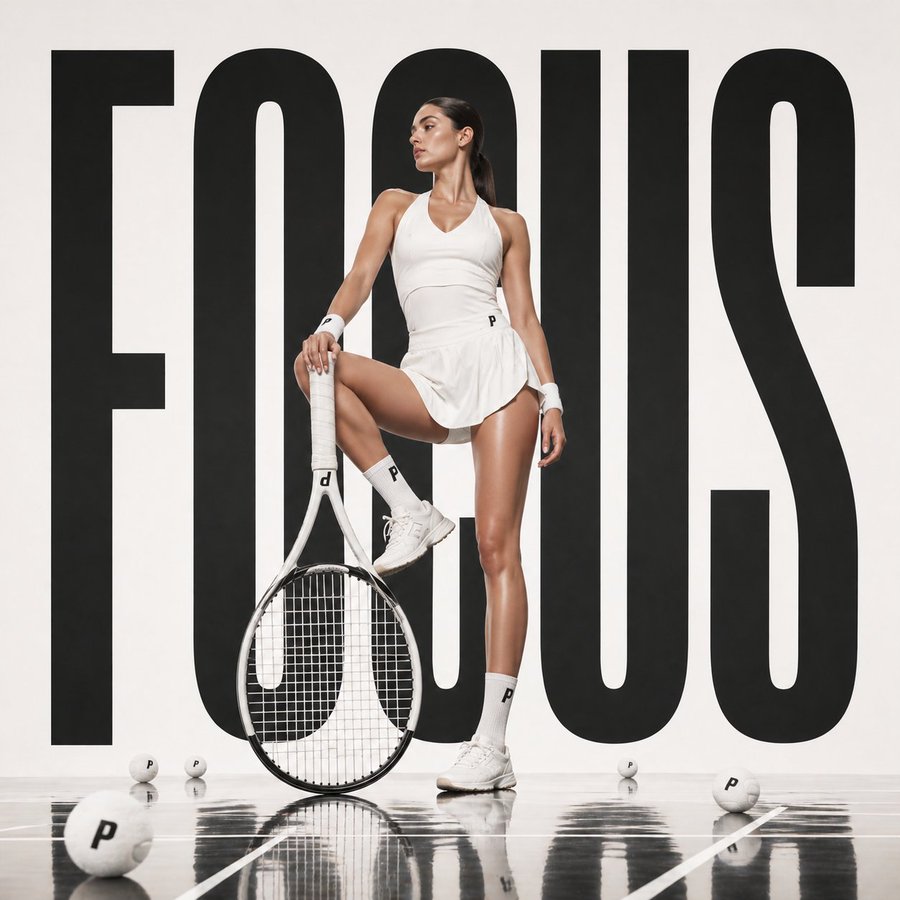
Luxury Tennis Fashion Poster — Bold Studio Shoot Sora Prompt

Luxury Tennis Fashion Poster — Bold Studio Shoot Sora Prompt

@blueski68251660
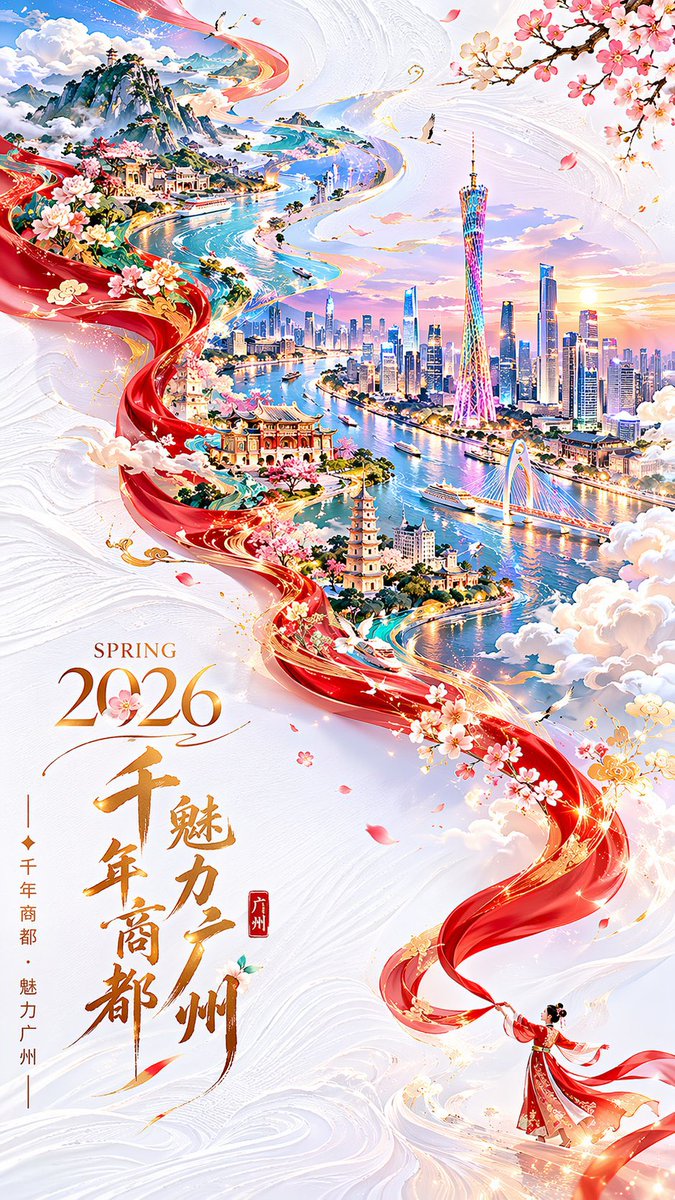
Guangzhou 2026 Poster: Silk Ribbon Cityscape — Sora 2 Prompt

Guangzhou 2026 Poster: Silk Ribbon Cityscape — Sora 2 Prompt

@alanlovelq
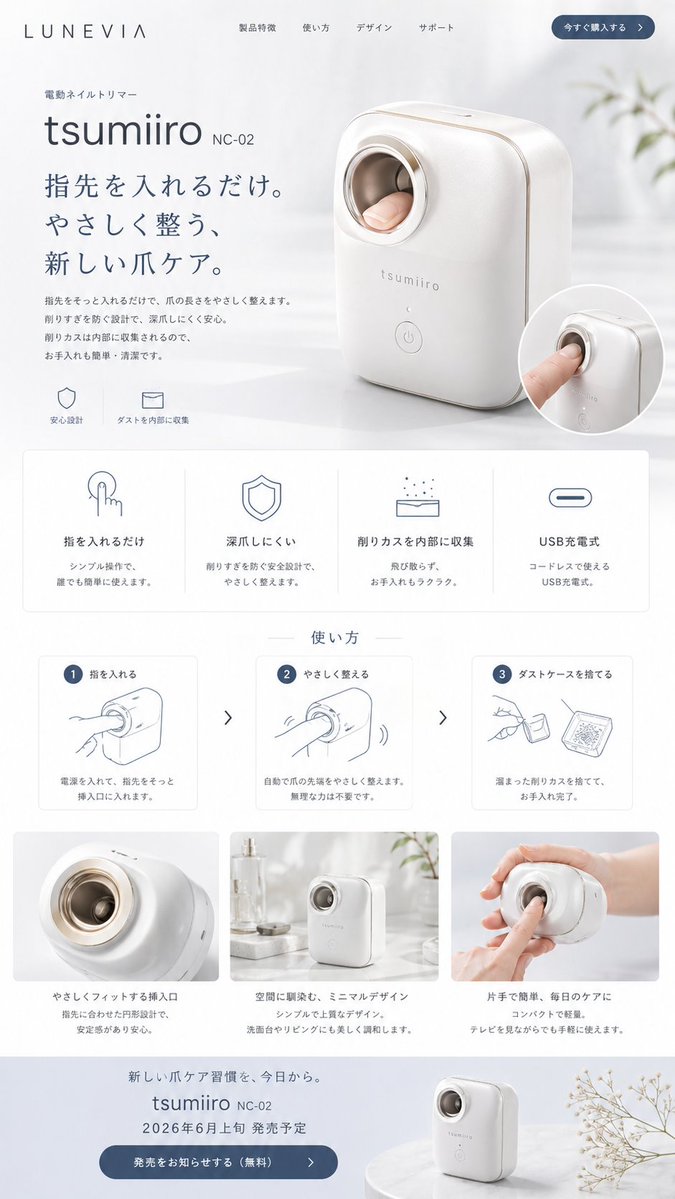
Minimalist Japanese Electric Nail Clipper Product Landing Page — Sora 2 Prompt

Minimalist Japanese Electric Nail Clipper Product Landing Page — Sora 2 Prompt

@eisho_m

Créez plus vite avec les prompts Sora2Hub.

Utilisez des pages de prompts curées comme entrées recherchables, puis générez avec le bon contexte de modèle.

Explorer les prompts