
GPT Image 2Prompt AI
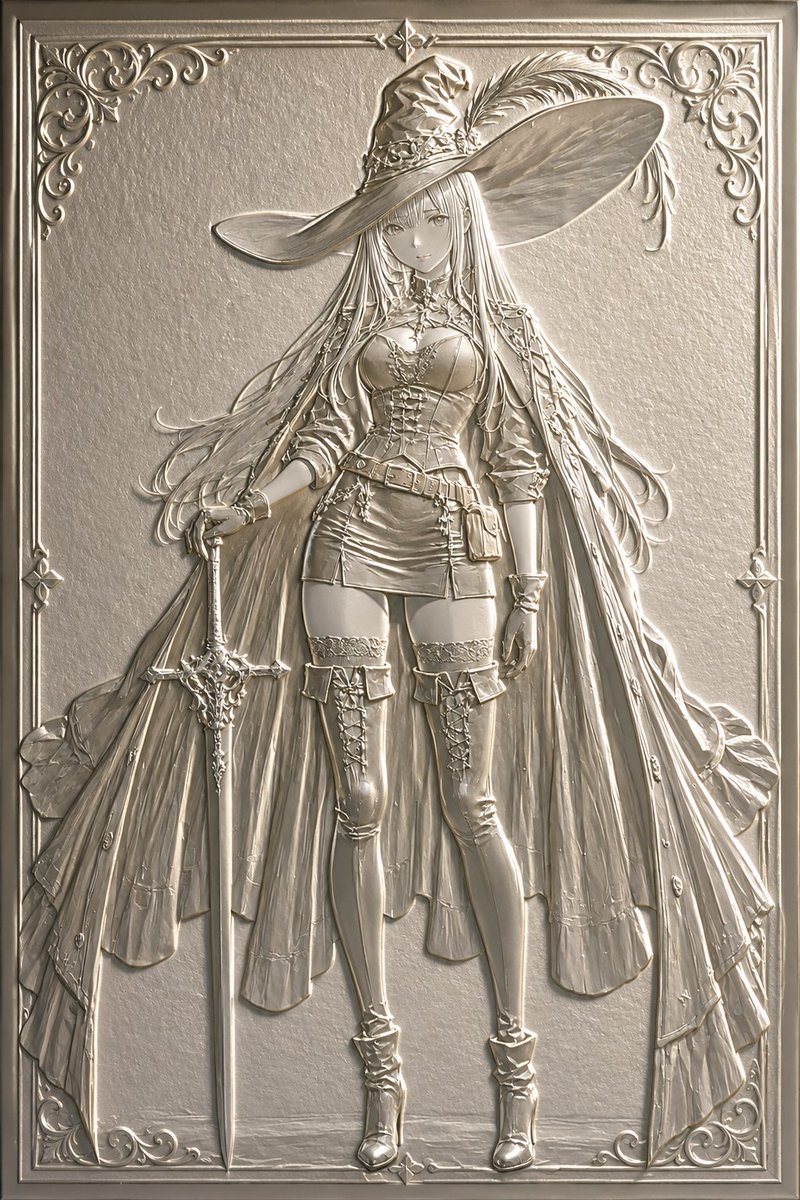
Luxury Embossed Card Effect — Sora 2 Prompt
Transform any illustration into a stunning luxury embossed card with realistic 3D depth, tactile paper or metal textures, and exquisite light-and-shadow relief effects.
1 / 4
PROMPT · EN
将此插画转换为 argprocessing type: 浮雕 argstyle: 奢华卡片或浮雕 风格。强调如同纸张或金属压制般的立体凹凸感,营造出令人想要触摸的质感,并通过光影呈现出精美的浮雕效果。同时保持原插画的构图与角色。
Informazioni su questo prompt
Transform any illustration into a stunning luxury embossed card with realistic 3D depth, tactile paper or metal textures, and exquisite light-and-shadow relief effects. Use it as a Concept Art starting point for GPT Image 2: keep the visual structure and style constraints intact, then swap in your own subject, brand, or scene.
Start by replacing processing type and style, then keep the camera, composition, and material cues in the same order. This makes the output easier to compare across variations.
Come usare questo prompt
- Copy the Prompt: Copy the full prompt text from the prompt page.
- Choose Your Model: Select a compatible AI image model (e.g., Sora 2, Midjourney, DALL·E).
- Set Variables: Customize the
{processing type}(e.g., Emboss, Relief) and{style}(e.g., Luxury Card, Metal Emboss) to match your vision. - Attach Your Image: Upload or reference the original illustration you want to transform.
- Generate & Refine: Run the prompt and adjust settings for desired depth and texture intensity.


