
GPT Image 2Prompt de IA
Clumsy MS Paint Redraw — Sora 2 Prompt
Transform any image into a hilariously bad, low-quality MS Paint-style sketch with deliberate imperfections and pixel-level wonkiness for comedic effect.
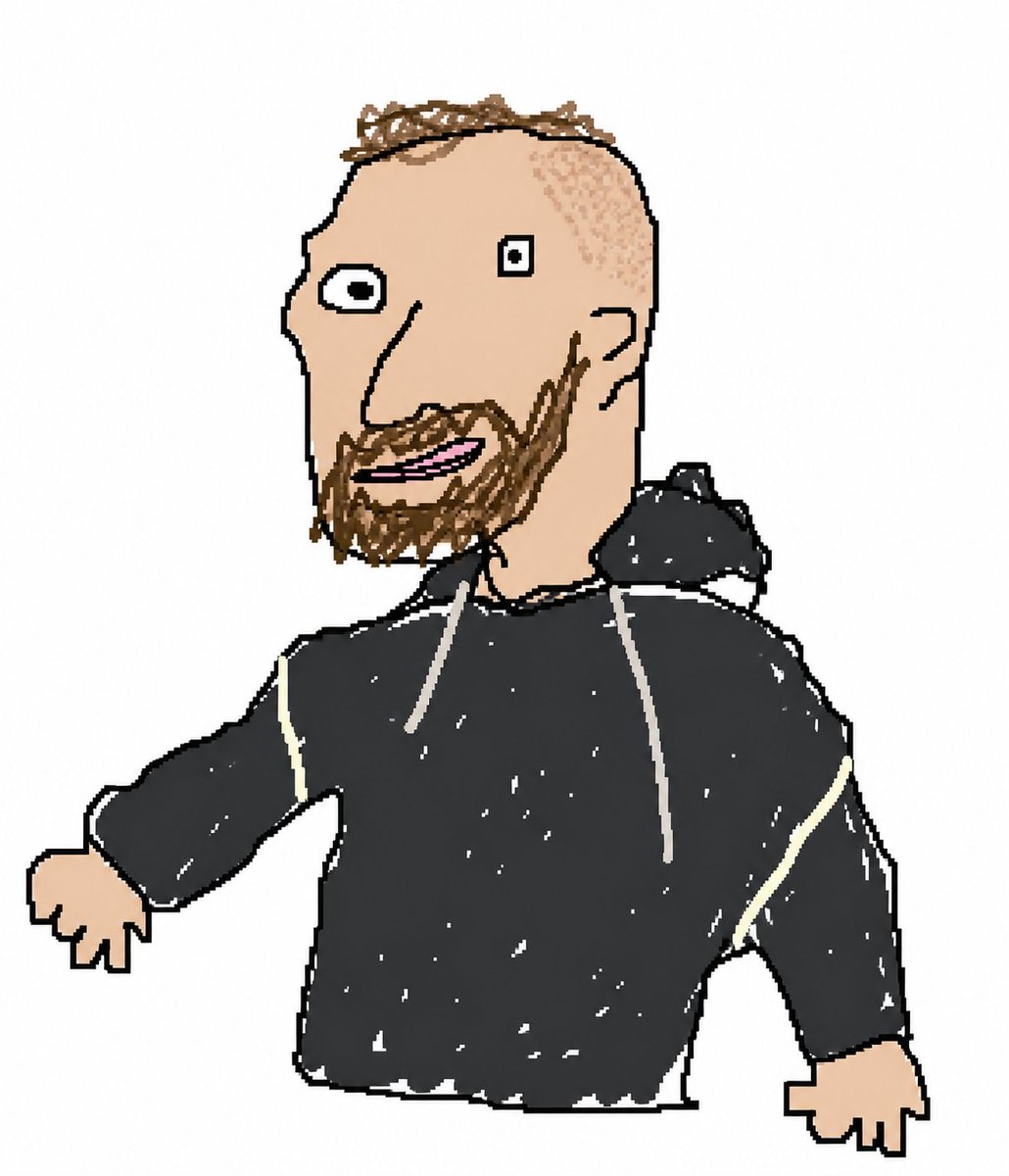
PROMPT · EN
将附件中的图像以一种笨拙、潦草且尽可能拙劣的方式重绘。使用 argbackground color: white 背景,并使其看起来像是用鼠标在 MS Paint 中绘制的一样。它应该既相似又有所区别,就像是那种令人困惑且笨拙的错位感,带有那种像素级的低质量感,真正突显出它有多么荒谬和糟糕。其实,你知道吗,没关系,随你怎么画都行。
Sobre este prompt
Transform any image into a hilariously bad, low-quality MS Paint-style sketch with deliberate imperfections and pixel-level wonkiness for comedic effect. Use it as a Arte Conceitual starting point for GPT Image 2: keep the visual structure and style constraints intact, then swap in your own subject, brand, or scene.
Start by replacing background color, then keep the camera, composition, and material cues in the same order. This makes the output easier to compare across variations.
Como usar este prompt
- Copy the prompt above and paste it into your preferred AI image generator (e.g., Sora 2, DALL·E, Midjourney).
- Choose the "Sora 2" model or whichever supports image-to-image redrawing.
- Upload the reference image you want to redraw in a deliberately ugly style.
- Customize the
{background color}variable (default: white) to change the canvas background. - Generate the image and iterate—adjust the prompt wording if you want more or less absurdity.


