
GPT Image 2AI-промпт
Sharpen Blurry Kitten Photo — Realistic DSLR Portrait Prompt
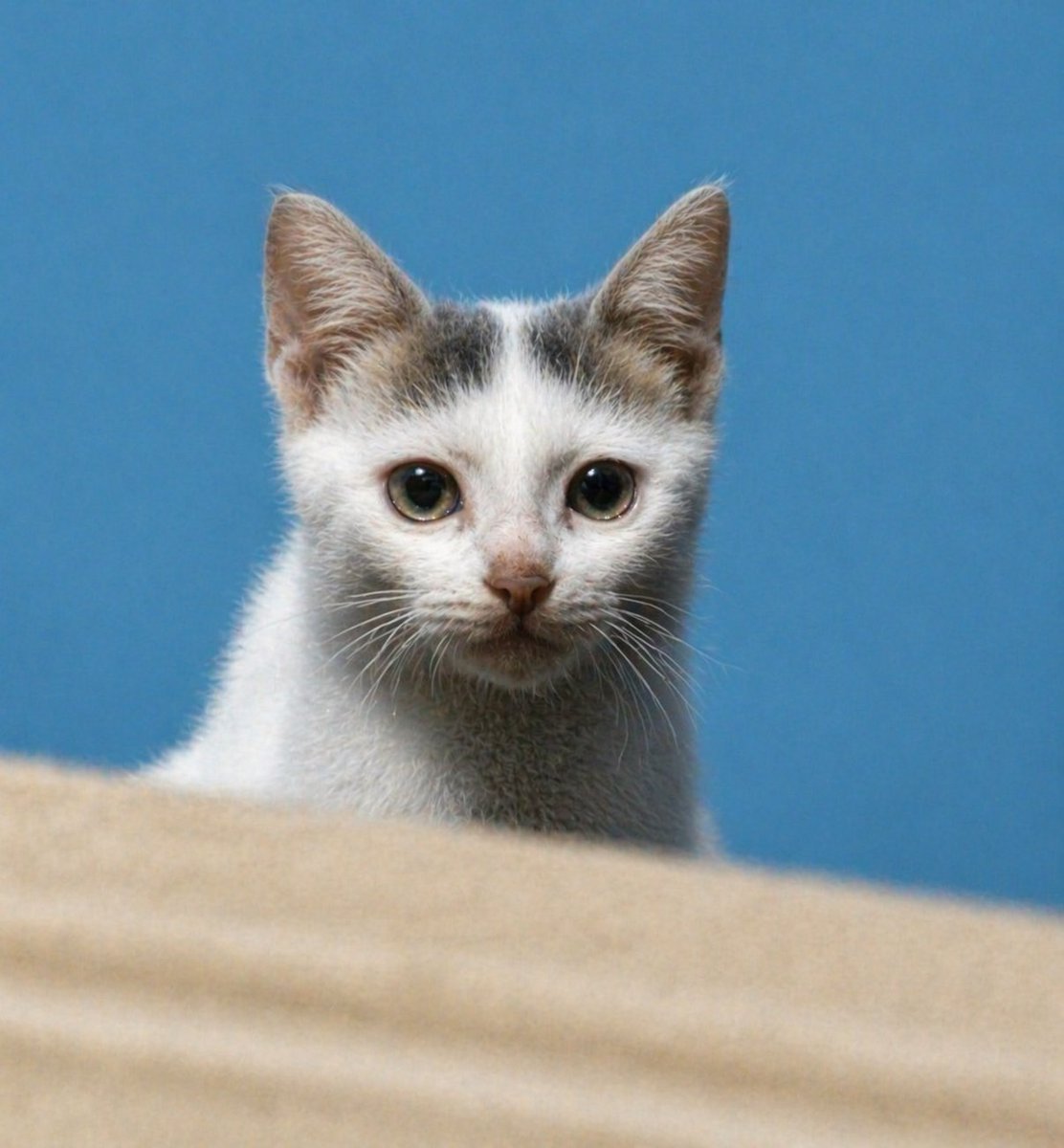
Transform a low-resolution kitten reference into a stunningly sharp, lifelike portrait with natural fur details, vivid eyes, and beautiful depth-of-field effect.
ПРОМПТ · EN
使用 REFERENCE_0,将同一只小猫还原为清晰、逼真的高分辨率肖像,同时保留正面构图、头部带有灰褐色斑纹的白色皮毛、蓝色背景以及底部的米色前景台面。锐化面部和眼睛,增加自然的皮毛细节和胡须,将比例修正为真实幼猫的样子,改善光影和对比度,并去除严重的模糊/噪点,使其看起来像是一张具有浅景深效果的清晰 DSLR 风格宠物照片。
О промпте
Transform a low-resolution kitten reference into a stunningly sharp, lifelike portrait with natural fur details, vivid eyes, and beautiful depth-of-field effect. Use it as a Концепт-арт starting point for GPT Image 2: keep the visual structure and style constraints intact, then swap in your own subject, brand, or scene.
Start with small changes to subject, scene, camera, and color, then generate a few variations to compare composition and detail without turning the page copy into keyword stuffing.
Как использовать этот промпт
- Copy the Prompt: Copy the full prompt text, including the reference image instruction.
- Select a Model: Use an AI model that supports image-to-image enhancement or upscaling (like Sora 2 or a similar model with image input).
- Upload Your Reference: Provide your blurry kitten photo as
REFERENCE_0as instructed by the platform. - Tweak Variables (Optional): You can adjust details like "blue background" or "beige foreground" to match your desired style.
- Generate & Refine: Run the prompt. If needed, slightly adjust lighting or sharpness keywords and regenerate.


