
GPT Image 2AI 提示词
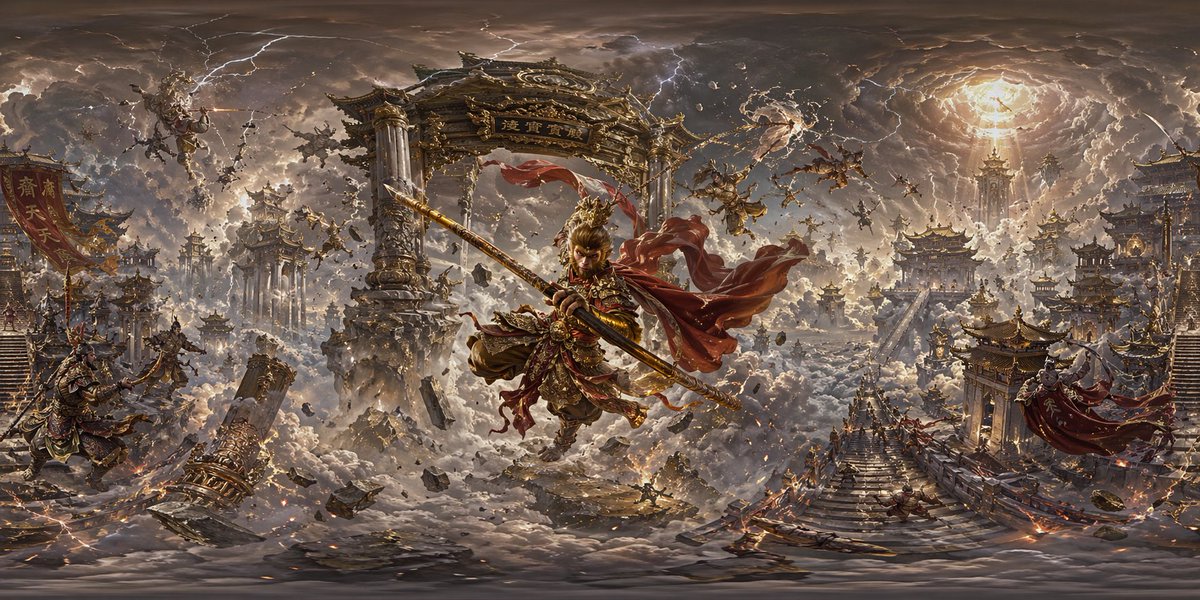
360° AI Panorama Prompt: Create Full-View Images in Sora 2
Turn simple scene descriptions into immersive 360° panoramic worlds. Copy, tweak, and generate stunning full-view images in seconds.
提示词 · EN
创建一张 360 度全景图像 + argscene description: [请输入场景描述]
关于这个提示词
Turn simple scene descriptions into immersive 360° panoramic worlds. Copy, tweak, and generate stunning full-view images in seconds. 它更适合作为 GPT Image 2 的概念艺术起点:先保留画面结构、主体关系和风格约束,再替换成你的品牌、人物或场景。
使用时优先替换 scene description 等占位符,并保持镜头、构图和材质描述的顺序不变。这样更容易获得稳定的画面结果,也方便继续做多版本对比。
如何使用这个提示词
- Copy the prompt formula below.
- Replace
[scene description]with your own idea (e.g., “neon-lit cyberpunk alley”). - Paste it into Sora 2 (GPT-Image-2) and generate.
- Optionally, add style terms like “oil painting” or “ultra-realistic” to refine the output.
- Download your 360° panoramic image and view it in a VR headset or 360 viewer.


