
GPT Image 2AI 提示词
Kawaii 3D Character Icon Generator — Sora 2 Prompt
Create adorable, clay-textured 3D character renders with customizable subjects and soft gradient accents, perfect for app icons or avatars.
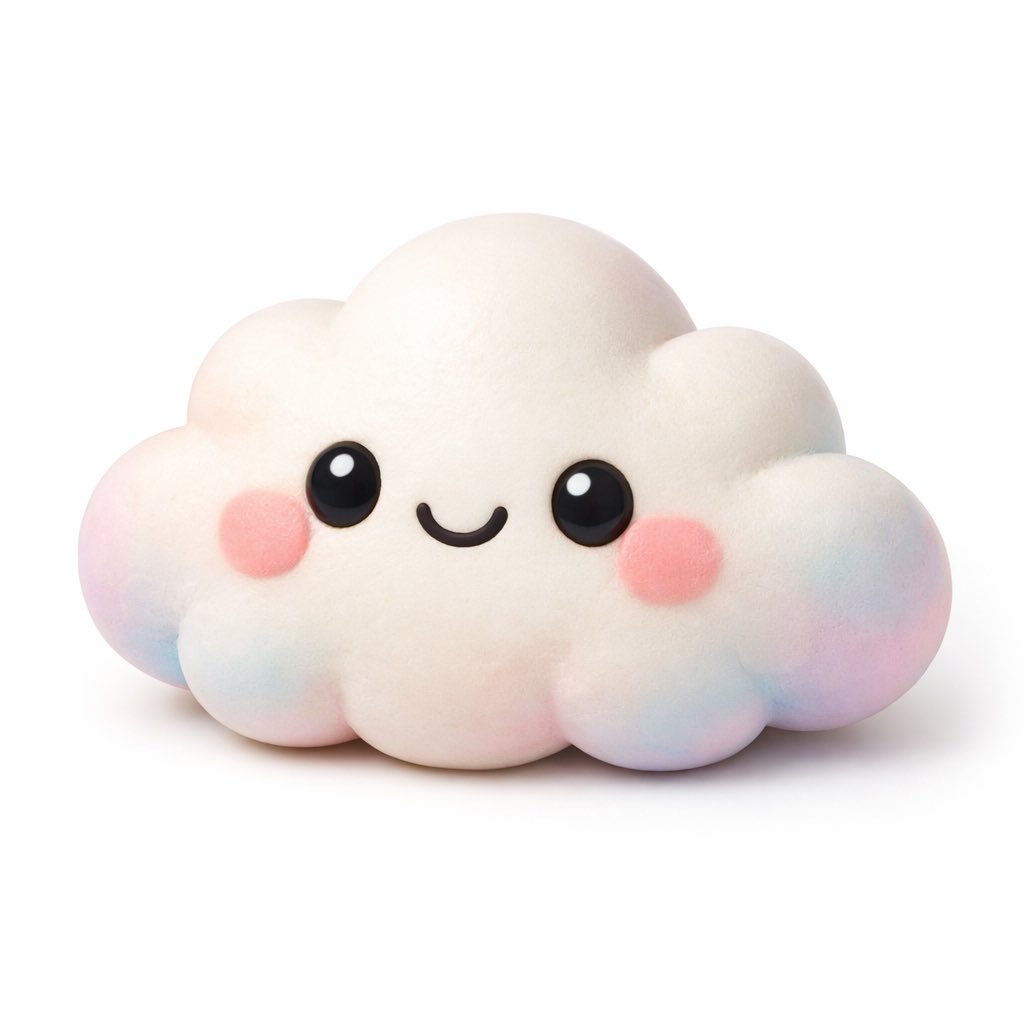
提示词 · EN
一个可爱的 kawaii 风格 argsubject: 云朵 角色的 3D 渲染图,背景为纯白色。该角色具有柔软、哑光且富有弹性的质感,类似于粘土或解压玩具。它拥有明亮的大黑眼睛,带有白色高光、简单的弧形微笑以及圆润的粉色腮红。角色的边缘和底部带有 argaccent colors: 粉色、蓝色和紫色 的柔和渐变色。柔和的摄影棚灯光,极简图标风格,投射出淡淡的阴影。
关于这个提示词
Create adorable, clay-textured 3D character renders with customizable subjects and soft gradient accents, perfect for app icons or avatars. 它更适合作为 GPT Image 2 的概念艺术起点:先保留画面结构、主体关系和风格约束,再替换成你的品牌、人物或场景。
使用时优先替换 subject、accent colors 等占位符,并保持镜头、构图和材质描述的顺序不变。这样更容易获得稳定的画面结果,也方便继续做多版本对比。
如何使用这个提示词
- Copy the prompt and its arguments into your AI model's text field.
- Select a capable image generation model like Sora 2 or DALL-E 3.
- Customize the
[subject](e.g., 'star', 'cat') and[accent colors]to match your vision. - Generate the image. The output will be a clean, studio-lit render on a white background.
- Download and use as a unique app icon, social media avatar, or digital sticker.


