
GPT Image 2AI 提示词
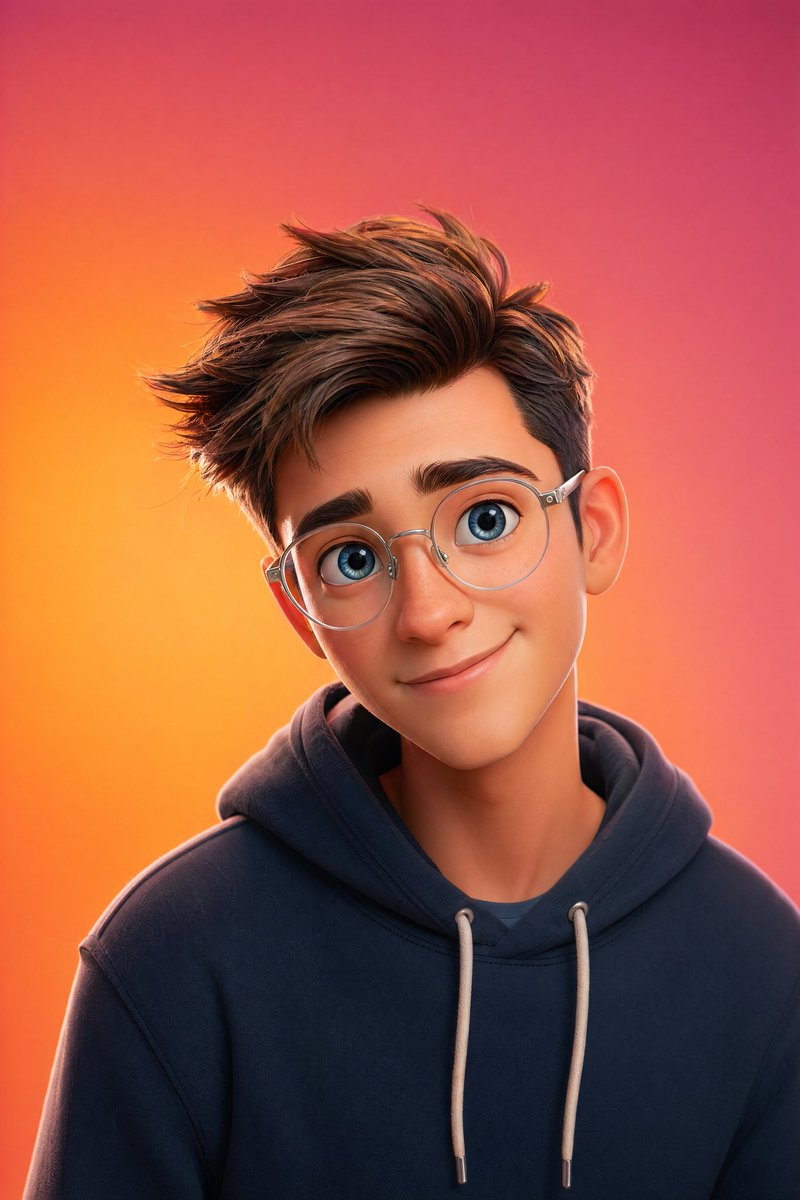
Pixar-Style 3D Character Portrait — AI Sora 2 Prompt
Create a cinematic Pixar-style 3D portrait with soft lighting, vibrant gradient backgrounds, and ultra-detailed 8K resolution using this customizable Sora 2 prompt.
提示词 · EN
一个皮克斯风格的 3D 角色肖像,主体为 argsubject description: 皮肤细腻、拥有一双灵动大蓝眼睛、面部特征柔和并佩戴透明圆框眼镜的年轻人。角色留着 arghair style: 现代短发,穿着 argclothing: 简约连帽衫,头部微微倾斜,露出温暖友好的微笑。场景极简且干净,背景为 argbackground color: 橙粉色渐变背景,采用柔和的摄影棚灯光、清晰的轮廓光、电影级景深、超精细细节、8K 分辨率以及 Octane 渲染效果。
关于这个提示词
Create a cinematic Pixar-style 3D portrait with soft lighting, vibrant gradient backgrounds, and ultra-detailed 8K resolution using this customizable Sora 2 prompt. 它更适合作为 GPT Image 2 的概念艺术起点:先保留画面结构、主体关系和风格约束,再替换成你的品牌、人物或场景。
使用时优先替换 subject description、hair style、clothing、background color 等占位符,并保持镜头、构图和材质描述的顺序不变。这样更容易获得稳定的画面结果,也方便继续做多版本对比。
如何使用这个提示词
- Copy the entire prompt text from the page.
- Paste it into your chosen AI video or image generator (like Sora 2).
- Customize the variables in curly braces
{}(e.g., subject description, hair style, clothing) to personalize your character. - Adjust the background color or other details to match your vision.
- Generate and enjoy your high-quality, cinematic portrait.


