
GPT Image 2AI 提示词
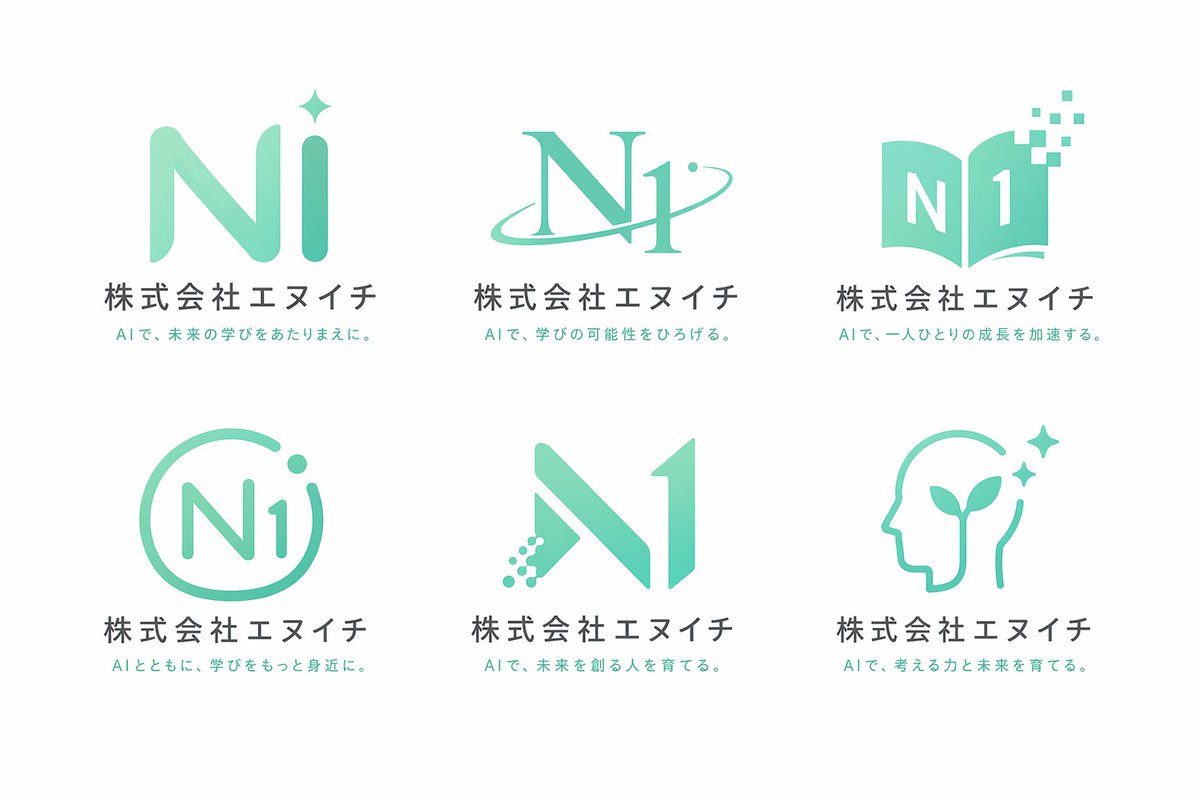
AI Education Logo Design Grid — 6 Mint Green Concepts
Generate a clean 3×2 grid of logo concepts for an AI school, featuring mint green gradients, dark gray text, and six distinct marks like stars, books, and digital elements.
提示词 · EN
type
Logo 概念展示表theme
{argument name="行业主题" default="AI 教育学校"}color_palette
{argument name="主色调" default="薄荷绿"} 渐变色,深灰色文字,白色背景layout
grid
2 行 3 列count
6common_elements
item 1
图形标志item 2
主标题:{argument name="公司名称" default="株式会社エヌイチ"}item 3
副标题:关于 AI 与学习的独特日文副标题variants
item 1
position
左上mark
带有 4 点星光的圆润“Ni”字样item 2
position
中上mark
被轨道环交叉的衬线体“N1”item 3
position
右上mark
形成“N1”形状的打开书籍,带有分散的数字像素item 4
position
左下mark
带有圆点并由圆形轮廓包裹的“N1”item 5
position
中下mark
左腿呈现数字点阵效果的几何体“N1”item 6
position
右下mark
包含萌芽植物和星光的人头轮廓关于这个提示词
Generate a clean 3×2 grid of logo concepts for an AI school, featuring mint green gradients, dark gray text, and six distinct marks like stars, books, and digital elements. 它更适合作为 GPT Image 2 的概念艺术起点:先保留画面结构、主体关系和风格约束,再替换成你的品牌、人物或场景。
这条提示词使用结构化 JSON 组织信息,包含 type、theme、color palette、layout 等字段。保留这种层级能让模型更清楚地区分画面主题、布局、界面元素和细节约束。
使用时建议先小幅修改主体、场景、镜头和色调,再生成多个版本对比构图与细节。这样页面内容对用户有实际帮助,也避免把模型名或标签机械堆在正文里。
如何使用这个提示词
- Copy the prompt.
- Open an AI image generator (e.g., Sora, DALL·E, Midjourney) and paste it.
- Replace the company name “株式会社エヌイチ” if needed, or adjust color/theme variables.
- Generate the image to receive your six‑logo concept grid with Japanese subtitles.


