
GPT Image 2AI 提示词
4K Photo Restoration & Upscale Prompt — Sora 2
Restore old or damaged photos to stunning 4K detail, preserving original facial features and textures with cinematic lighting and HDR.
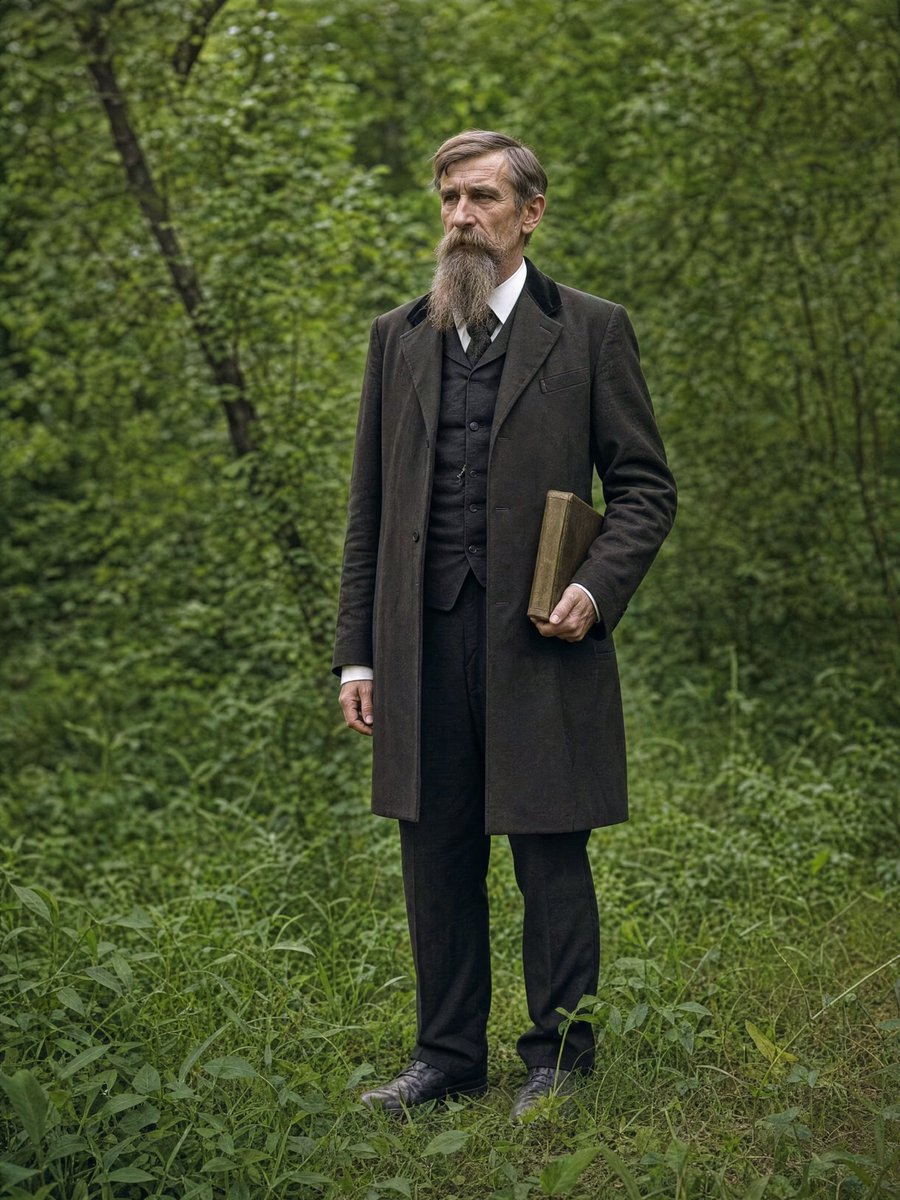
提示词 · EN
{ "task": "argtask: image_restoration_upscale", "positive_prompt":
"修复并增强提供的图像。保留原始人物特征、面部结构、比例和构图。高保真照片修复,超写实,自然的皮肤纹理,精准的细节,专业的摄影质感。argresolution: 4K 输出,清晰但自然的对焦,现代电影级布光,细腻的体积光,专业调色,景深效果,HDR。Arri Alexa 拍摄,原始照片美学,杰作。",
"negative_prompt": "创意重构,风格改变,身份改变,面部重塑,特征夸张,卡通化,绘画,插画,过度锐化,塑料感皮肤,模糊,噪点,胶片颗粒,JPEG 伪影,畸变,解剖结构错误,曝光过度,曝光不足,色彩暗淡。", "parameters":
{ "steps": 30, "cfg_scale": 6.5, "denoising_strength": 0.45,
"upscaler": "4x_NMKD_Siax_200k", "target_resolution": "4K" } }
关于这个提示词
Restore old or damaged photos to stunning 4K detail, preserving original facial features and textures with cinematic lighting and HDR. 它更适合作为 GPT Image 2 的概念艺术起点:先保留画面结构、主体关系和风格约束,再替换成你的品牌、人物或场景。
使用时优先替换 task、resolution 等占位符,并保持镜头、构图和材质描述的顺序不变。这样更容易获得稳定的画面结果,也方便继续做多版本对比。
如何使用这个提示词
- Copy the prompt JSON into your AI image generator.
- Select a model specializing in photorealism or restoration.
- Adjust variables like
resolution(e.g., 4K, 8K) ortaskif needed. - Generate and compare the result with the original image.


