GPT Image 2AI 提示词
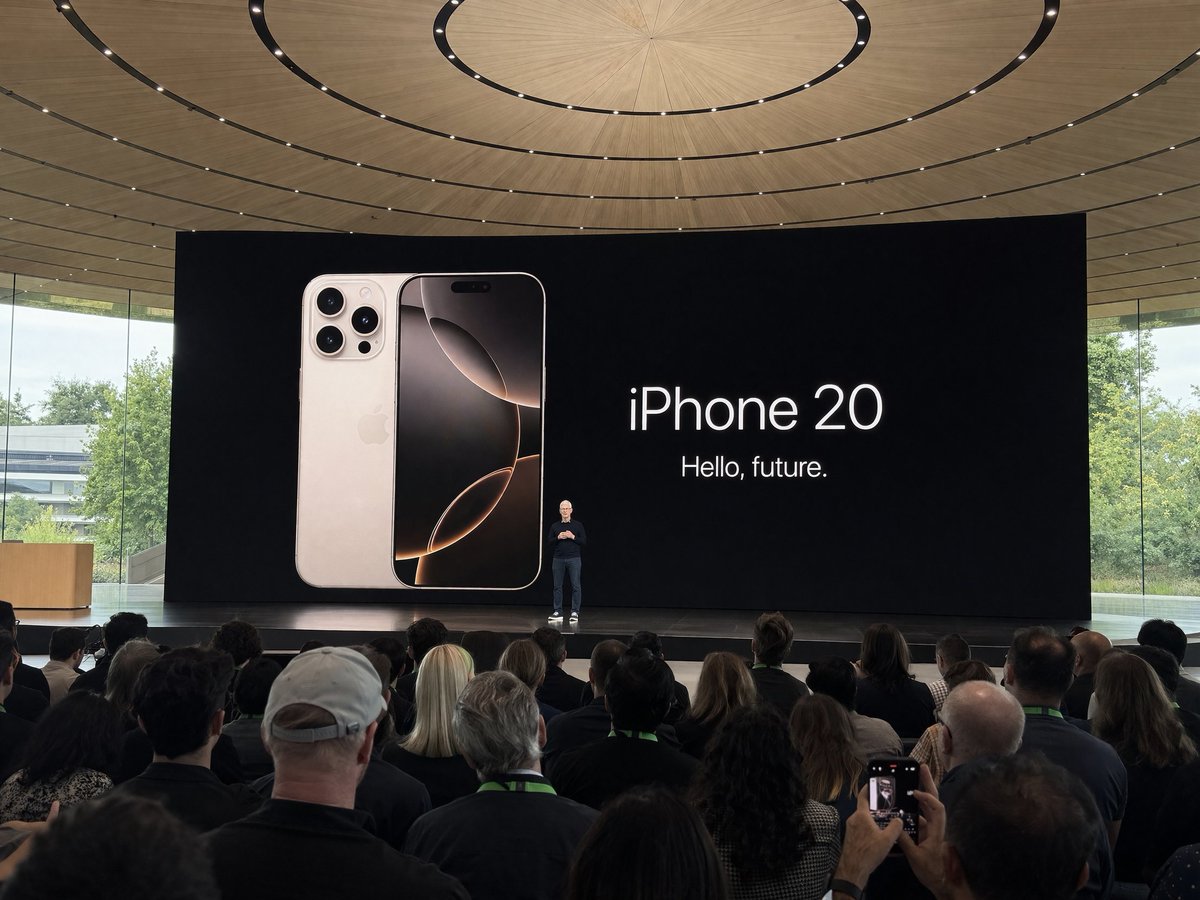
Apple Park Event Photo — Amateur Crowd Shot Prompt
Create a realistic, distant crowd-perspective photo of a keynote speech at Apple Park using this customizable Sora 2 prompt for authentic amateur-style images.
提示词 · EN
使用 argdevice: iPhone 在 argevent: iPhone 20 发布会 期间于 Apple Park 拍摄的业余照片,argsubject: Tim Cook 正在台上演讲。从人群中远距离拍摄
关于这个提示词
Create a realistic, distant crowd-perspective photo of a keynote speech at Apple Park using this customizable Sora 2 prompt for authentic amateur-style images. 它更适合作为 GPT Image 2 的概念艺术起点:先保留画面结构、主体关系和风格约束,再替换成你的品牌、人物或场景。
使用时优先替换 device、event、subject 等占位符,并保持镜头、构图和材质描述的顺序不变。这样更容易获得稳定的画面结果,也方便继续做多版本对比。
如何使用这个提示词
- Copy the prompt text and its variable placeholders (device, event, subject).
- Open your preferred AI image or video generator (e.g., Sora 2, Runway, Kling).
- Replace the default variables with your desired device name, event title, and speaker name.
- Paste the customized prompt into the model's input field.
- Generate the image and adjust settings like resolution or aspect ratio if needed.