Sora2 Hub
Sora2 Hub
  • 提示词库
  • 定价
  • 案例展示
Sora2 Hub
Sora2 Hub
Sora2 Hub

Sora2 Hub

由 Sora 2、Veo 3.1 和 Nano Banana Pro 驱动的专业 AI 创作平台。提供高级控制、高清画质和无水印的视频与工作室级图像创作。

Email:support@sora2hub.org

AI 视频生成

  • 文生视频
  • 图生视频
  • Veo 3.1
  • Sora 2
  • Kling 3.0
  • Kling 2.6
  • Kling 2.5
  • Runway
  • Wan 2.6
  • Seedance 2.0
  • Hailuo 2.3
  • Grok Imagine
  • HappyHorse-1.0
  • HappyHorse 1.1
  • Kling 3.0 Turbo
  • Volcengine Video-to-Video Lip Sync
  • OmniHuman 1.5
  • Grok Imagine Video 1.5
  • Gemini Omni
  • Wan 2.7 Video
  • Seedance 2.0 Mini

AI 图像生成

  • 文生图
  • 图生图
  • Nano Banana Pro
  • Nano Banana
  • 4o Image
  • Flux Kontext
  • Z Image
  • Seedream 4.5
  • Seedream 5.0 Lite
  • Nano Banana 2
  • GPT Image 2
  • AI 图片增强
  • Seedream 5.0 Pro
  • Nano Banana 2 Lite
  • Qwen Image 2.0

AI 特效

  • AI 年龄滤镜
  • AI 性别转换
  • AI 亲吻
  • AI 拥抱
  • 吉卜力图片
  • AI 美人鱼滤镜
  • AI 身体摇摆
  • 微笑滤镜
  • AI 变胖
  • 动作人偶

产品

  • 功能特点
  • 案例展示
  • 定价

公司

  • 关于我们
  • 联系我们

© 2025 • Sora2 Hub ORG 保留所有权利。

  • 隐私政策
  • 服务条款
  • 退款政策
  1. 首页
  2. /
  3. 提示词
  4. /
  5. GPT Image 2
  6. /
  7. Deliberately Bad MS Paint Redraw — Sora 2 Prompt
GPT Image 2AI 提示词

Deliberately Bad MS Paint Redraw — Sora 2 Prompt

Turn any reference image into a hilariously low-quality, scribbly MS Paint-style redraw that looks like it was drawn with a shaky mouse hand.
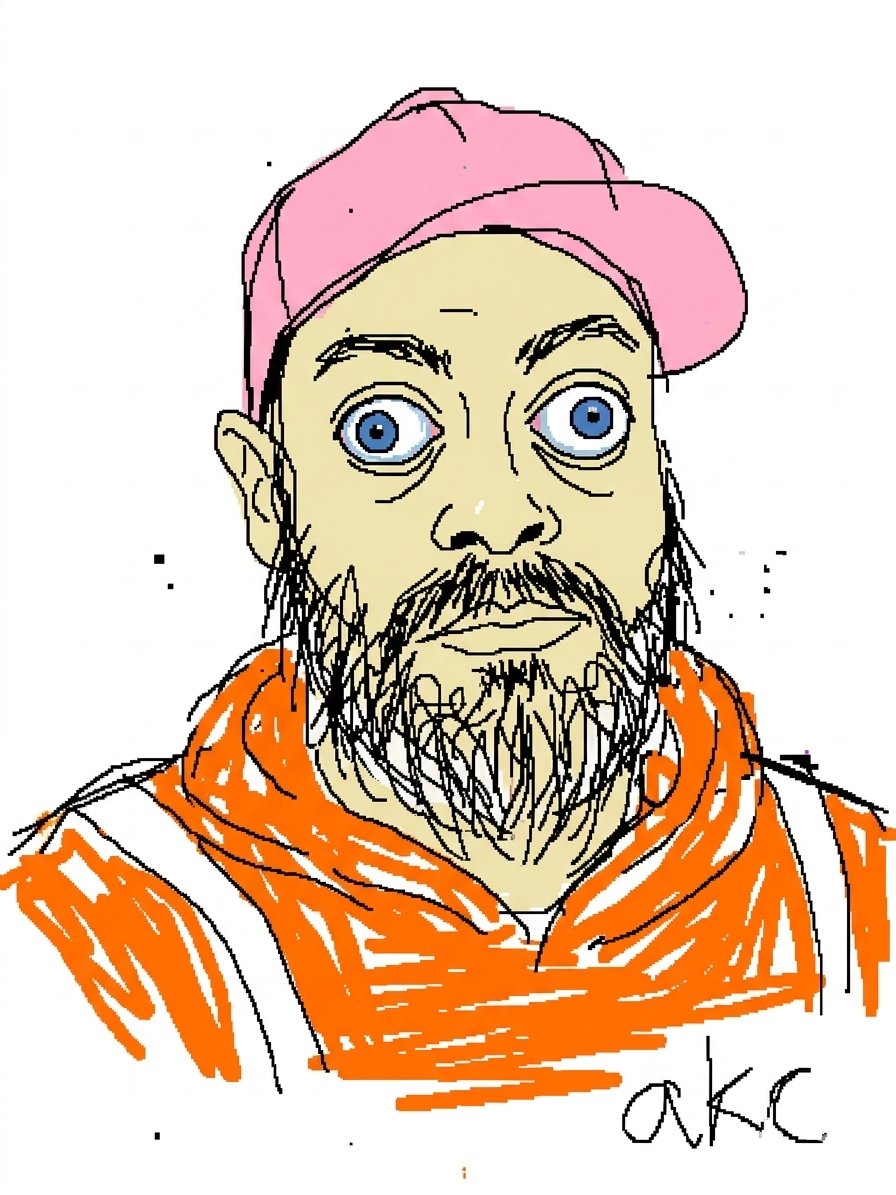
Deliberately Bad MS Paint Redraw — Sora 2 Prompt
提示词 · EN
Redraw the attached image in the most argstyle: clumsy, scribbly, and utterly pathetic way possible. Use a argbackground: white background, and make it look like it was drawn in argtool: MS Paint with a mouse. It should be vaguely similar but also not really, kind of matching but also off in a confusing, awkward way, with that low-quality pixel-by-pixel feel that really emphasizes how ridiculously bad it is. Actually, you know what, whatever, just draw it however you want.

关于这个提示词

Turn any reference image into a hilariously low-quality, scribbly MS Paint-style redraw that looks like it was drawn with a shaky mouse hand. 它更适合作为 GPT Image 2 的概念艺术起点:先保留画面结构、主体关系和风格约束,再替换成你的品牌、人物或场景。

使用时优先替换 style、background、tool 等占位符,并保持镜头、构图和材质描述的顺序不变。这样更容易获得稳定的画面结果,也方便继续做多版本对比。

如何使用这个提示词

  1. Copy the prompt and attach your reference image.
  2. Choose your preferred AI image generation model (e.g., Sora 2 or DALL·E).
  3. Customize the style, background, and tool variables to tweak the comedic effect.
  4. Generate the image and enjoy the deliberately terrible results.
  5. Iterate by swapping different reference images for maximum humor.
常见问题

Wolf

@Wolfmeta_X→

发布时间
2026年5月15日
原始语言
EN
模型
GPT Image 2
分类
概念艺术
GPT Image 2概念艺术gpt-image-2twitter
浏览
989
复制
135
点赞
60

分享

更多来自 GPT Image 2

浏览全部
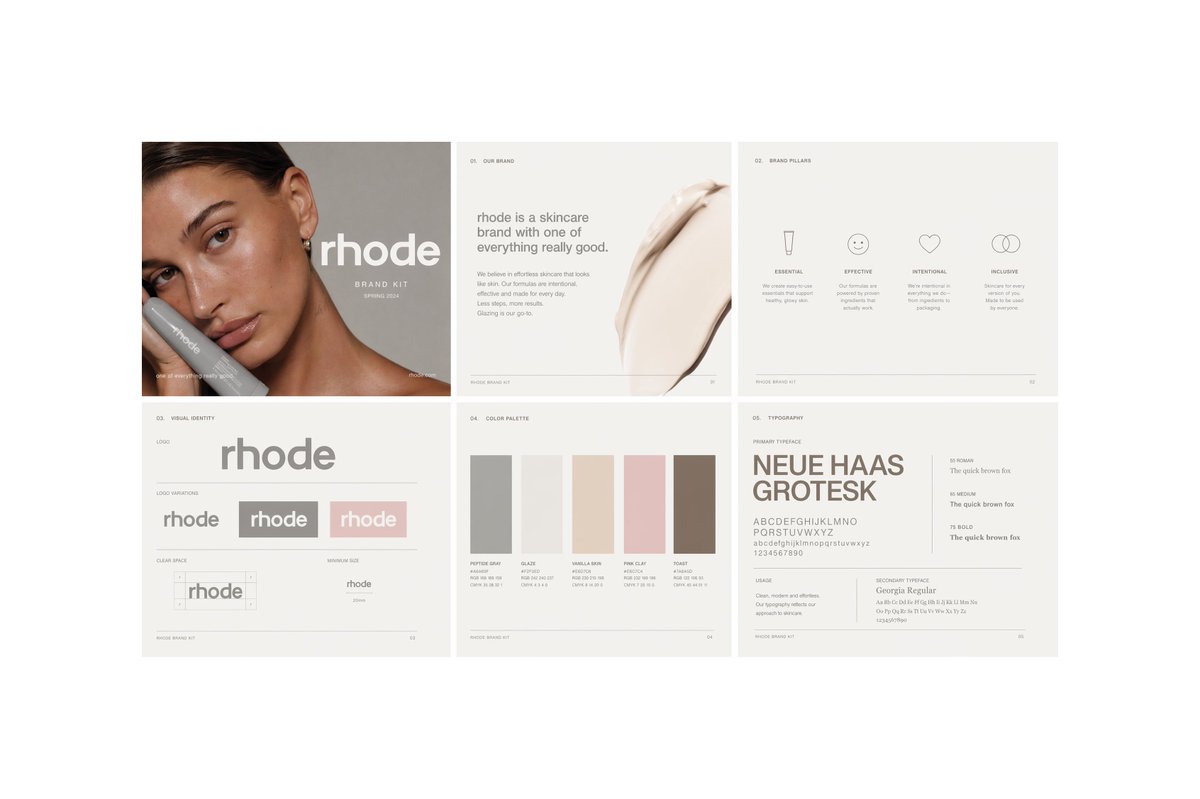
Minimalist Skincare Brand Manual — Sora 2 Prompt

Minimalist Skincare Brand Manual — Sora 2 Prompt

@FranromeGraph
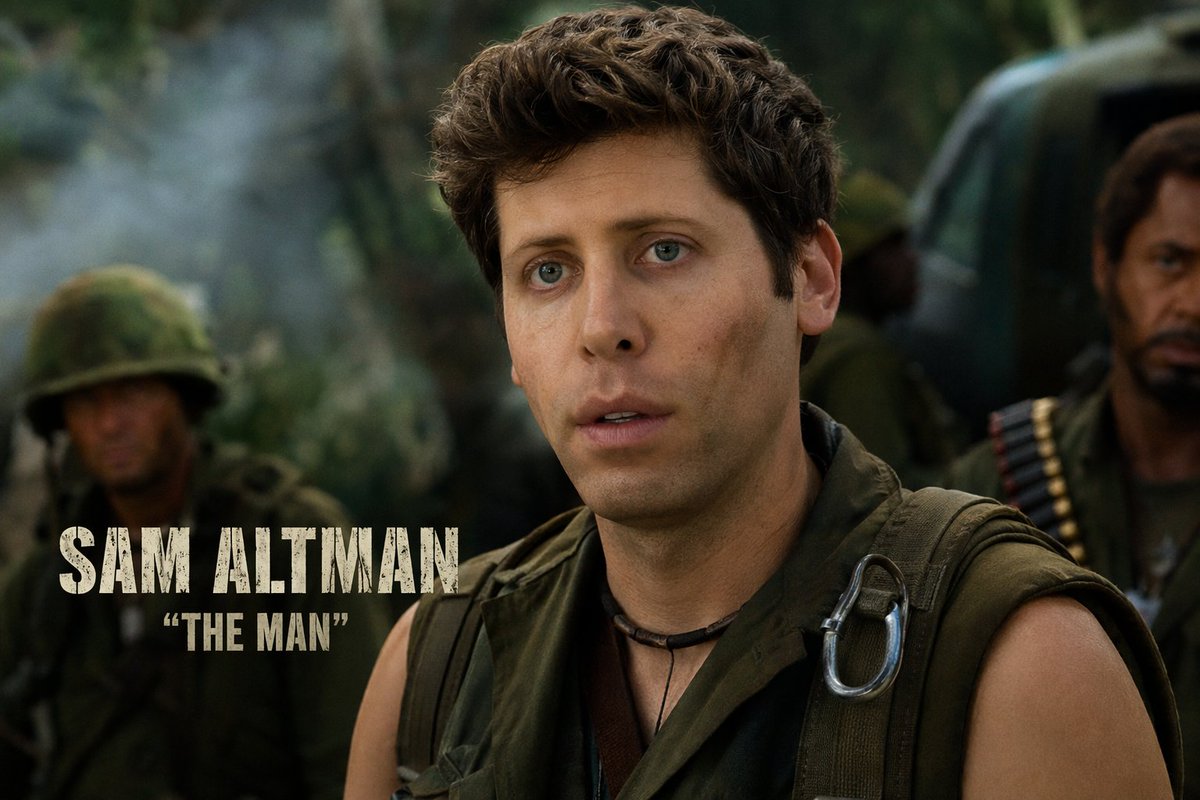
Celebrity Crossover — Sora 2 Prompt

Celebrity Crossover — Sora 2 Prompt

@Conor_D_Dart
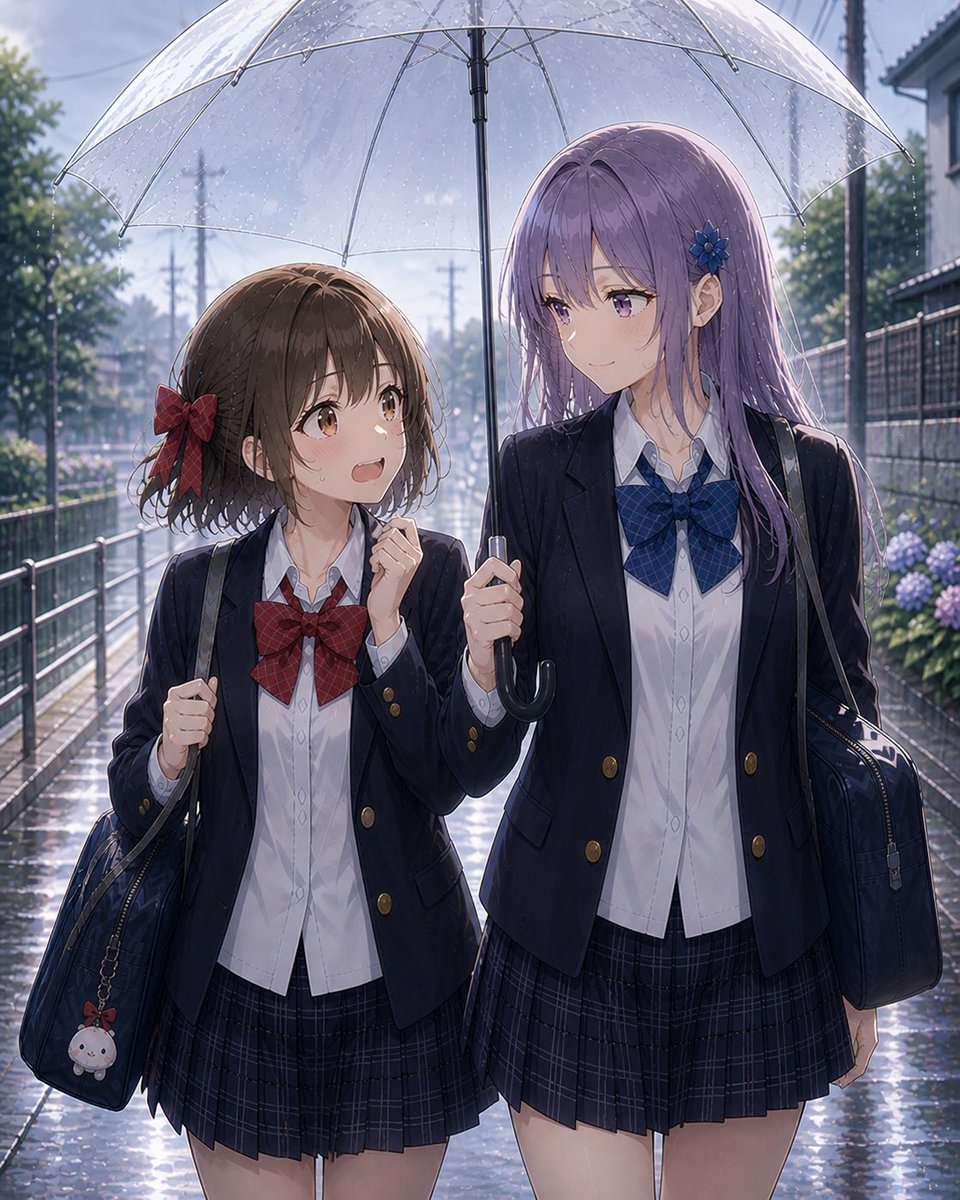
Anime Schoolgirls Sharing Transparent Umbrella — Sora 2 Prompt

Anime Schoolgirls Sharing Transparent Umbrella — Sora 2 Prompt

@yB7CqdfoDmrbhgD

用 Sora2Hub 提示词更快创作。

把精选提示词页面作为可搜索入口,然后带着模型上下文直接进入生成流程。

探索更多提示词