
GPT Image 2AI 提示词
Intentionally Bad MS Paint Redraw — AI Image Prompt
Transform any image into a charmingly clumsy, pixelated sketch that looks hilariously hand-drawn in MS Paint.
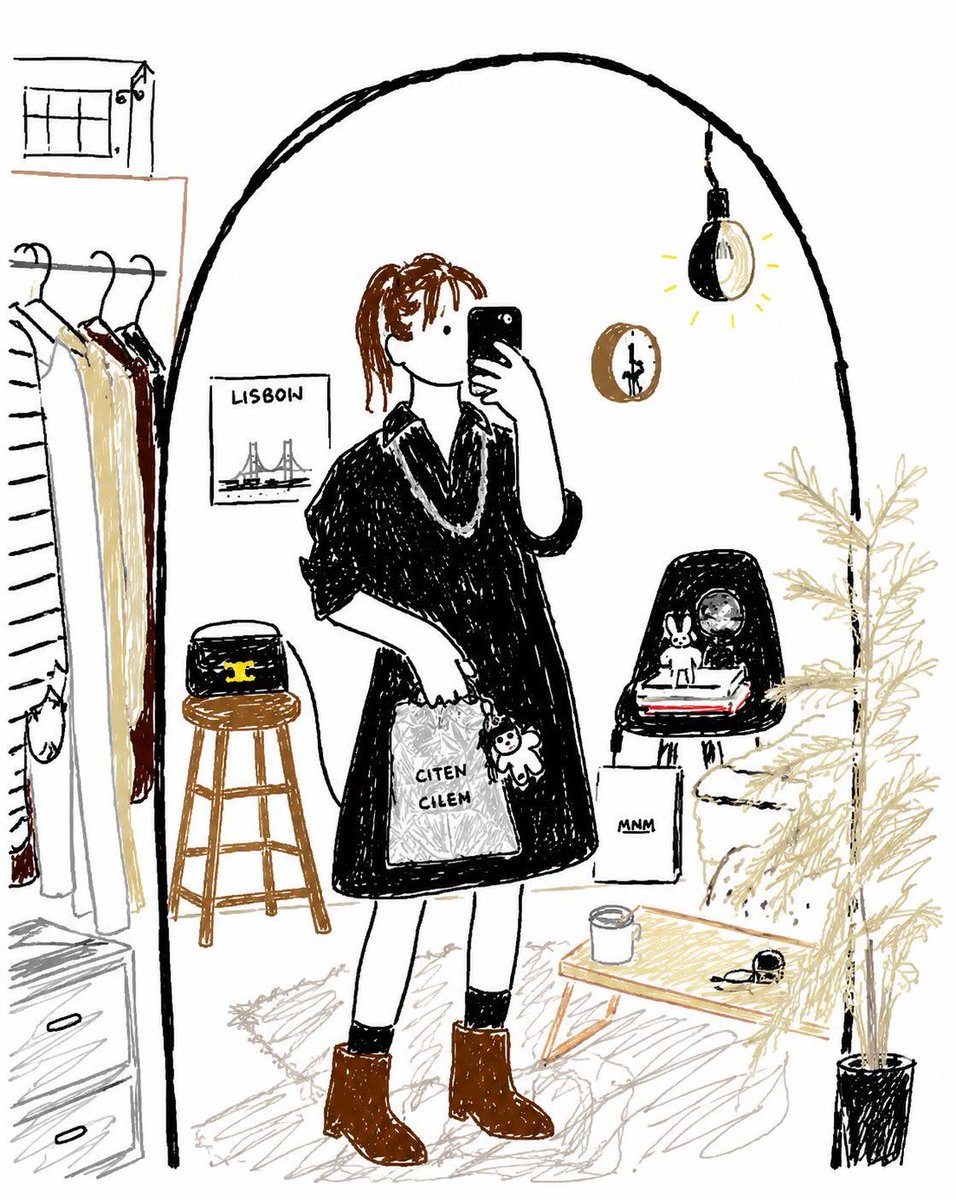
提示词 · EN
请以最笨拙、混乱且极其糟糕的方式重绘所附图像。使用白色背景,并使其看起来像是用 argsoftware style: 鼠标在 MS Paint 中 绘制的。它应该与原图有模糊的相似之处,但又不太像——就像在某些地方勉强正确,但整体上却显得格外怪异和尴尬。强调低质量、像素化的视觉效果,并使其看起来画得极其离谱。
关于这个提示词
Transform any image into a charmingly clumsy, pixelated sketch that looks hilariously hand-drawn in MS Paint. 它更适合作为 GPT Image 2 的概念艺术起点:先保留画面结构、主体关系和风格约束,再替换成你的品牌、人物或场景。
使用时优先替换 software style 等占位符,并保持镜头、构图和材质描述的顺序不变。这样更容易获得稳定的画面结果,也方便继续做多版本对比。
如何使用这个提示词
- Copy this prompt into a Sora 2 or compatible AI image generator.
- Replace the variable
{software style}if you want a different "bad drawing" aesthetic (e.g., "finger painting"). - Upload your reference image to the model's interface.
- Generate the image and iterate—adjust the prompt for more or less distortion as desired.


