
GPT Image 2AI 提示词
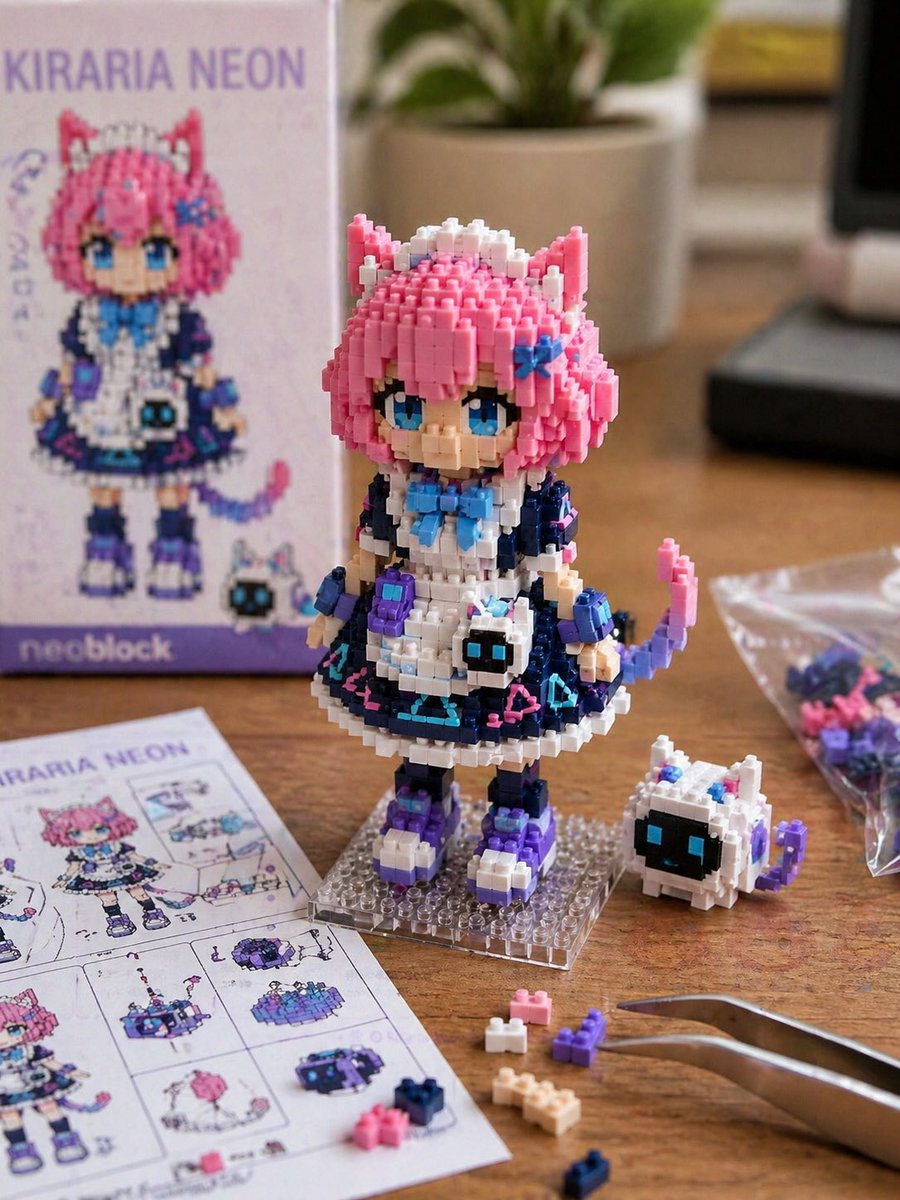
Create Realistic Nanoblock Figure Photos — Sora 2 Prompt
Generate ultra-detailed macro shots of custom Nanoblock character toys on a workbench, with plastic textures and assembly tools — perfect for collectors.
1 / 2
提示词 · EN
一张以 argmotif: 角色名称或参考图 为主题的实拍风格 Nanoblock 微型积木创作照片。 利用精细的积木块,以 Q 版变形的方式还原参考图中角色的特征。将发型、发色、瞳色、耳朵、服装配色、配饰以及标志性的小物件融入到积木造型中。注意,它看起来不应像插画,而应像一个实际组装完成的小型积木玩具。 该角色为小型人偶尺寸,放置在桌面上。可以看到积木的棱角、阶梯感、凹凸感、塑料光泽以及细微的拼装缝隙。在旁边放置多余的积木零件、组装说明书、透明小袋和镊子。 背景为简洁的室内工作台。采用自然光或柔和的摄影棚灯光。浅景深,微距摄影,写实纹理,产品摄影风格。高清晰度,真实感,微缩模型感,可爱,收藏品氛围。 3:4。
关于这个提示词
Generate ultra-detailed macro shots of custom Nanoblock character toys on a workbench, with plastic textures and assembly tools — perfect for collectors. 它更适合作为 GPT Image 2 的概念艺术起点:先保留画面结构、主体关系和风格约束,再替换成你的品牌、人物或场景。
使用时优先替换 motif 等占位符,并保持镜头、构图和材质描述的顺序不变。这样更容易获得稳定的画面结果,也方便继续做多版本对比。
如何使用这个提示词
- Copy the prompt into your AI image generator (Sora, Midjourney, DALL·E, etc.).
- Replace
{motif}with your character's name or a detailed reference description. - Fine-tune lighting and background keywords if you want a different studio setup.
- Generate and review the output; re-roll or strengthen photorealism terms as needed.
- For best results, use a model that excels at macro product photography.


