
GPT Image 2AI 提示词
Character Reference Sheet: Front, Side, Back Views — Sora 2 Prompt
Generate a polished, multi-view character reference sheet with expressions, callouts, and a color palette, ideal for game and animation design.
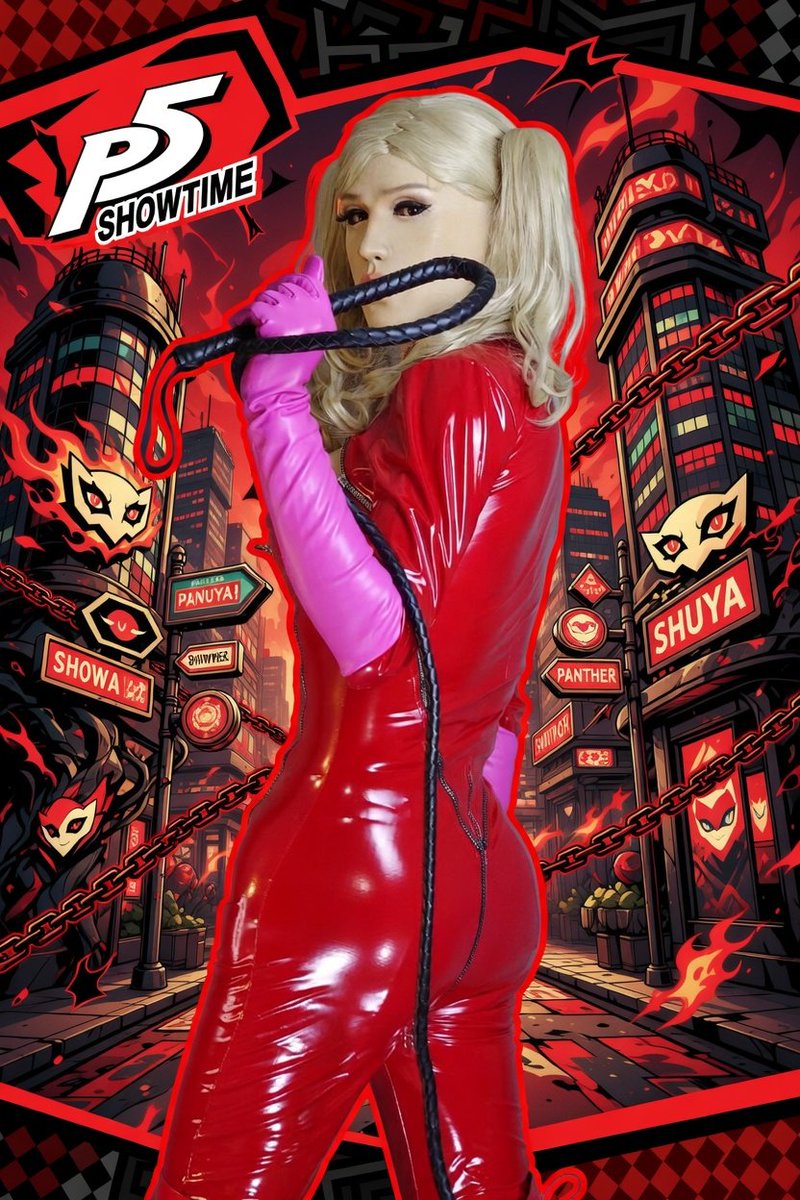
提示词 · EN
Based on the character and background reference, create a polished official-style character reference card. Include front, side, and back views, a few expression variations, callouts for clothing and equipment details, a compact color palette, and a short worldbuilding note. Use an organized white-background layout with illustration-style panels, high-resolution concept-art quality, and a presentation that feels like a professional game or animation design document.
关于这个提示词
Generate a polished, multi-view character reference sheet with expressions, callouts, and a color palette, ideal for game and animation design. 它更适合作为 GPT Image 2 的概念艺术起点:先保留画面结构、主体关系和风格约束,再替换成你的品牌、人物或场景。
常见用途包括 character design、intermediate、character sheet、reference card。这些标签只作为创作方向参考,实际生成时仍应以提示词结构和预览图为准。
使用时建议先小幅修改主体、场景、镜头和色调,再生成多个版本对比构图与细节。这样页面内容对用户有实际帮助,也避免把模型名或标签机械堆在正文里。
如何使用这个提示词
- Copy the prompt and paste it into your AI image generator (e.g., Sora 2, Midjourney, Stable Diffusion).
- Replace placeholders like [character description] and [background details] with your own content.
- Adjust the aspect ratio or model settings for high-resolution output.
- Generate the image and refine by tweaking the prompt for more detail or style variations.
- Save your character sheet for use in game design, animation, or portfolio.


