
GPT Image 2AI 提示词
Rainbow Holographic Badge Stickers — Sora 2 Prompt
Generate a sleek sticker sheet of five iridescent rainbow holographic membership and achievement badges on pure black, perfect for app badge concepts or premium status icon sets.
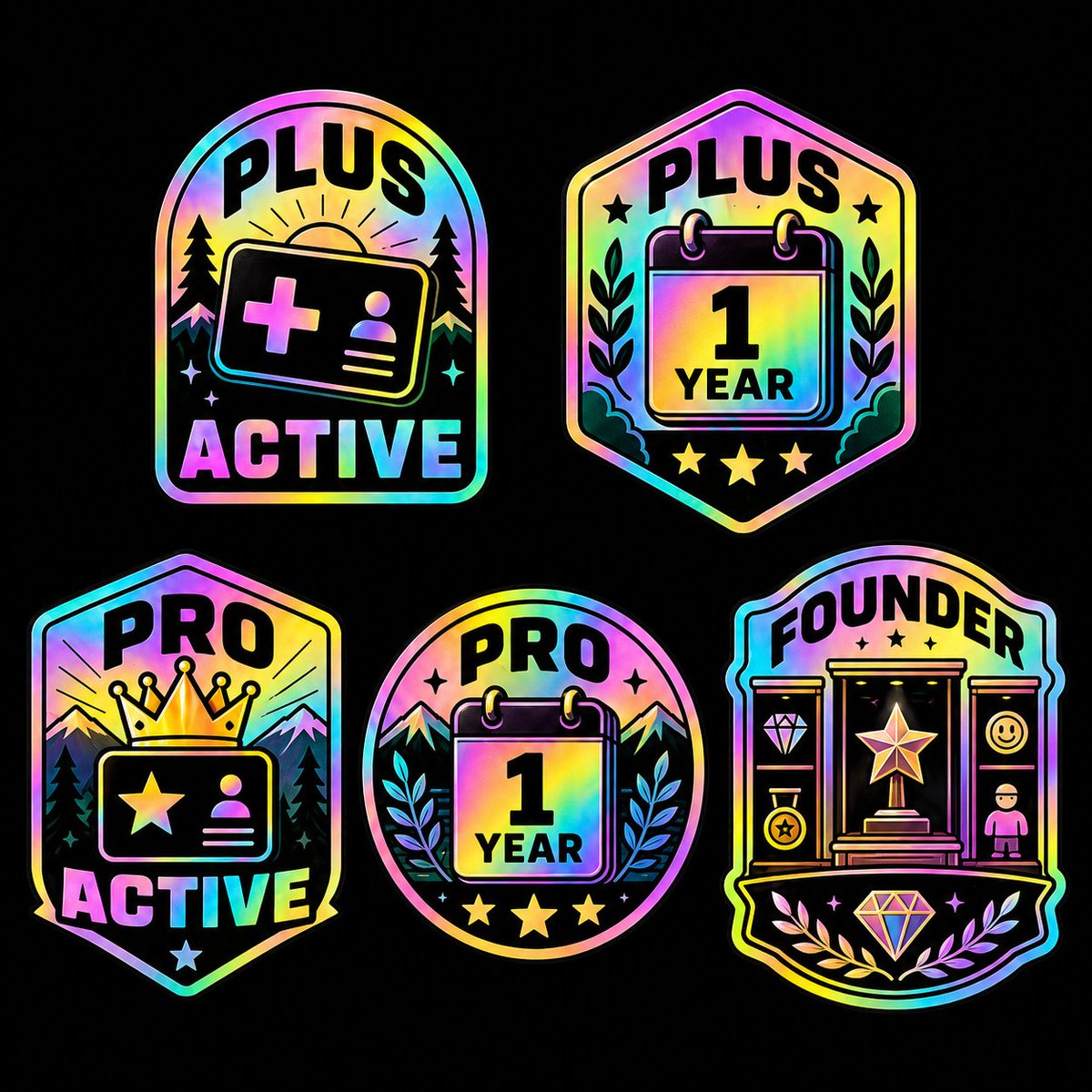
提示词 · EN
type
徽章贴纸页style
简洁的矢量徽章图标,带有粗黑的内部形状,光亮的彩虹全息箔渐变轮廓与填充,纯黑背景下高对比度,清脆的贴纸质感,对称构图,醒目的无衬线大写字母background
color
黑色texture
纯色layout
arrangement
5 个独立徽章,以松散的 2 行网格排列count
5top row
2bottom row
3spacing
均匀分布,留有充足的黑色负空间badges
item 1
position
左上shape
圆拱形徽章headline
PLUSsubheadline
ACTIVEiconography
count
6items
item 1
带有加号和个人资料图标的会员卡item 2
卡片后的日出item 3
2 棵松树item 4
2 颗小闪烁星星theme
活跃会员户外主题item 2
position
右上shape
六边形盾牌徽章headline
PLUScenter text
1 年iconography
count
7items
item 1
撕页日历item 2
2 个活页环item 3
2 根月桂枝item 4
标题附近的 2 颗小星星theme
一周年会员纪念item 3
position
左下shape
尖头盾牌徽章headline
PROsubheadline
ACTIVEiconography
count
7items
item 1
带有星星和个人资料图标的会员卡item 2
卡片上方的大皇冠item 3
山脉背景item 4
2 棵松树item 5
底部 1 颗小星星theme
PRO 活跃会员item 4
position
底部中心shape
圆形徽章headline
PROcenter text
1 年iconography
count
8items
item 1
撕页日历item 2
2 个活页环item 3
2 座山峰item 4
2 根月桂枝item 5
顶部附近的 2 颗小闪烁星星item 6
底部 3 颗星星theme
PRO 一周年纪念item 5
position
右下shape
华丽纹章徽章headline
FOUNDERiconography
count
12items
item 1
带有大星星奖杯的中央底座或展示柜item 2
左侧窄面板及钻石图标item 3
左下硬币或奖章图标item 4
右侧窄面板及笑脸图标item 5
右下人物图标item 6
标题下方的 3 颗小星星item 7
底部中心的大钻石item 8
底部的 2 根月桂枝theme
创始人身份奖励coloring
finish
虹彩全息彩虹dominant hues
item 1
粉色item 2
紫色item 3
青色item 4
蓝色item 5
绿色item 6
黄色item 7
橙色outline
深黑色线条,带有发光的箔边composition
方形画布,居中徽章集合,五个徽章外无额外文字关于这个提示词
Generate a sleek sticker sheet of five iridescent rainbow holographic membership and achievement badges on pure black, perfect for app badge concepts or premium status icon sets. 它更适合作为 GPT Image 2 的概念艺术起点:先保留画面结构、主体关系和风格约束,再替换成你的品牌、人物或场景。
这条提示词使用结构化 JSON 组织信息,包含 type、style、background、layout、badges、coloring、composition 等字段。保留这种层级能让模型更清楚地区分画面主题、布局、界面元素和细节约束。
使用时建议先小幅修改主体、场景、镜头和色调,再生成多个版本对比构图与细节。这样页面内容对用户有实际帮助,也避免把模型名或标签机械堆在正文里。
如何使用这个提示词
- Copy the prompt text from this page.
- Open your preferred AI image generator (like Sora 2, DALL·E, or Midjourney).
- Paste the prompt into the text input field.
- Modify any badge labels or colors if desired to customize the set.
- Generate and iterate, adjusting the grid layout or number of badges as needed.


