
GPT Image 2AI 提示词
Cartoon Doodle Photo Converter — Sora 2 Prompt
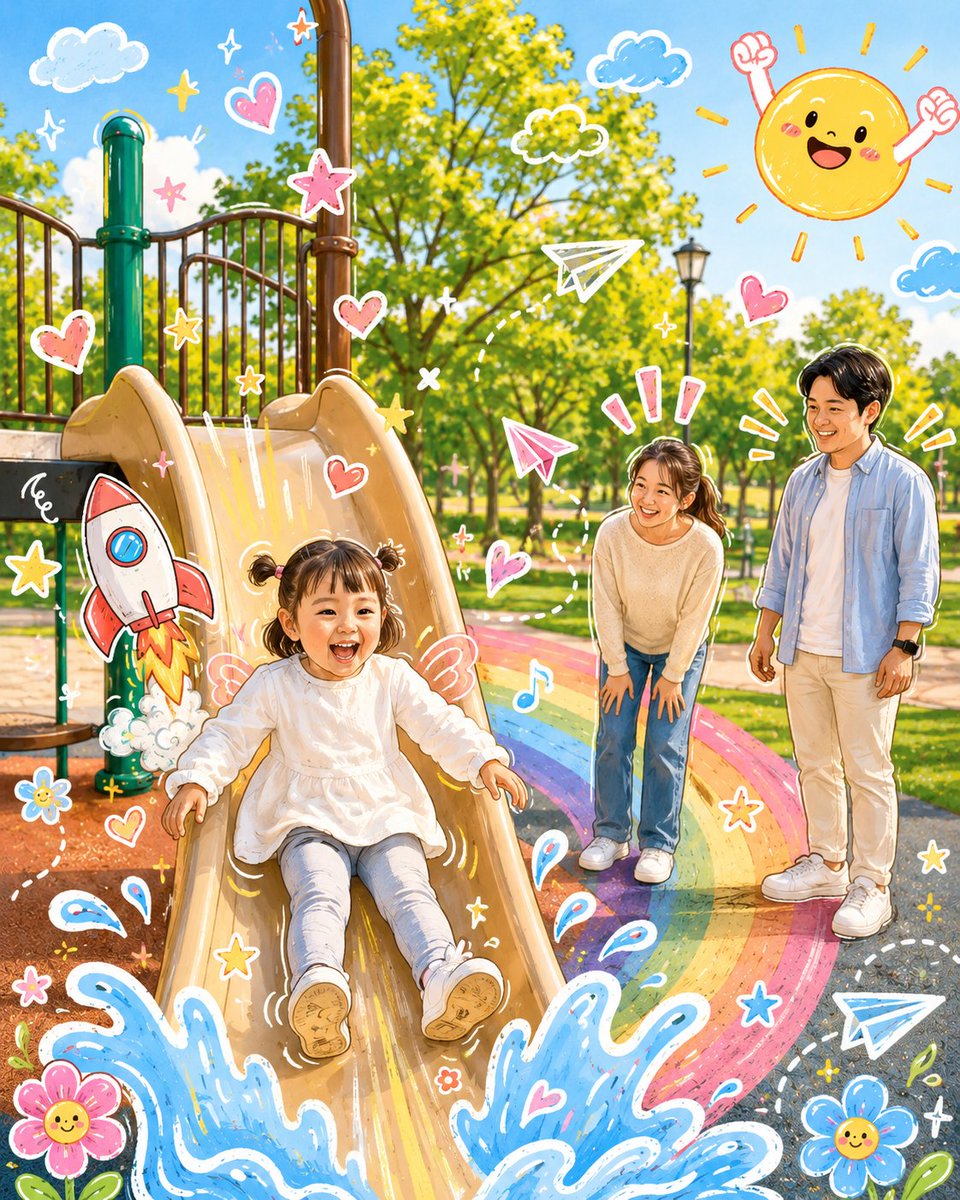
Transform your photos into playful cartoon illustrations with interactive hand-drawn doodles while preserving the original subject's likeness and lighting.
1 / 2
提示词 · EN
分析上传的图片,保留原图的主体、构图和光影。不要改变主角的身份或面部结构。添加一些 argdoodle elements: 趣味手绘涂鸦元素,使其与照片中的主体直接互动。这些涂鸦可以模仿、跟随或夸大现有的形状、姿势或动作——例如勾勒姿势、延伸手臂或腿部、添加动态线条,或创造与主体“互动”的创意元素;尽情发挥想象力。 将整张图片转换为 argillustration style: 可爱卡通风格插画,并融入讨人喜欢的涂鸦美学。在保持原场景和角色细节的同时,呈现出生动、柔和且充满趣味的卡通效果。
关于这个提示词
Transform your photos into playful cartoon illustrations with interactive hand-drawn doodles while preserving the original subject's likeness and lighting. 它更适合作为 GPT Image 2 的概念艺术起点:先保留画面结构、主体关系和风格约束,再替换成你的品牌、人物或场景。
使用时优先替换 doodle elements、illustration style 等占位符,并保持镜头、构图和材质描述的顺序不变。这样更容易获得稳定的画面结果,也方便继续做多版本对比。
如何使用这个提示词
- Copy the prompt and paste it into your chosen AI image generation model.
- Replace the
{{doodle elements}}placeholder with specific doodle ideas like 'dynamic action lines' or 'speech bubbles'. - Customize the
{{illustration style}}variable, for example to 'anime-inspired' or 'flat vector art'. - Upload a clear, well-lit photo of your subject for the best results.
- Generate the image and review the output, adjusting the prompt variables if needed to refine the style.


