
GPT Image 2AI 提示词
Modular Encyclopedia Infographic — Sora 2 Prompt
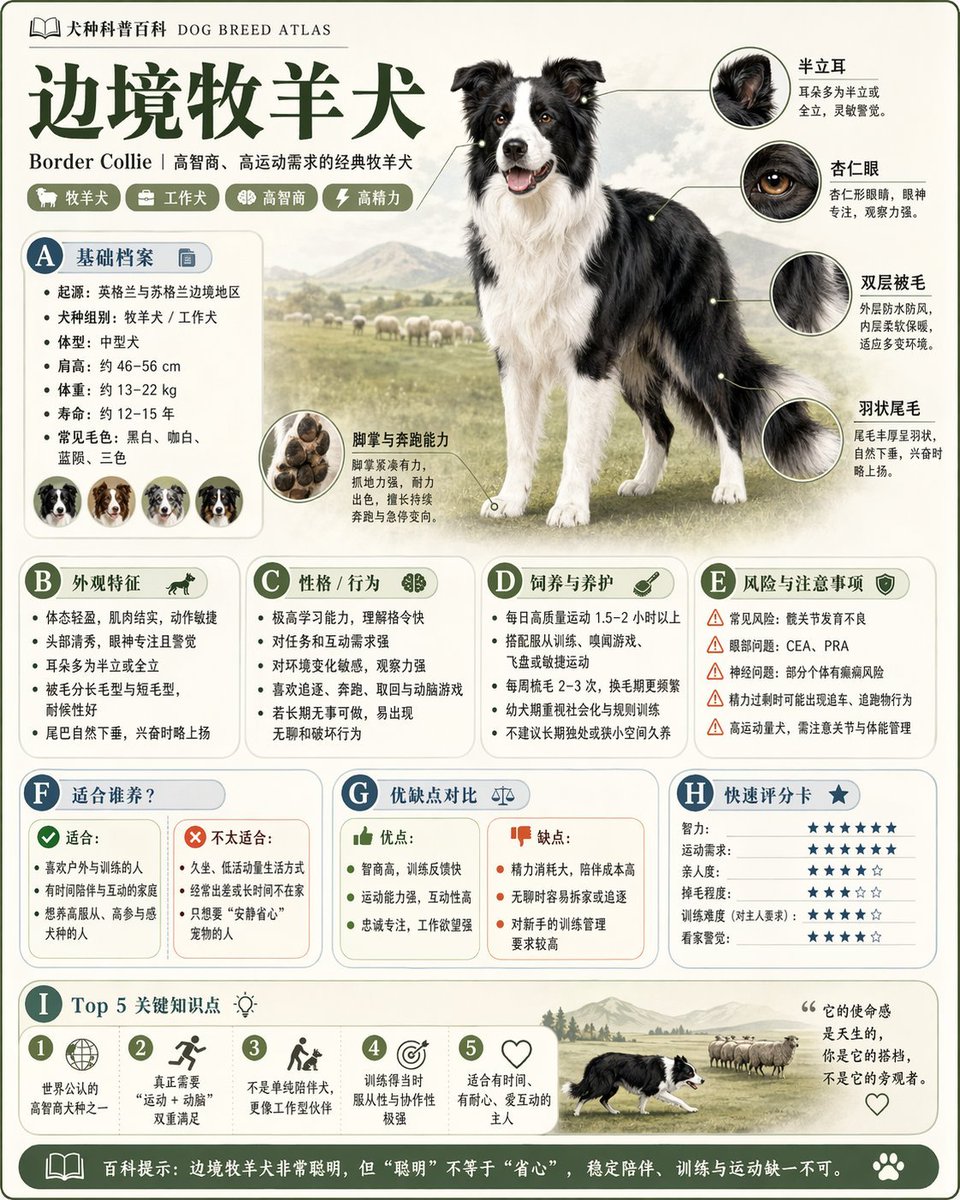
Generates a high-quality vertical science encyclopedia infographic with a clean, modular layout ideal for educational content.
提示词 · EN
请根据主题:【argtheme: 主题】生成一张高质量的竖版“科学百科信息图”。这应该是一张具有“手册、百科全书和结构化”感的模块化信息图。风格应结合高端博物馆指南、现代百科全书页面和知识卡片。包含:清晰的主视觉、特写细节、圆角模块化信息区、清晰的标题层级以及简洁的百科内容。各部分应根据主题自动适配,从以下选项中选择:基础档案、分类、外观、习性/生态、机制/结构、生长条件、维护、风险、目标受众、优缺点或评分卡。视觉效果:干净的浅色背景、柔和的色彩、轻微的阴影、精致的图标、整洁且高密度但清晰易读的布局。它必须看起来像是一张可供收藏的出版级知识卡片,而非商业广告。
关于这个提示词
Generates a high-quality vertical science encyclopedia infographic with a clean, modular layout ideal for educational content. 它更适合作为 GPT Image 2 的概念艺术起点:先保留画面结构、主体关系和风格约束,再替换成你的品牌、人物或场景。
使用时优先替换 theme 等占位符,并保持镜头、构图和材质描述的顺序不变。这样更容易获得稳定的画面结果,也方便继续做多版本对比。
如何使用这个提示词
- Copy the prompt and paste it into the Sora 2 text-to-image interface.
- Select a high-quality model preset (e.g., Sora 2 Pro) optimized for graphic design.
- Replace the
themevariable with your specific topic (e.g., "Quantum Physics", "Human Anatomy"). - Set the aspect ratio to vertical (e.g., 2:3 or 4:5) for a portrait infographic.
- Generate and refine by adding or removing modules to suit your content.


