
GPT Image 2AI 提示词
Night Fog Silhouette Transfer — Sora 2 Prompt
Transform any image into a deep, foggy night scene with dark silhouettes, preserving original composition—perfect for moody atmospheric art.
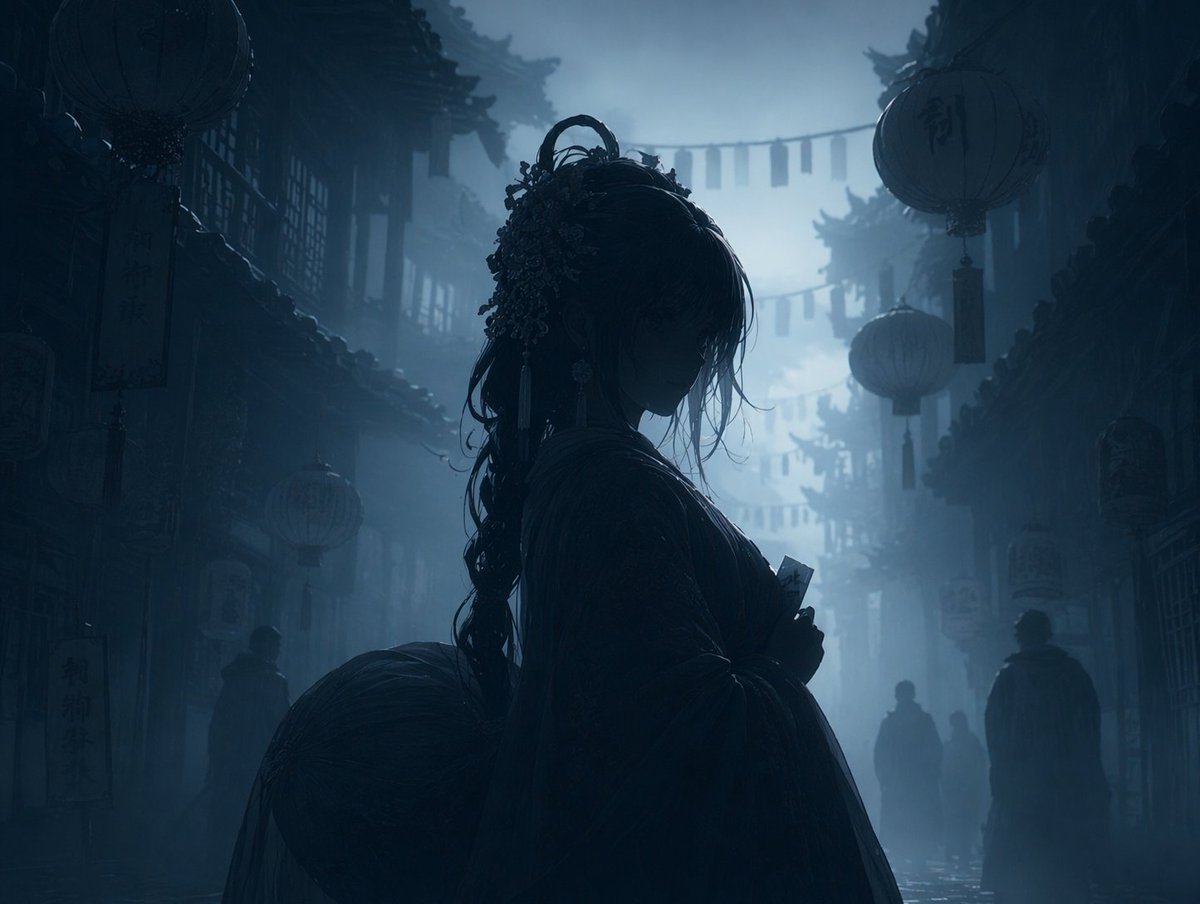
提示词 · EN
使用 REFERENCE_0,将图像转换为 argatmosphere: 深沉、忧郁且充满雾气 的夜景。应用 argcolor palette: 深蓝与灰色的单色调 调色。将主角、灯笼和前景元素渲染为背景雾气中的 arglighting style: 深色剪影。保留原始构图、角色姿势和背景建筑的精确细节。
关于这个提示词
Transform any image into a deep, foggy night scene with dark silhouettes, preserving original composition—perfect for moody atmospheric art. 它更适合作为 GPT Image 2 的概念艺术起点:先保留画面结构、主体关系和风格约束,再替换成你的品牌、人物或场景。
使用时优先替换 atmosphere、color palette、lighting style 等占位符,并保持镜头、构图和材质描述的顺序不变。这样更容易获得稳定的画面结果,也方便继续做多版本对比。
如何使用这个提示词
- Copy the prompt text from this page.
- Open your Sora 2 or compatible AI image generation tool (like sora2hub.com).
- Upload a reference image you want to transform.
- Adjust the optional variables like atmosphere, color palette, and lighting style if needed.
- Generate the image and iterate with different settings for varied results.


