Sora2 Hub
Sora2 Hub
  • 提示词库
  • 定价
  • 案例展示
Sora2 Hub
Sora2 Hub
Sora2 Hub

Sora2 Hub

由 Sora 2、Veo 3.1 和 Nano Banana Pro 驱动的专业 AI 创作平台。提供高级控制、高清画质和无水印的视频与工作室级图像创作。

Email:support@sora2hub.org

AI 视频生成

  • 文生视频
  • 图生视频
  • Veo 3.1
  • Sora 2
  • Kling 3.0
  • Kling 2.6
  • Kling 2.5
  • Runway
  • Wan 2.6
  • Seedance 2.0
  • Hailuo 2.3
  • Grok Imagine
  • HappyHorse-1.0

AI 图像生成

  • 文生图
  • 图生图
  • Nano Banana Pro
  • Nano Banana
  • 4o Image
  • Flux Kontext
  • Z Image
  • Seedream 4.5
  • Seedream 5.0 Lite
  • Nano Banana 2
  • GPT Image 2
  • AI 图片增强

AI 特效

  • AI 年龄滤镜
  • AI 性别转换
  • AI 亲吻
  • AI 拥抱
  • 吉卜力图片
  • AI 美人鱼滤镜
  • AI 身体摇摆
  • 微笑滤镜
  • AI 变胖
  • 动作人偶

产品

  • 功能特点
  • 案例展示
  • 定价

公司

  • 关于我们
  • 联系我们

© 2025 • Sora2 Hub ORG 保留所有权利。

  • 隐私政策
  • 服务条款
  • 退款政策
  1. 首页
  2. /
  3. 提示词
  4. /
  5. GPT Image 2
  6. /
  7. Leonardo da Vinci Paints Mona Lisa — Live Model Prompt
GPT Image 2AI 提示词

Leonardo da Vinci Paints Mona Lisa — Live Model Prompt

Generate a dramatic, masterfully lit Renaissance studio scene with da Vinci painting the Mona Lisa from a live model, rich in chiaroscuro and historical detail.
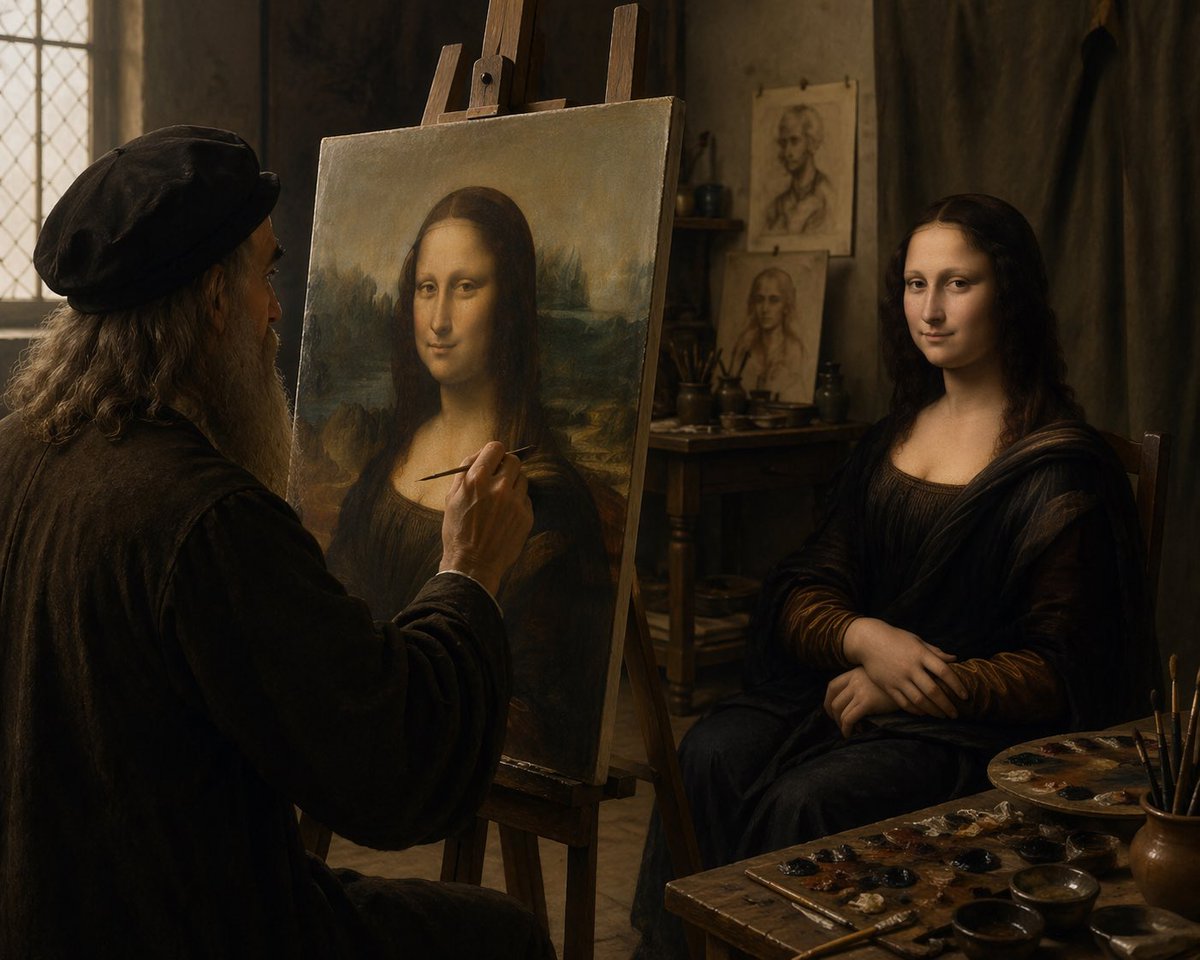
Leonardo da Vinci Paints Mona Lisa — Live Model Prompt
提示词 · EN
一间电影质感的文艺复兴时期艺术工作室内部,柔和温暖的窗光洒入。画面左侧展示了一位长相酷似列奥纳多·达·芬奇的老年画家,他坐在画架前,正以真人模特为原型绘制《蒙娜丽莎》。画家留着灰白长发和浓密的灰胡须,头戴深色复古帽,身穿厚重的深色长袍。画面中央前景处立着一个木制画架,上面展示着《蒙娜丽莎》的构图;右侧是一位真人女性模特,她保持着标志性的姿势,双手交叠,身着深色文艺复兴风格长裙和面纱般的褶皱布料。整体氛围亲密、宁静且富有绘画感,色调为浓郁的棕色和琥珀色,运用了戏剧性的明暗对照法,背景是老旧的灰泥墙,左侧有一扇铅条镶嵌的玻璃窗,后方木桌上摆放着画笔和习作。在模特身后的背景中,钉着或靠着两幅肖像草图。右下角前景处展示了一张杂乱的画家工作台,上面有 1 个调色板、多个小颜料点、杯中插着几支画笔以及几个浅碗。将场景构图为一张写实的历史照片,捕捉杰作创作瞬间,中景广角镜头,从画家身后略微越肩拍摄,纹理极其细腻,呈现出古典大师的艺术氛围,背景虚化柔和,无任何现代物品。

关于这个提示词

Generate a dramatic, masterfully lit Renaissance studio scene with da Vinci painting the Mona Lisa from a live model, rich in chiaroscuro and historical detail. 它更适合作为 GPT Image 2 的概念艺术起点:先保留画面结构、主体关系和风格约束,再替换成你的品牌、人物或场景。

使用时建议先小幅修改主体、场景、镜头和色调,再生成多个版本对比构图与细节。这样页面内容对用户有实际帮助,也避免把模型名或标签机械堆在正文里。

如何使用这个提示词

  1. Copy the prompt text from this page.
  2. Open your AI generation tool (e.g., Sora 2, Midjourney).
  3. Paste the prompt and adjust variables like camera angle or lighting intensity.
  4. Generate and iterate to refine the Renaissance atmosphere.
  5. Download your cinematic masterpiece for creative projects.
常见问题

Sinan DOĞU

@Sinandoqu→

发布时间
2026年4月25日
原始语言
EN
模型
GPT Image 2
分类
概念艺术
GPT Image 2概念艺术gpt-image-2twitter
浏览
2.1K
复制
265
点赞
147

分享

更多来自 GPT Image 2

浏览全部
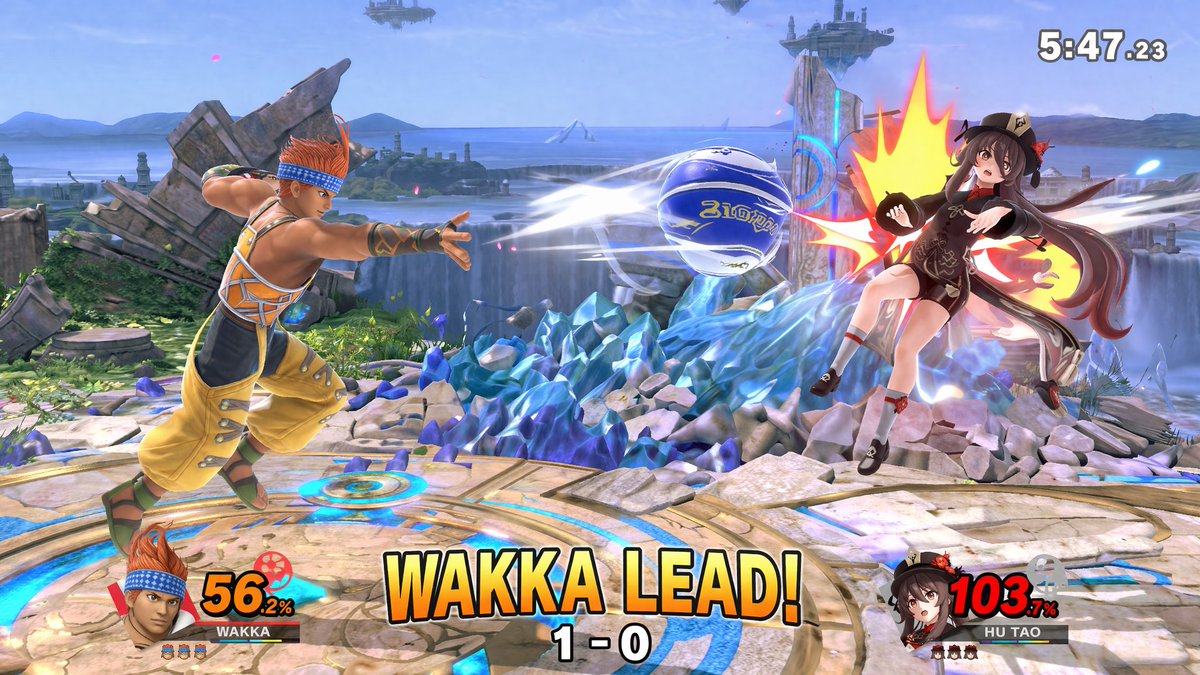
AI-Generated Crossover Fighter Screenshot — Sora 2 Prompt

AI-Generated Crossover Fighter Screenshot — Sora 2 Prompt

@momoringo_sub
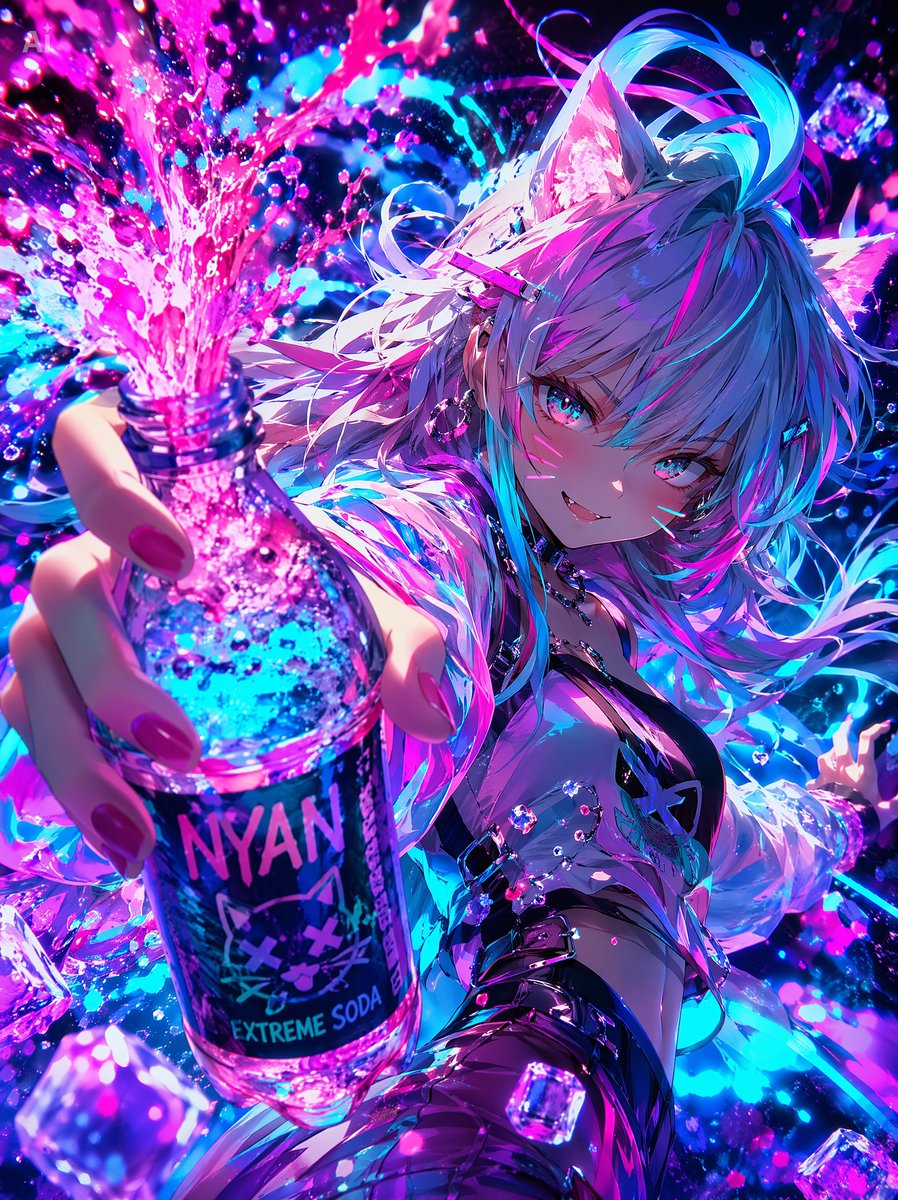
Cyberpunk Catgirl Soda Splash — Sora 2 Prompt

Cyberpunk Catgirl Soda Splash — Sora 2 Prompt

@kuso_seisakusyo
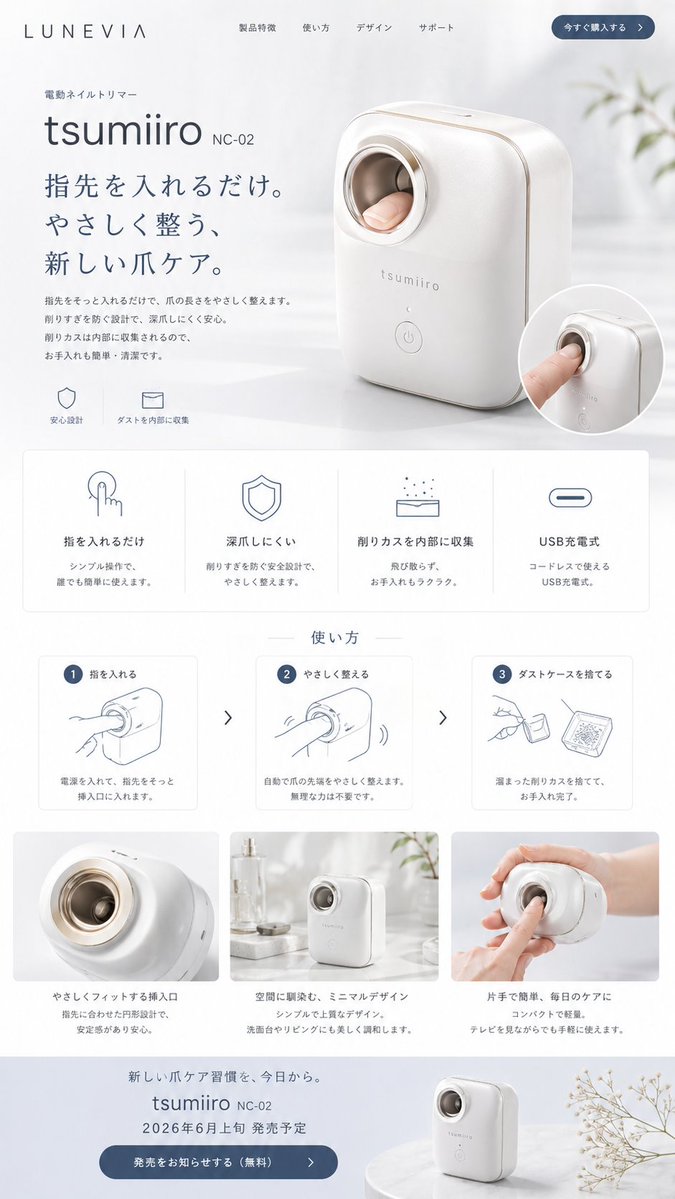
Minimalist Japanese Electric Nail Clipper Product Landing Page — Sora 2 Prompt

Minimalist Japanese Electric Nail Clipper Product Landing Page — Sora 2 Prompt

@eisho_m

用 Sora2Hub 提示词更快创作。

把精选提示词页面作为可搜索入口,然后带着模型上下文直接进入生成流程。

探索更多提示词