Sora2 Hub
Sora2 Hub
  • 提示词库
  • 定价
  • 案例展示
Sora2 Hub
Sora2 Hub
Sora2 Hub

Sora2 Hub

由 Sora 2、Veo 3.1 和 Nano Banana Pro 驱动的专业 AI 创作平台。提供高级控制、高清画质和无水印的视频与工作室级图像创作。

Email:support@sora2hub.org

AI 视频生成

  • 文生视频
  • 图生视频
  • Veo 3.1
  • Sora 2
  • Kling 3.0
  • Kling 2.6
  • Kling 2.5
  • Runway
  • Wan 2.6
  • Seedance 2.0
  • Hailuo 2.3
  • Grok Imagine
  • HappyHorse-1.0
  • HappyHorse 1.1
  • Kling 3.0 Turbo
  • Volcengine Video-to-Video Lip Sync
  • OmniHuman 1.5
  • Grok Imagine Video 1.5
  • Gemini Omni
  • Wan 2.7 Video
  • Seedance 2.0 Mini

AI 图像生成

  • 文生图
  • 图生图
  • Nano Banana Pro
  • Nano Banana
  • 4o Image
  • Flux Kontext
  • Z Image
  • Seedream 4.5
  • Seedream 5.0 Lite
  • Nano Banana 2
  • GPT Image 2
  • AI 图片增强
  • Seedream 5.0 Pro
  • Nano Banana 2 Lite
  • Qwen Image 2.0

AI 特效

  • AI 年龄滤镜
  • AI 性别转换
  • AI 亲吻
  • AI 拥抱
  • 吉卜力图片
  • AI 美人鱼滤镜
  • AI 身体摇摆
  • 微笑滤镜
  • AI 变胖
  • 动作人偶

产品

  • 功能特点
  • 案例展示
  • 定价

公司

  • 关于我们
  • 联系我们

© 2025 • Sora2 Hub ORG 保留所有权利。

  • 隐私政策
  • 服务条款
  • 退款政策
  1. 首页
  2. /
  3. 提示词
  4. /
  5. GPT Image 2
  6. /
  7. Dark Fantasy Witch with Interactive Game UI - Sora 2 Prompt
GPT Image 2AI 提示词

Dark Fantasy Witch with Interactive Game UI - Sora 2 Prompt

Generate a cinematic 3D scene of a witch in a dark medieval fantasy city, complete with fog, lanterns, and dynamic game-style UI that reacts to her movements.
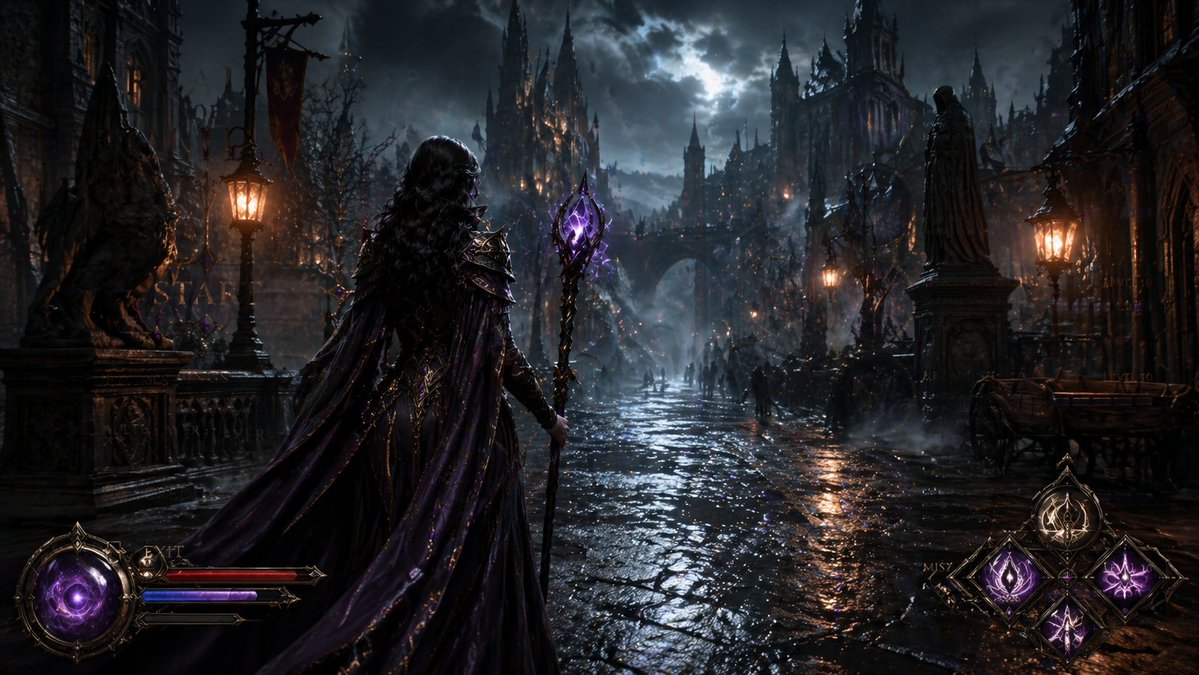
Dark Fantasy Witch with Interactive Game UI - Sora 2 Prompt
提示词 · EN
一个高度精细的 3D 电影级场景,从背后视角展示了一位 argsubject: 优雅而强大的女巫 走进一座 argsetting: 黑暗中世纪奇幻城市 的夜晚,氛围阴郁且具有黑暗奇幻开放世界游戏的质感,潮湿的鹅卵石街道,哥特式建筑,闪烁的灯笼和火把,浓雾,神秘而忧郁的灯光,精细的环境,电影般的氛围,argspecial effect: 与她动作动态交互的游戏风格 UI 元素,屏幕上没有任何文字或标志,超写实 3D 渲染,清晰的细节,沉浸式黑暗奇幻氛围

关于这个提示词

Generate a cinematic 3D scene of a witch in a dark medieval fantasy city, complete with fog, lanterns, and dynamic game-style UI that reacts to her movements. 它更适合作为 GPT Image 2 的概念艺术起点:先保留画面结构、主体关系和风格约束,再替换成你的品牌、人物或场景。

使用时优先替换 subject、setting、special effect 等占位符,并保持镜头、构图和材质描述的顺序不变。这样更容易获得稳定的画面结果,也方便继续做多版本对比。

如何使用这个提示词

  1. Copy the prompt text and paste it into your AI video generator (e.g., Sora 2, Runway Gen-3).
  2. Customize the {subject}, {setting}, and {special effect} variables to suit your vision (e.g., 'powerful sorceress', 'foggy Victorian town', 'sparkling magic HUD').
  3. Set your preferred aspect ratio and generation parameters (the prompt is designed to avoid text/logos on screen).
  4. Generate the scene and refine by adjusting variables or adding details like 'ultra-realistic textures' or 'volumetric lighting'.
  5. Export and use the output for concept art, game trailers, or dark fantasy visuals.
常见问题

Okan Can

@0kncn→

发布时间
2026年4月30日
原始语言
EN
模型
GPT Image 2
分类
概念艺术
GPT Image 2概念艺术gpt-image-2twitter
浏览
50
复制
6
点赞
3

分享

更多来自 GPT Image 2

浏览全部
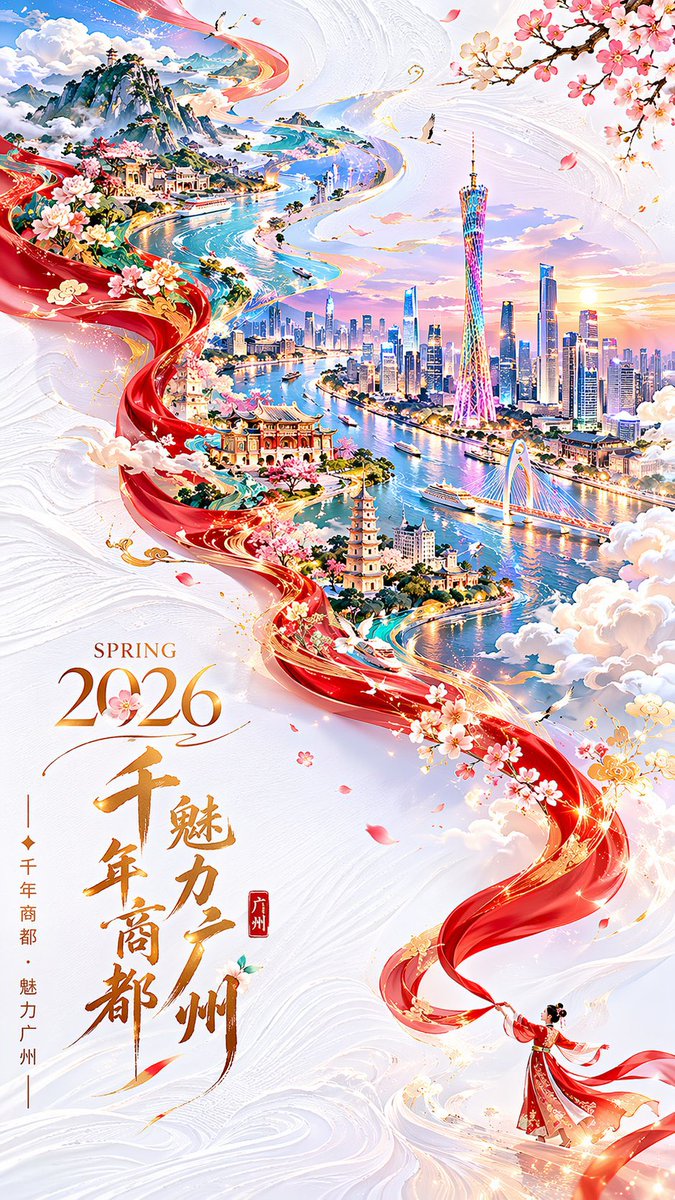
Guangzhou 2026 Poster: Silk Ribbon Cityscape — Sora 2 Prompt

Guangzhou 2026 Poster: Silk Ribbon Cityscape — Sora 2 Prompt

@alanlovelq
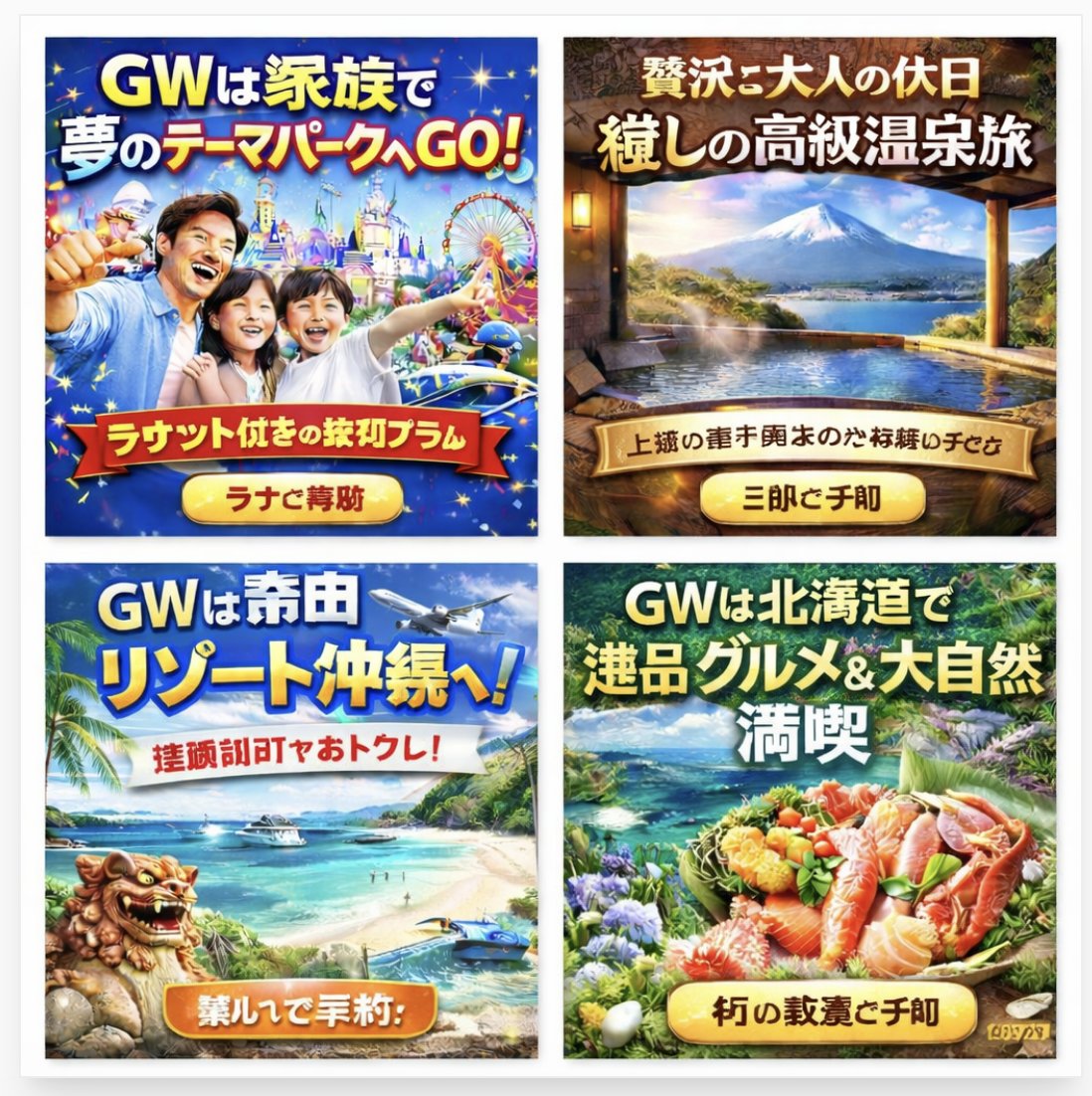
AI-Generated Japanese Travel Ad Grid — Sora Prompt

AI-Generated Japanese Travel Ad Grid — Sora Prompt

@jblogpham
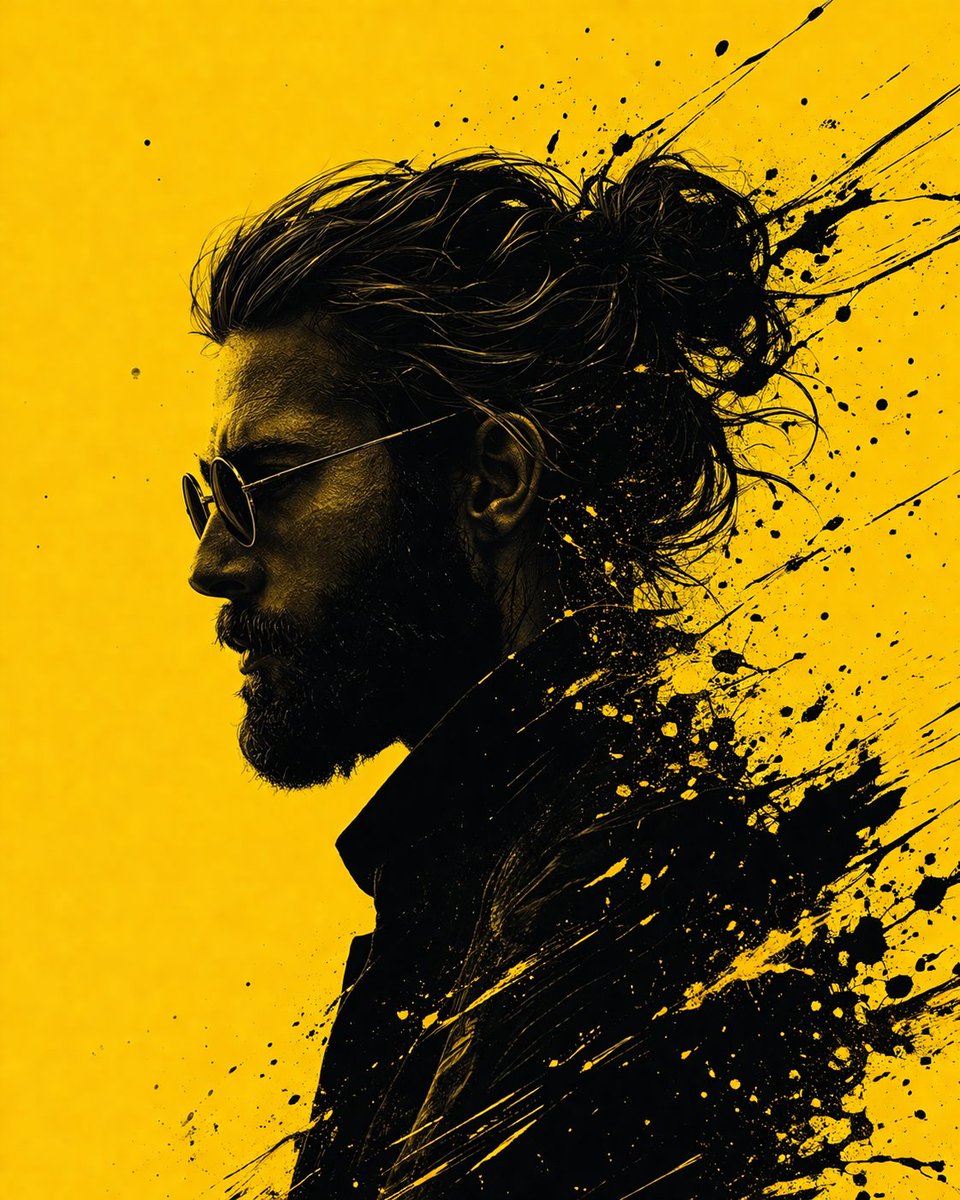
Graphic Novel Ink Splash Portrait — Sora 2 Prompt

Graphic Novel Ink Splash Portrait — Sora 2 Prompt

@iamsofiaijaz

用 Sora2Hub 提示词更快创作。

把精选提示词页面作为可搜索入口,然后带着模型上下文直接进入生成流程。

探索更多提示词