
GPT Image 2AI 提示词
Generate 90s Software UI Screenshots — Sora 2 Prompt
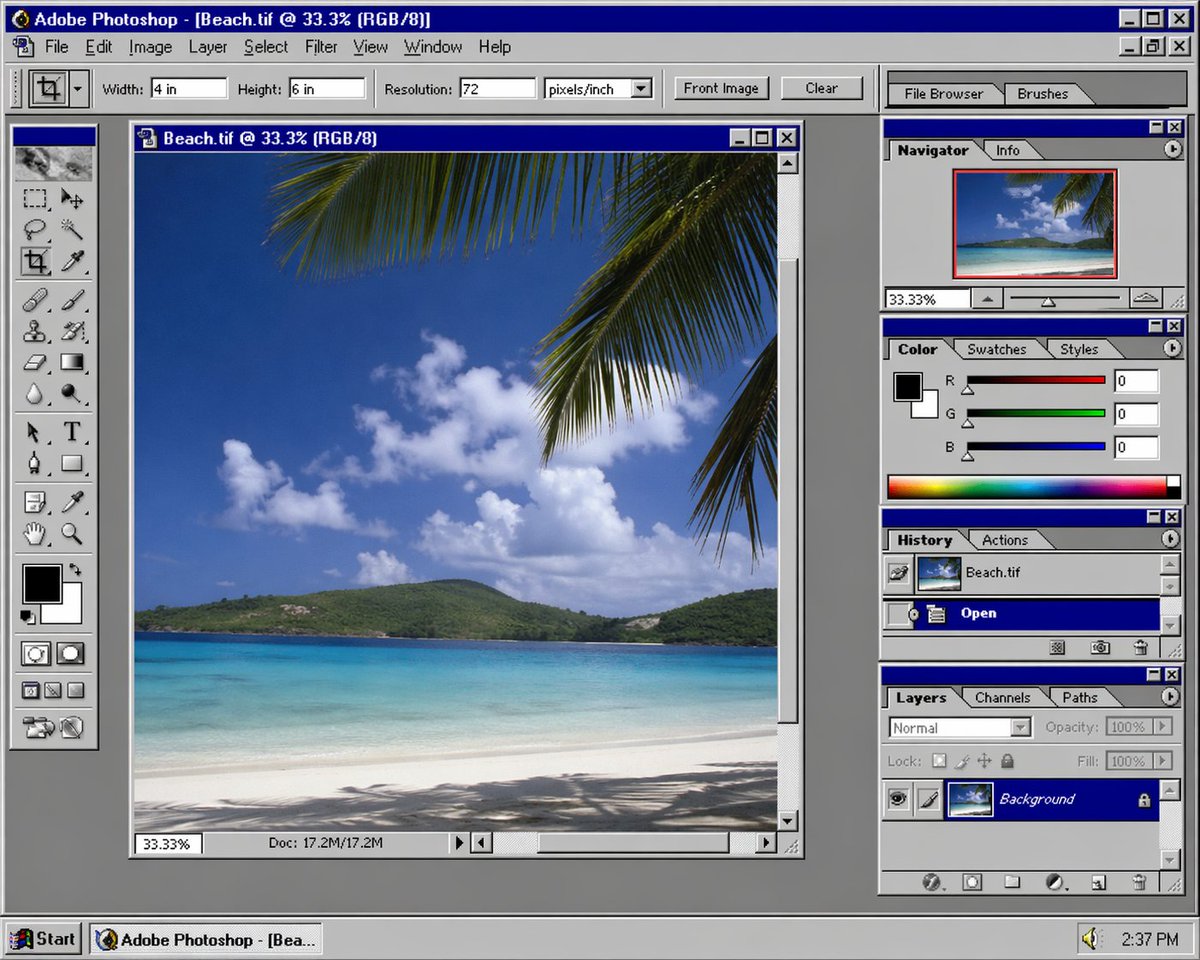
Travel back in time with AI-generated screenshots of 1990s creative software UIs; customize the software (e.g., Photoshop) and era for authentic retro aesthetics.
提示词 · EN
一张 argsoftware: Photoshop 在 argera: 90s 年代的屏幕截图
关于这个提示词
Travel back in time with AI-generated screenshots of 1990s creative software UIs; customize the software e.g., Photoshop and era for authentic retro aesthetics. 它更适合作为 GPT Image 2 的概念艺术起点:先保留画面结构、主体关系和风格约束,再替换成你的品牌、人物或场景。
使用时优先替换 software、era 等占位符,并保持镜头、构图和材质描述的顺序不变。这样更容易获得稳定的画面结果,也方便继续做多版本对比。
如何使用这个提示词
- Copy the prompt from sora2hub.com.
- Choose your preferred AI image generation model (Midjourney, DALL·E, Stable Diffusion, etc.).
- Replace
{software}with a creative software name (e.g., Photoshop, CorelDRAW) and{era}with a decade (e.g., 90s, 80s). - Generate the image. For best results, use a model that excels at UI details and nostalgia.
- Optionally, add extra styling details like "grainy texture" or "CRT monitor" for added realism.


