
GPT Image 2AI 提示词
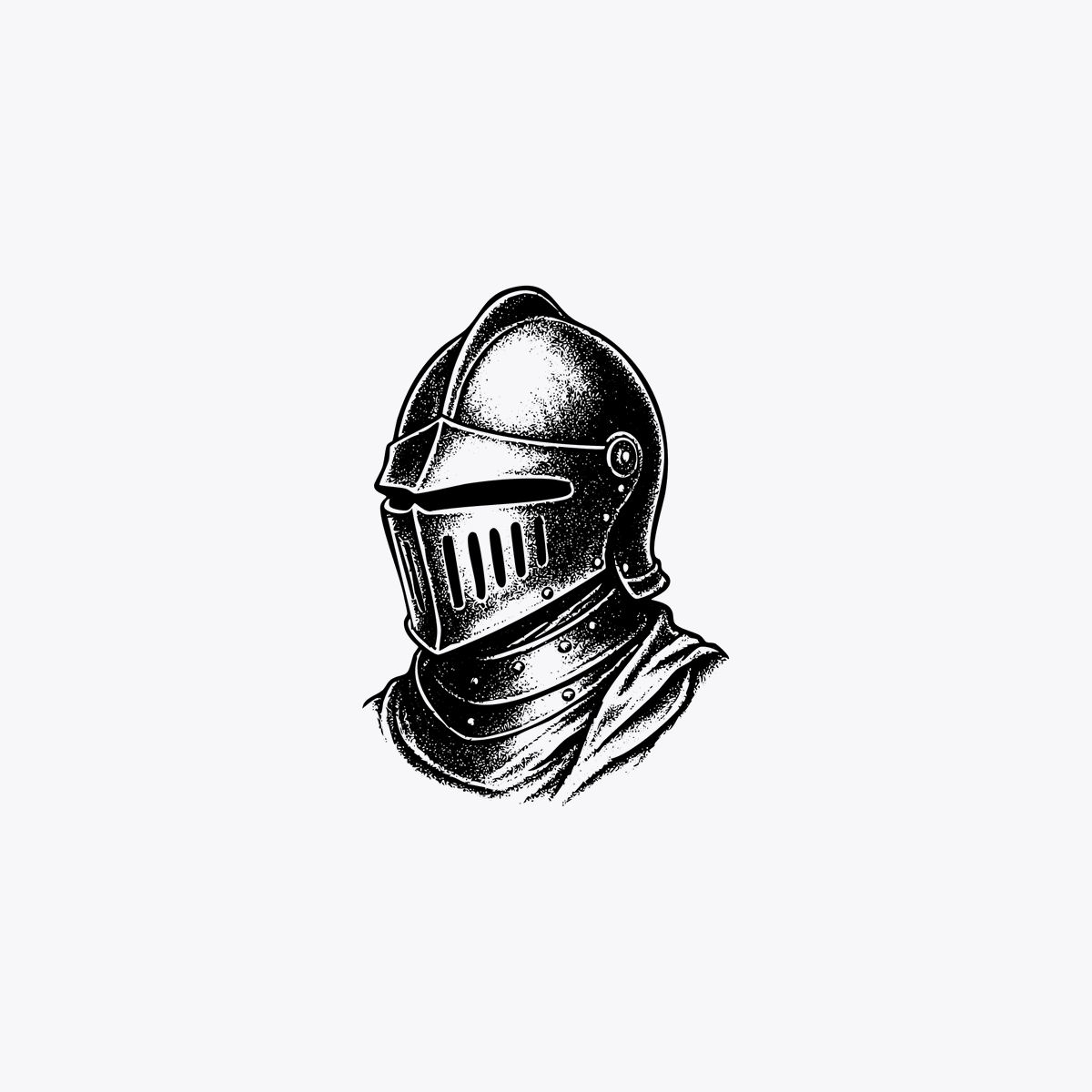
Vintage Engraving Knight Helmet — Sora 2 Prompt
Generate a classic medieval knight helmet in vintage engraving style with stark black ink, cross-hatching, and dramatic shadows — ideal for logos, icons, and tattoo designs.
提示词 · EN
一幅简洁的极简主义黑白墨水风格中世纪骑士头盔半身像插图,居中置于纯浅灰色背景上,留有大量负空间。头盔为经典的封闭式大头盔(Great Helm),带有狭窄的水平面罩缝、面甲上的 6 条垂直呼吸缝、圆顶,太阳穴附近有明显的圆形侧铆钉,以及带有小铆钉的分层护颈。在肩部和颈部周围加入垂褶布料或斗篷。采用复古雕刻、蚀刻或木刻风格渲染,具有粗犷的黑色轮廓、密集的点画、凌乱的交叉排线以及强烈的对比阴影。骑士呈四分之三侧面视角,面向左侧。无文字、无边框、无额外物体,仅为一个悬浮在中心、清晰的徽章式肖像。
关于这个提示词
Generate a classic medieval knight helmet in vintage engraving style with stark black ink, cross-hatching, and dramatic shadows — ideal for logos, icons, and tattoo designs. 它更适合作为 GPT Image 2 的概念艺术起点:先保留画面结构、主体关系和风格约束,再替换成你的品牌、人物或场景。
使用时建议先小幅修改主体、场景、镜头和色调,再生成多个版本对比构图与细节。这样页面内容对用户有实际帮助,也避免把模型名或标签机械堆在正文里。
如何使用这个提示词
- Copy the full prompt text.
- Open your AI image tool (Sora, Midjourney, DALL·E 3, etc.).
- Paste the prompt and select a square aspect ratio (1:1) for a balanced badge composition.
- Adjust stylization or detail settings to enhance the engraving effect if needed.
- Generate multiple variations and pick the one that best suits your project.


