
GPT Image 2AI 提示词
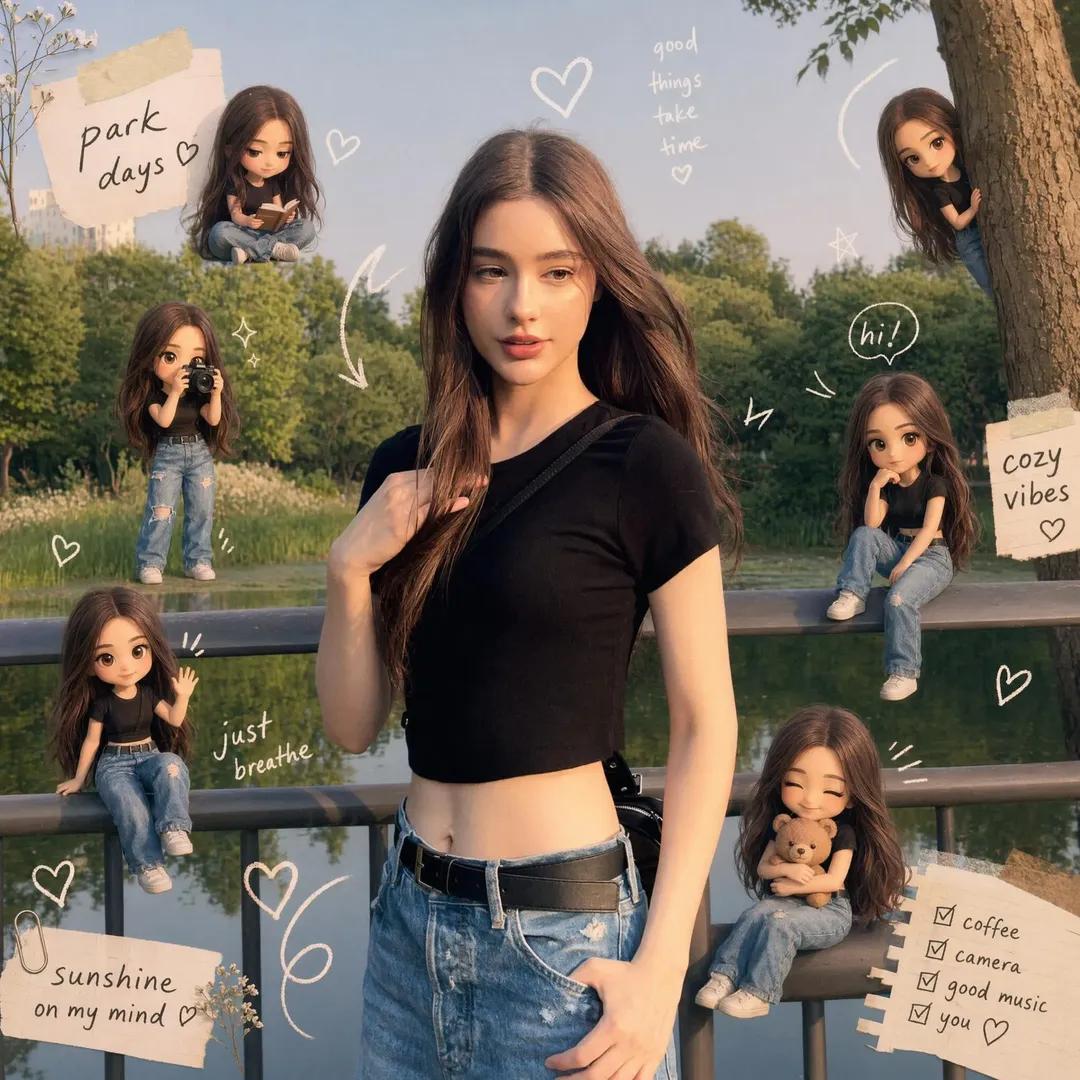
Warm Scrapbook Style — Sora 2 Photo to Art Prompt
Transform any reference photo into a cozy, Instagram-ready scrapbook composition with matching Q-version characters and playful hand-drawn doodles.
1 / 2
提示词 · EN
以 8K 电影级画质将参考图像转换为 argtheme: 温馨剪贴簿风格 构图,严格保留主体、身份、姿势、光影和背景。添加多个相同的 argcharacter style: Q 版/玩偶 角色微缩版本(匹配面部、发型、服装),自然地放置在画面中并进行各种活动。叠加手绘涂鸦(爱心、箭头、星星、标题)。使用 argcolor tone: 柔和粉彩 色调。保持画面丰富且整洁、温暖、梦幻,呈现 Instagram 风格。最终成品必须在同一图像基础上进行增强,而非重新创作。
关于这个提示词
Transform any reference photo into a cozy, Instagram-ready scrapbook composition with matching Q-version characters and playful hand-drawn doodles. 它更适合作为 GPT Image 2 的概念艺术起点:先保留画面结构、主体关系和风格约束,再替换成你的品牌、人物或场景。
使用时优先替换 theme、character style、color tone 等占位符,并保持镜头、构图和材质描述的顺序不变。这样更容易获得稳定的画面结果,也方便继续做多版本对比。
如何使用这个提示词
- Copy the full prompt template and replace the
{theme},{character style}, and{color tone}variables with your preferred styles (e.g., 'Vintage', 'Chibi', 'Pastel'). - Select Sora 2 as your generation model for optimal 8K cinematic quality.
- Upload your reference image (featuring a clear subject, pose, and background) to the model.
- Paste the customized prompt and generate. The AI will preserve your subject's identity and lighting while adding the scrapbook elements.
- Review the output. If needed, adjust the variables (e.g., try 'Soft Grunge' theme or 'Pixel Art' style) and regenerate for variations.


