
GPT Image 2AI 提示词
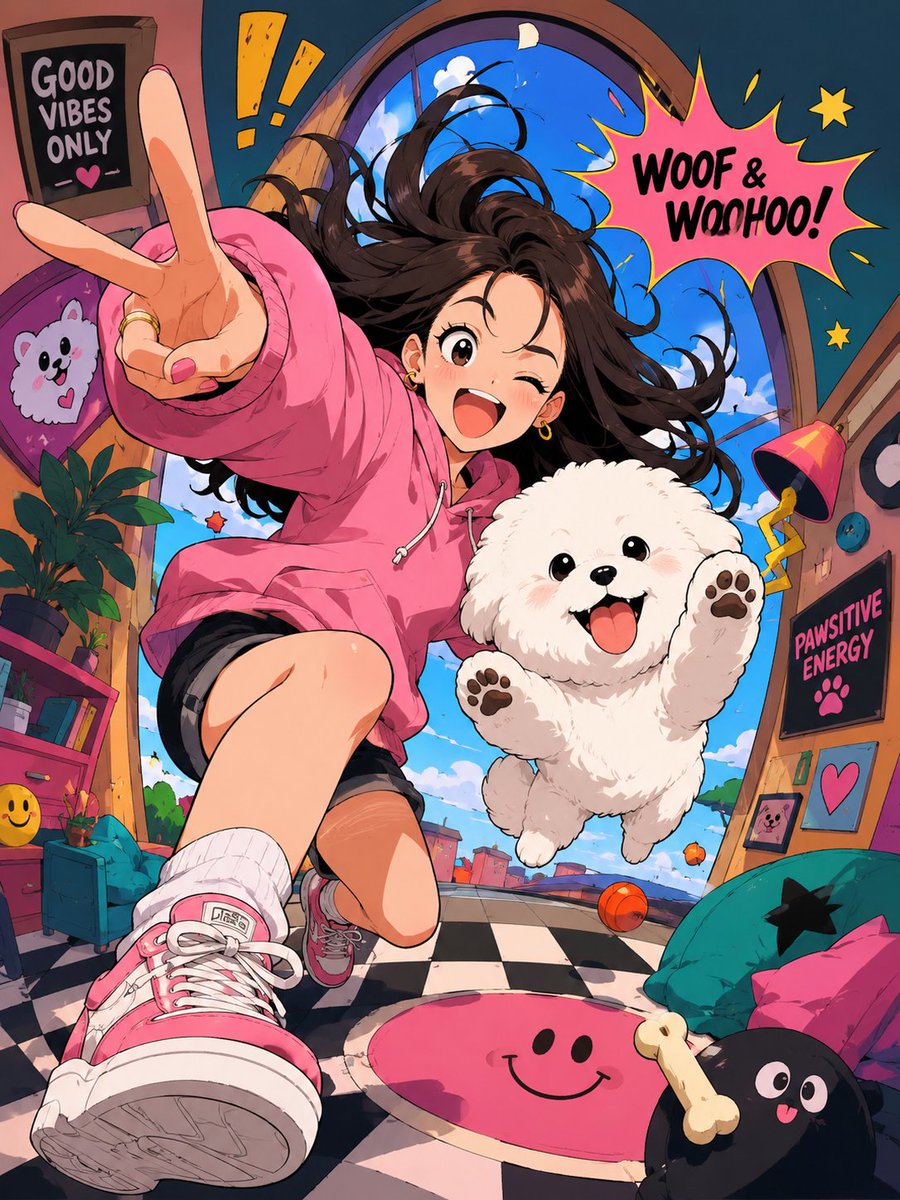
Expressive Cartoon Anime Style — Vibrant Sora 2 Prompt
Transform any subject into a bold, expressive cartoon anime style with exaggerated proportions, vivid colors, and playful distorted backgrounds.
提示词 · EN
根据上传的主体创建一张流行的 argstyle: 动漫艺术风格图片。使用 argline work: 自信且略有变化的线条 以及使用扁平阴影形状的极简赛璐璐着色。使用 argcoloring: 明亮、饱和的色彩 和干净的图形化光影。该风格的定义是夸张的卡通角色比例,具有极具表现力且简约的面部特征,从而实现巨大的情感表达范围,并配以高度多变的拉伸解剖结构。将环境转换为略微扭曲的空间,具有俏皮的透视变形和简化的物体。构图和基调应在一个完全风格化、非现实的世界中显得充满活力、生动且具有喜剧色彩。
关于这个提示词
Transform any subject into a bold, expressive cartoon anime style with exaggerated proportions, vivid colors, and playful distorted backgrounds. 它更适合作为 GPT Image 2 的概念艺术起点:先保留画面结构、主体关系和风格约束,再替换成你的品牌、人物或场景。
使用时优先替换 style、line work、coloring 等占位符,并保持镜头、构图和材质描述的顺序不变。这样更容易获得稳定的画面结果,也方便继续做多版本对比。
如何使用这个提示词
- Copy the prompt and paste it into your preferred AI image generator like Sora 2, Midjourney, or DALL·E.
- Choose your model — this prompt works best with models trained on anime and illustration styles.
- Upload or describe your subject in place of the reference to anchor the transformation.
- Tweak the variables — adjust "style" for a different aesthetic, "line work" for sharper or softer lines, and "coloring" for muted or neon palettes.
- Generate and refine — run the prompt and iterate by swapping values until you get the perfect expressive cartoon look.


