
GPT Image 2AI 提示词
Cinematic Fire VFX Asset — Sora 2 AI Prompt
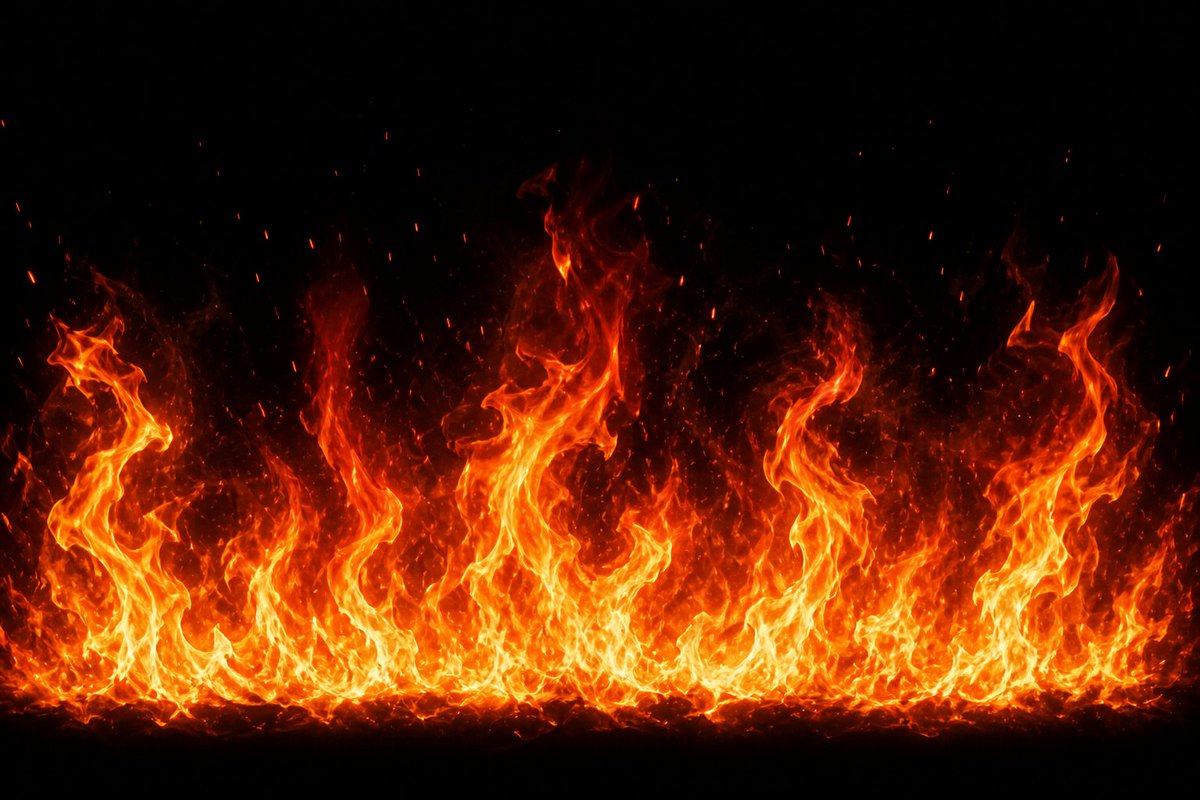
Generate a photorealistic horizontal fire wall with glowing embers and heat haze on black — perfect for VFX compositing and game design.
提示词 · EN
创建高分辨率 VFX 火焰特效素材:在纯黑背景下,生成一道从底部边缘升起、横跨整个画面的宽幅水平火焰墙。火焰应具备明亮的黄白色核心、饱和的橙红色外焰,以及向上渐隐至黑暗中的半透明烟雾热浪。使用 argflame height: 高低错落的火焰峰值,呈现不均匀的卷曲形态,包括左、中、右侧几根巨大的扭曲火柱,以及底部一层密集的小火焰带。添加大量向上飘散的炽热余烬颗粒和火星,火焰上方散布着细小的红橙色斑点。使其看起来像逼真的电影级游戏特效或合成元素,高对比度,细节锐利,蕴含自然的湍流运动感,无物体,无文字,无人物,无边框,居中构图,argbackground color: 纯黑色,argfire color palette: 黄、白、橙、红,argaspect ratio: 16:9 宽屏横向。
关于这个提示词
Generate a photorealistic horizontal fire wall with glowing embers and heat haze on black — perfect for VFX compositing and game design. 它更适合作为 GPT Image 2 的概念艺术起点:先保留画面结构、主体关系和风格约束,再替换成你的品牌、人物或场景。
使用时优先替换 flame height、background color、fire color palette、aspect ratio 等占位符,并保持镜头、构图和材质描述的顺序不变。这样更容易获得稳定的画面结果,也方便继续做多版本对比。
如何使用这个提示词
- Copy this prompt and paste it into your Sora 2 or compatible AI video/image generator.
- Select the appropriate model (e.g., Sora 2, Sora, or similar diffusion model).
- Adjust the variables like
flame height,background color,fire color palette, andaspect ratioto match your project needs. - Generate the output and review — regenerate or upscale for higher resolution if needed.
- Download the asset and composite it into your video or game project using blend modes like Screen or Add.


