
GPT Image 2AI 提示词
Moody Portrait with Mosaic Face & Cozy Sweater — Sora 2 Prompt
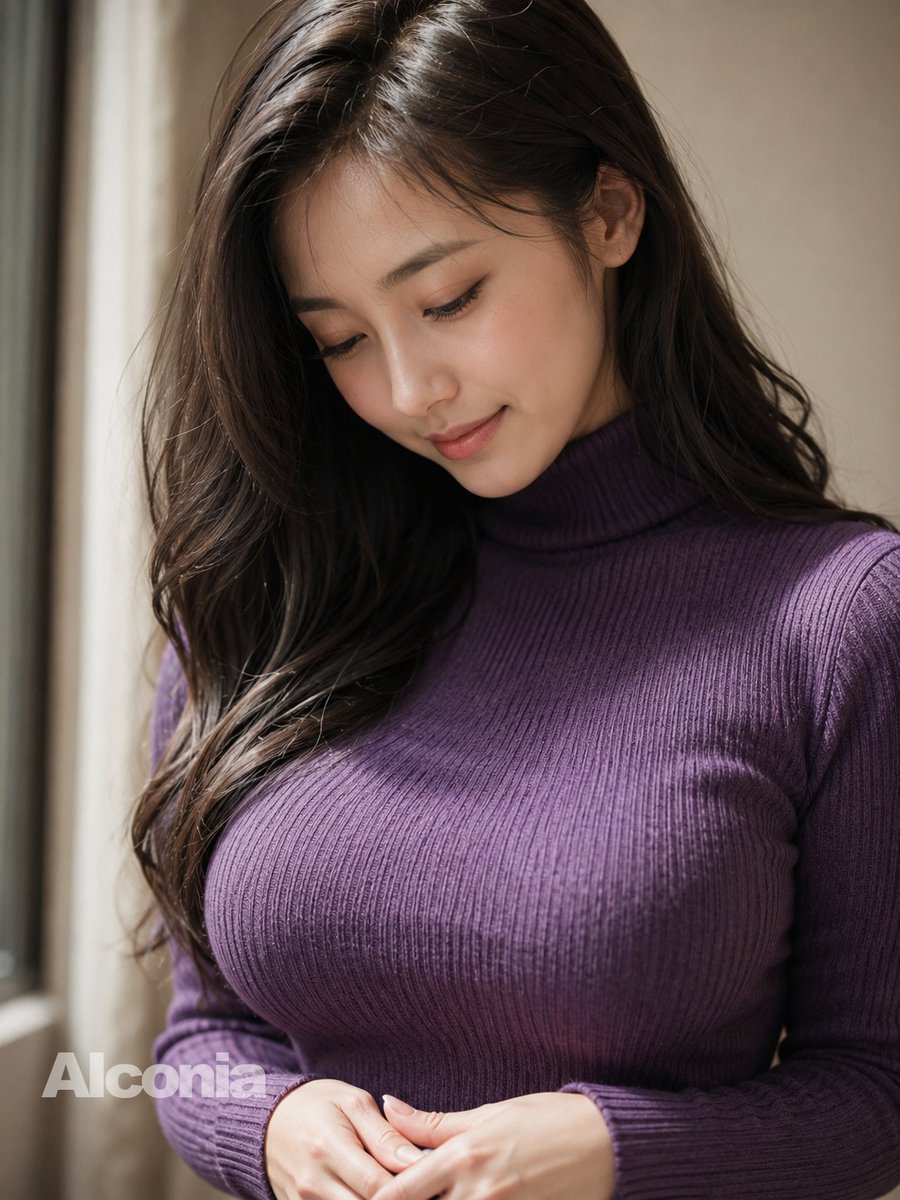
Generate a hyper-realistic, DSLR-quality portrait of a woman in a ribbed turtleneck with an artistic warm-toned mosaic censoring her face, perfect for evocative imagery.
提示词 · EN
创作一张逼真的竖构图肖像,主体为 argsubject: 一位年轻女性,坐在室内窗边,光线柔和,取景范围从上半身到头部。她留着浓密的长波浪 arghair color: 深棕色头发,自然垂落在肩头,带有自然光泽和零星碎发。她穿着一件修身的罗纹针织 argsweater color: 深紫色 高领毛衣,长袖设计,强调织物纹理、纵向罗纹和自然的褶皱感。她的双手在画面下方的腰部轻轻交叠。面部被一个位于中心的大型不透明方形马赛克刻意遮挡,色调为暖棕色,遮住了眼睛、鼻子和大部分面部特征,仅露出部分头发和一只耳朵。可见的手部皮肤纹理需真实细腻,采用浅景深效果,左侧柔和的窗光,背景为暖色调的中性米色室内环境,呈现自然阴影,具有高细节的单反相机摄影质感。在左下角添加一个淡淡的半透明水印,内容为 argwatermark text: AI conia。
关于这个提示词
Generate a hyper-realistic, DSLR-quality portrait of a woman in a ribbed turtleneck with an artistic warm-toned mosaic censoring her face, perfect for evocative imagery. 它更适合作为 GPT Image 2 的概念艺术起点:先保留画面结构、主体关系和风格约束,再替换成你的品牌、人物或场景。
使用时优先替换 subject、hair color、sweater color、watermark text 等占位符,并保持镜头、构图和材质描述的顺序不变。这样更容易获得稳定的画面结果,也方便继续做多版本对比。
如何使用这个提示词
- Copy the entire prompt, including the variables in curly braces like
{subject}and{sweater color}. - Paste it into your chosen AI model's text-to-image or video prompt box (e.g., Sora 2, Midjourney, Stable Diffusion).
- Customize the default values inside the braces (e.g., change
深紫色to灰色for a gray sweater) to match your vision. - Generate the image, reviewing the output for lighting, texture detail, and the clarity of the mosaic effect.
- Adjust the prompt slightly if needed, perhaps by specifying camera lens type (e.g., '85mm portrait lens') for more control.


