
GPT Image 2AI 提示词
Dark Luxury Product Sculpture — Sora 2 Prompt
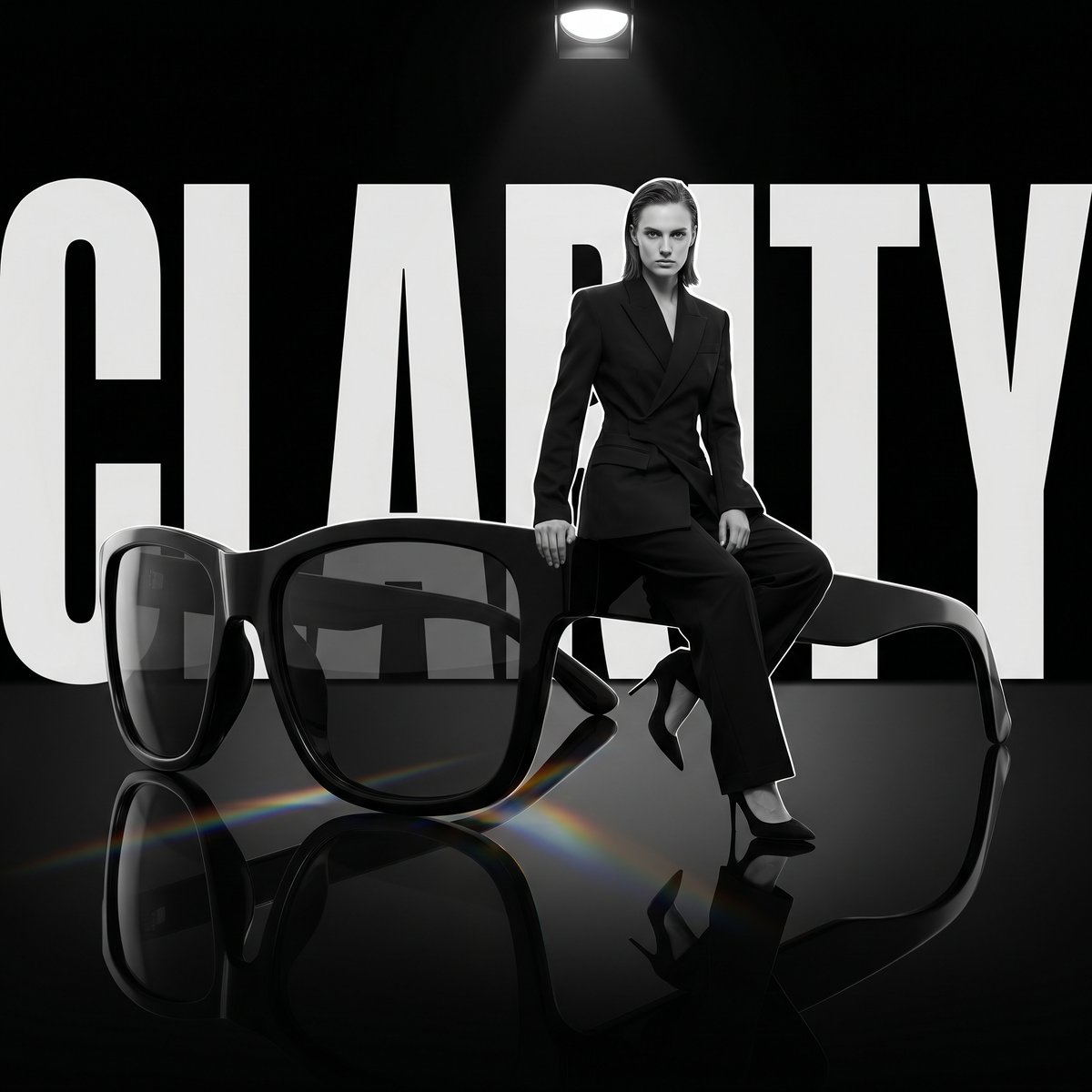
Generate high-end editorial photography with an oversized product as a dramatic sculpture, set against a matte black void with prismatic light reflections on a glossy floor.
提示词 · EN
超大尺寸的 argproduct: PRODUCT 作为雕塑,模特坐在上面,背后是巨大的“argbrand name: WORD”字样,哑光黑色虚空背景,反光黑色地板,地板上有棱镜散射光。1:1,暗黑奢华编辑风格。
关于这个提示词
Generate high-end editorial photography with an oversized product as a dramatic sculpture, set against a matte black void with prismatic light reflections on a glossy floor. 它更适合作为 GPT Image 2 的概念艺术起点:先保留画面结构、主体关系和风格约束,再替换成你的品牌、人物或场景。
使用时优先替换 product、brand name 等占位符,并保持镜头、构图和材质描述的顺序不变。这样更容易获得稳定的画面结果,也方便继续做多版本对比。
如何使用这个提示词
- Copy the Prompt: Copy the entire prompt text from the page.
- Choose Your Model: Use it in Sora 2 or any compatible AI video/image generator.
- Set Your Variables: Replace
PRODUCTwith your product name (e.g., "handbag", "watch") andWORDwith your brand name or tagline. - Adjust the Aspect Ratio: The prompt is set for 1:1 by default; change it to 16:9 or 9:16 as needed.
- Generate & Refine: Generate the output. If you want to change the lighting or style, try tweaking terms like "prismatic light" or "dark luxury".


