
GPT Image 2AI 提示词
Ishihara Test Prompt: Create Plates with Hidden Numbers
Create unique Ishihara color blindness test images with custom hidden numbers and color palettes. Perfect for visual experiments or fun.
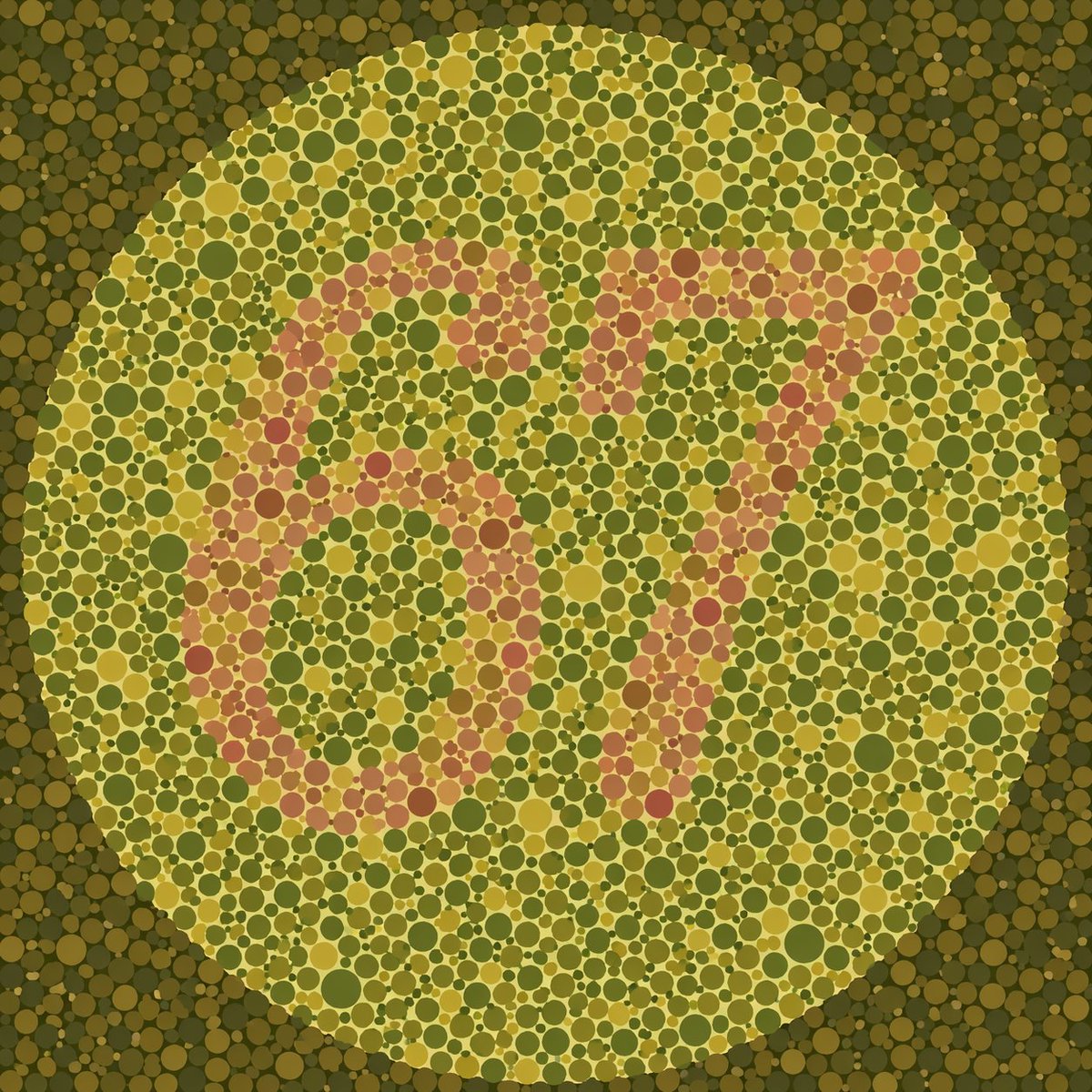
提示词 · EN
一张石原氏色盲测试图,由一个巨大的圆形区域组成,内部填充了大小不一的密集圆点。圆圈内的背景圆点采用 argbackground color palette: 橄榄绿和芥末黄 色调。在中心位置,由 argnumber color palette: 淡粉色和鲑鱼粉 的对比色圆点构成了隐藏数字 arghidden number: 67。主圆圈外的周围区域填充了颜色更深、更柔和的绿色和棕色圆点,营造出经典的医学视错觉效果。
关于这个提示词
Create unique Ishihara color blindness test images with custom hidden numbers and color palettes. Perfect for visual experiments or fun. 它更适合作为 GPT Image 2 的概念艺术起点:先保留画面结构、主体关系和风格约束,再替换成你的品牌、人物或场景。
使用时优先替换 background color palette、number color palette、hidden number 等占位符,并保持镜头、构图和材质描述的顺序不变。这样更容易获得稳定的画面结果,也方便继续做多版本对比。
如何使用这个提示词
- Copy the prompt text from this page.
- Open an AI image generator like DALL·E 3, Midjourney, or Stable Diffusion.
- Paste the prompt and modify the argument values (e.g., change
background color palette,number color palette, orhidden number). - Generate the image.
- If needed, tweak the values and re-generate until you get the desired look.


