
GPT Image 2AI 提示词
Multi-Panel Image Grid Prompt — Nostalgic Theme Generator
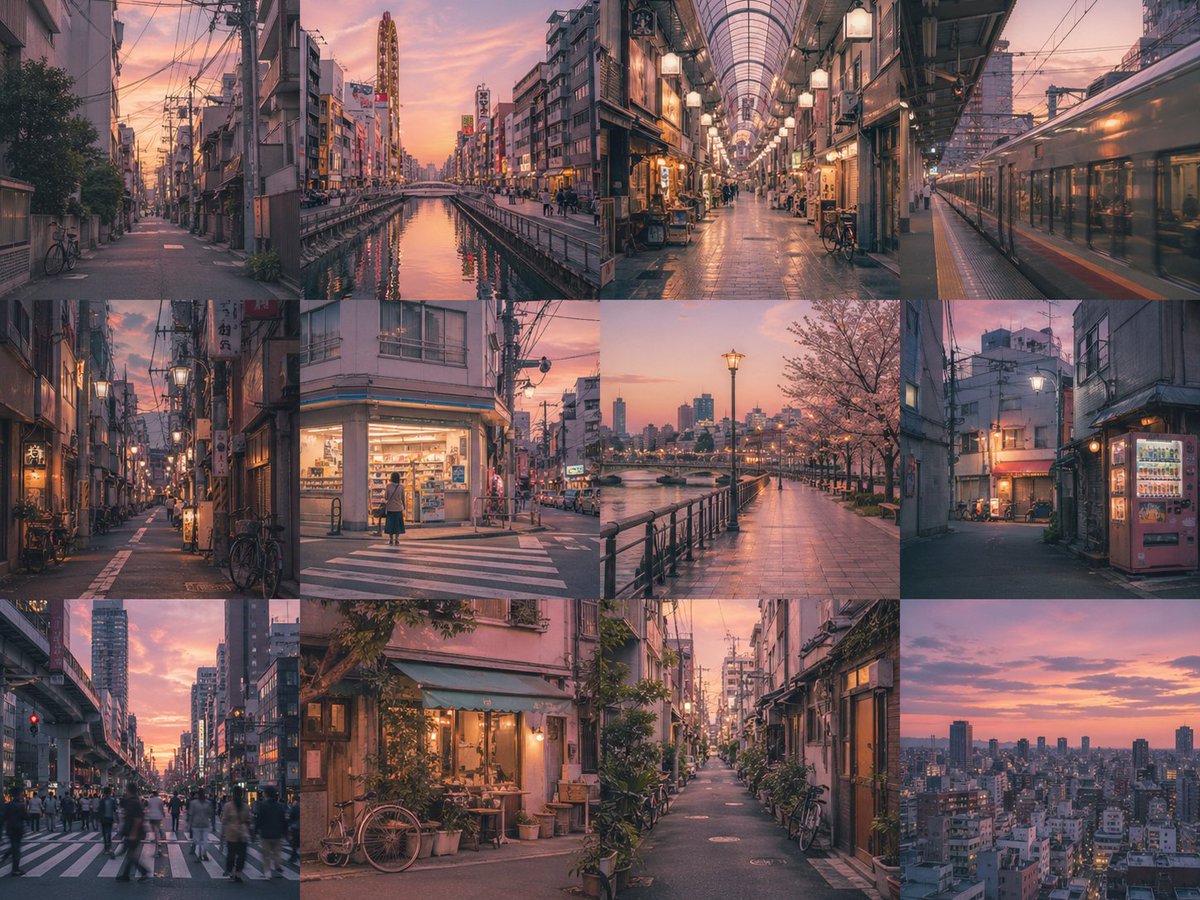
Create a seamless grid of consistent, emotionally resonant images exploring a theme in a cinematic, nostalgic style.
1 / 4
提示词 · EN
创建一个 arggrid layout: 4x3 无边框网格,其中每个面板都是 argsubject: 一位年轻女性 的独立图像。在所有面板中保持强烈的主体一致性,并确保色彩和光影统一。以 argstyle: 怀旧电影写实风格 风格,描绘 argtheme: 童年回忆 主题,并营造 argmood: 温暖、怀旧 的氛围。无文字。无间隙。
关于这个提示词
Create a seamless grid of consistent, emotionally resonant images exploring a theme in a cinematic, nostalgic style. 它更适合作为 GPT Image 2 的概念艺术起点:先保留画面结构、主体关系和风格约束,再替换成你的品牌、人物或场景。
使用时优先替换 grid layout、subject、style、theme 等占位符,并保持镜头、构图和材质描述的顺序不变。这样更容易获得稳定的画面结果,也方便继续做多版本对比。
如何使用这个提示词
- Copy the prompt and its variables into a compatible AI image generator like Sora 2.
- Choose a model or style setting that supports cinematic or photo-realistic output.
- Tweak the arguments (grid layout, subject, theme, style, mood) to fit your specific project.
- Generate the image and iterate by adjusting variables for desired consistency and emotion.


