
GPT Image 2AI 提示词
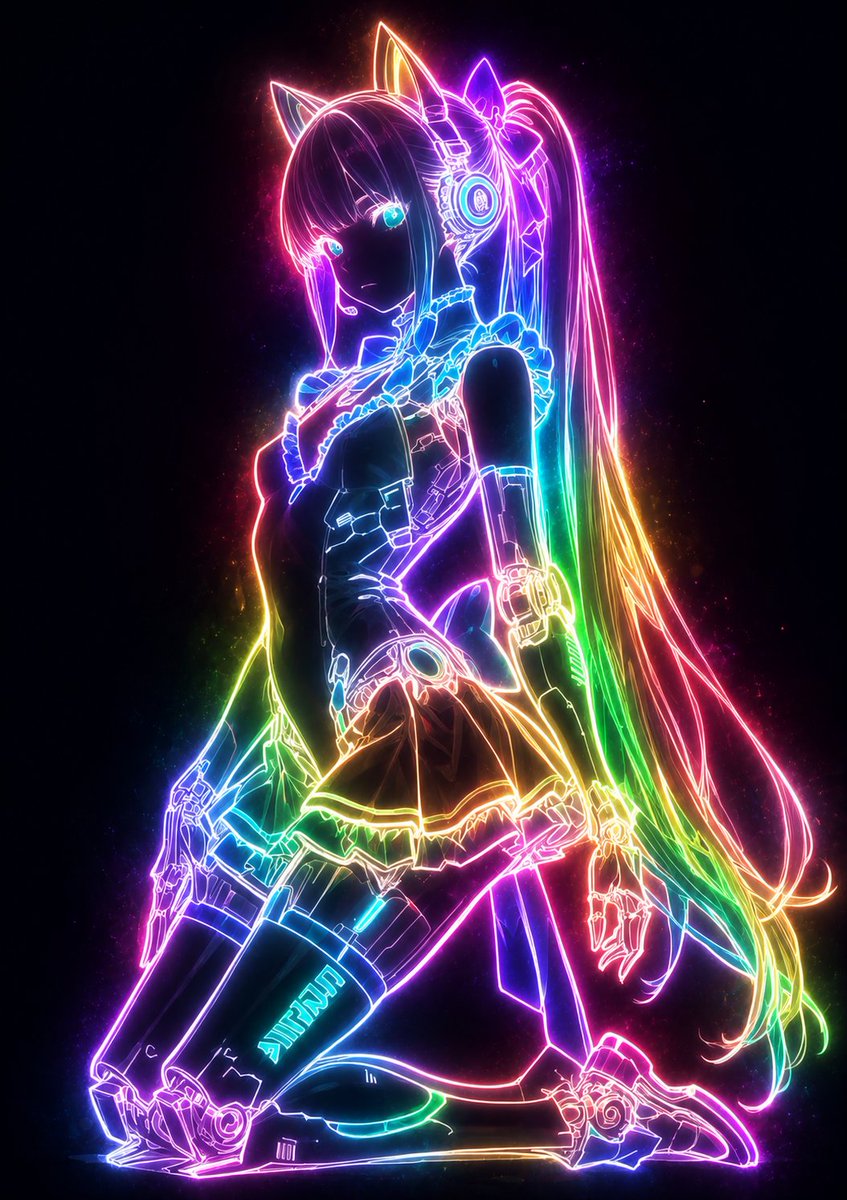
Glowing Neon Outline Portrait Prompt
Transforms illustrations into mystical portraits where only outlines glow with customizable neon light against a dark, dramatic background.
1 / 4
提示词 · EN
请将此插图转化为神秘且梦幻的发光风格。使用 【glow color: argglow color: rainbow】,确保仅角色轮廓、衣物线条、配饰细节以及发丝流向散发出强烈的绚丽光芒。线条应如柔和的霓虹灯般从内部发出微光,缓慢浮现并散发出细微的光粒,轻柔地照亮周围环境。请勿照亮表面,仅让线条成为主要的发光元素,保持其他部分(皮肤、头发、衣物表面)处于极度暗淡的状态。发光的线条应与深色背景形成高对比度,强调 argglow color: rainbow 光谱的柔和扩散。整体氛围应冷峻而神秘,创造出一种令人惊叹的唯美剪影,仅呈现出神奇的 argglow color: rainbow 轮廓。请务必完整保留原始构图和特征。
关于这个提示词
Transforms illustrations into mystical portraits where only outlines glow with customizable neon light against a dark, dramatic background. 它更适合作为 GPT Image 2 的概念艺术起点:先保留画面结构、主体关系和风格约束,再替换成你的品牌、人物或场景。
使用时优先替换 glow color 等占位符,并保持镜头、构图和材质描述的顺序不变。这样更容易获得稳定的画面结果,也方便继续做多版本对比。
如何使用这个提示词
- Copy the entire prompt text into your AI model's prompt field.
- Select a compatible image generation model like Sora 2.
- Customize the
glow colorvariable to your preferred palette (e.g., 'ice blue', 'gold'). - Upload your base illustration or describe the subject.
- Generate the image to see your subject's lines glow while surfaces stay dark.


