
GPT Image 2AI 提示词
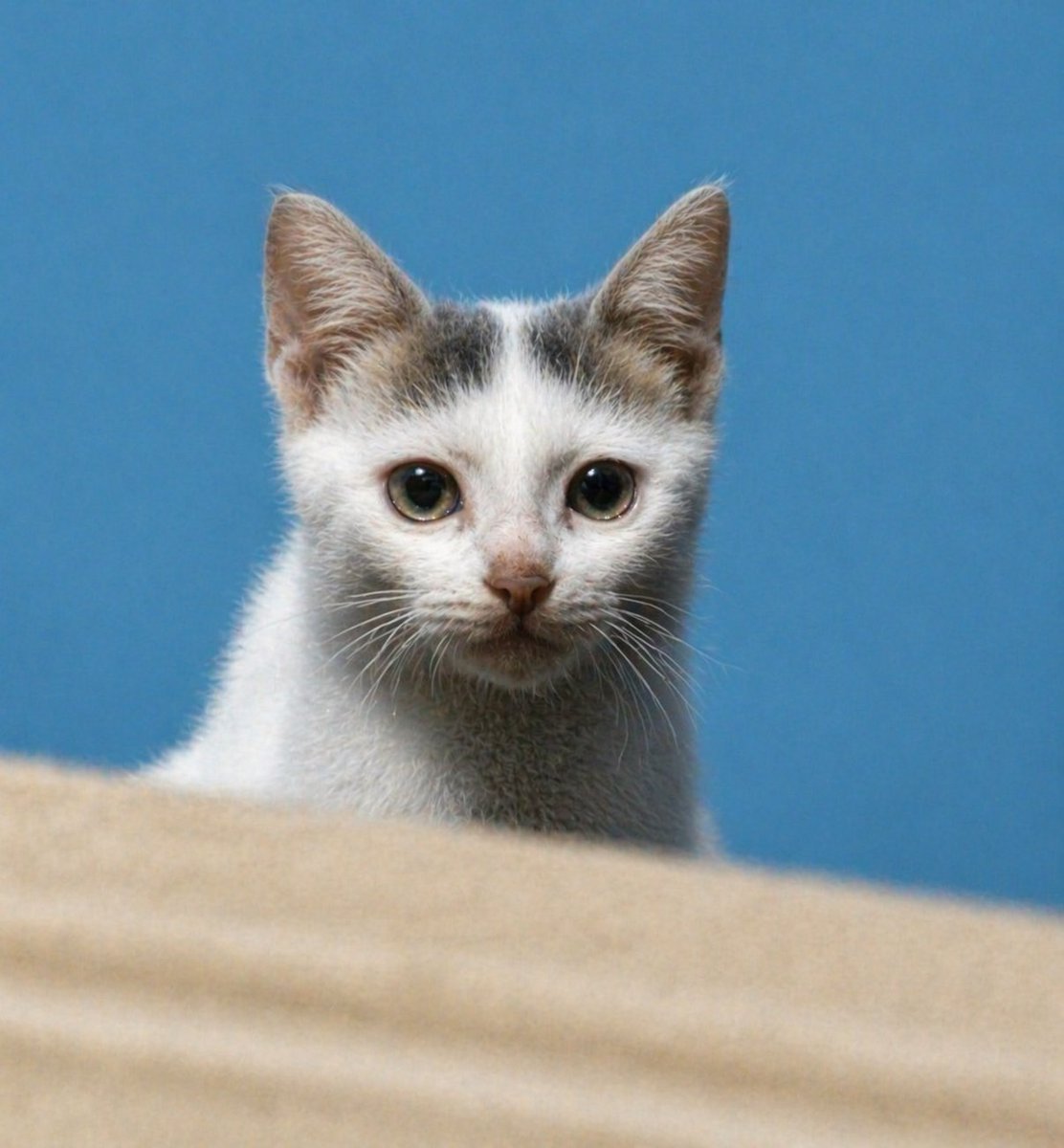
Sharpen Blurry Kitten Photo — Realistic DSLR Portrait Prompt
Transform a low-resolution kitten reference into a stunningly sharp, lifelike portrait with natural fur details, vivid eyes, and beautiful depth-of-field effect.
提示词 · EN
使用 REFERENCE_0,将同一只小猫还原为清晰、逼真的高分辨率肖像,同时保留正面构图、头部带有灰褐色斑纹的白色皮毛、蓝色背景以及底部的米色前景台面。锐化面部和眼睛,增加自然的皮毛细节和胡须,将比例修正为真实幼猫的样子,改善光影和对比度,并去除严重的模糊/噪点,使其看起来像是一张具有浅景深效果的清晰 DSLR 风格宠物照片。
关于这个提示词
Transform a low-resolution kitten reference into a stunningly sharp, lifelike portrait with natural fur details, vivid eyes, and beautiful depth-of-field effect. 它更适合作为 GPT Image 2 的概念艺术起点:先保留画面结构、主体关系和风格约束,再替换成你的品牌、人物或场景。
使用时建议先小幅修改主体、场景、镜头和色调,再生成多个版本对比构图与细节。这样页面内容对用户有实际帮助,也避免把模型名或标签机械堆在正文里。
如何使用这个提示词
- Copy the Prompt: Copy the full prompt text, including the reference image instruction.
- Select a Model: Use an AI model that supports image-to-image enhancement or upscaling (like Sora 2 or a similar model with image input).
- Upload Your Reference: Provide your blurry kitten photo as
REFERENCE_0as instructed by the platform. - Tweak Variables (Optional): You can adjust details like "blue background" or "beige foreground" to match your desired style.
- Generate & Refine: Run the prompt. If needed, slightly adjust lighting or sharpness keywords and regenerate.


