
GPT Image 2AI 提示词
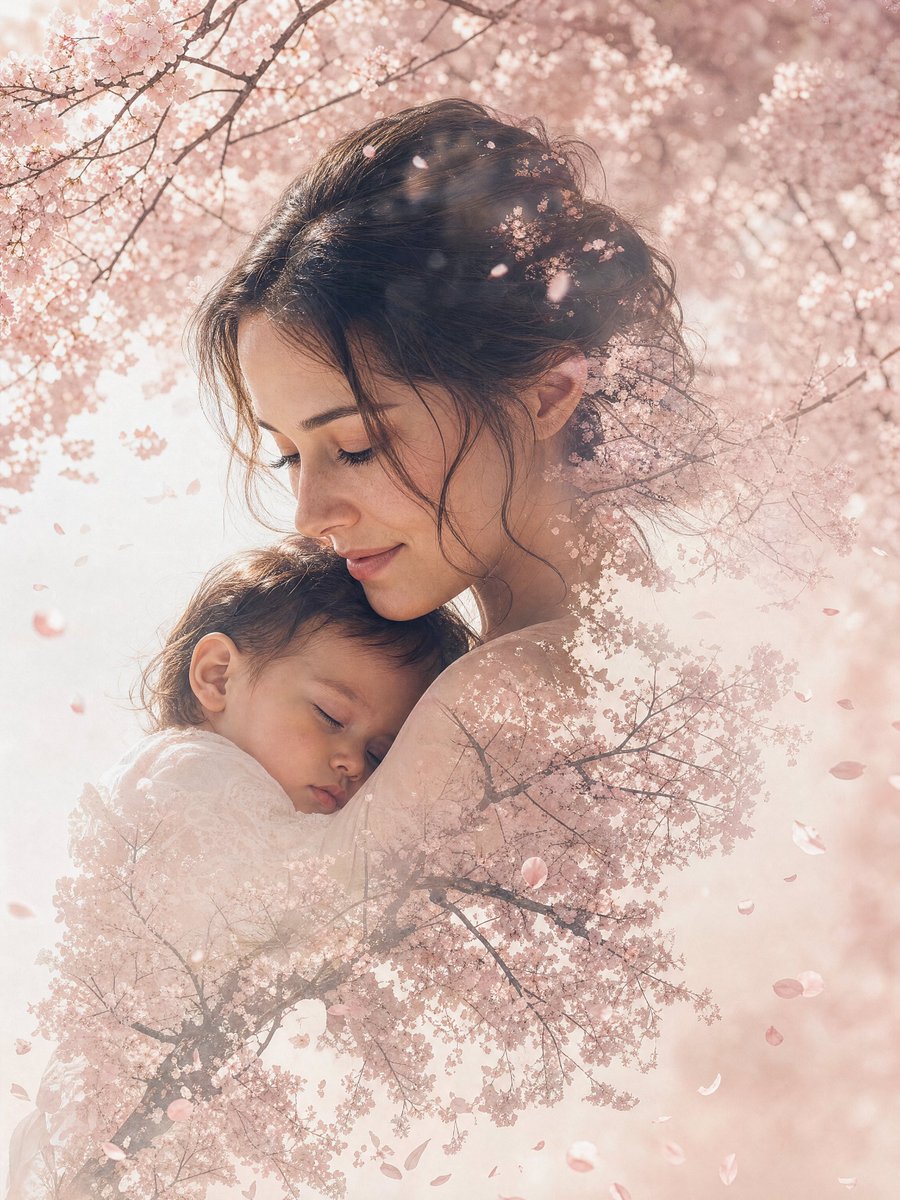
Double Exposure Portrait Prompt — Seamless Nature Blend
Create stunning double exposure portraits that seamlessly merge a person with misty pine forests or other nature scenes in deep, earthy tones.
1 / 4
提示词 · EN
一张 argmood: 忧郁 的双重曝光肖像,将 argsubject: 孤独的旅行者 与 argnature scene: 雾气缭绕的松林 无缝融合,主体的轮廓融入松枝之中,色调采用深绿色和大地棕色。
关于这个提示词
Create stunning double exposure portraits that seamlessly merge a person with misty pine forests or other nature scenes in deep, earthy tones. 它更适合作为 GPT Image 2 的概念艺术起点:先保留画面结构、主体关系和风格约束,再替换成你的品牌、人物或场景。
使用时优先替换 mood、subject、nature scene 等占位符,并保持镜头、构图和材质描述的顺序不变。这样更容易获得稳定的画面结果,也方便继续做多版本对比。
如何使用这个提示词
- Copy the prompt template from this page.
- Choose your preferred AI image generator (like Midjourney, Stable Diffusion, or DALL-E).
- Customize the bracketed variables
[mood],[subject], and[nature scene]to match your vision. - Paste the modified prompt into your chosen model and generate.
- Experiment with different mood keywords (e.g., 'serene', 'melancholic') and nature scenes (e.g., 'autumn forest', 'misty mountains') for varied results.


