
GPT Image 2AI 提示词
3D Object Rotation & Zoom Prompt — Control Camera Angle in Sora 2
Generate rotated and zoomed 3D views of any subject from a reference image with precise horizontal, vertical, and camera distance controls.
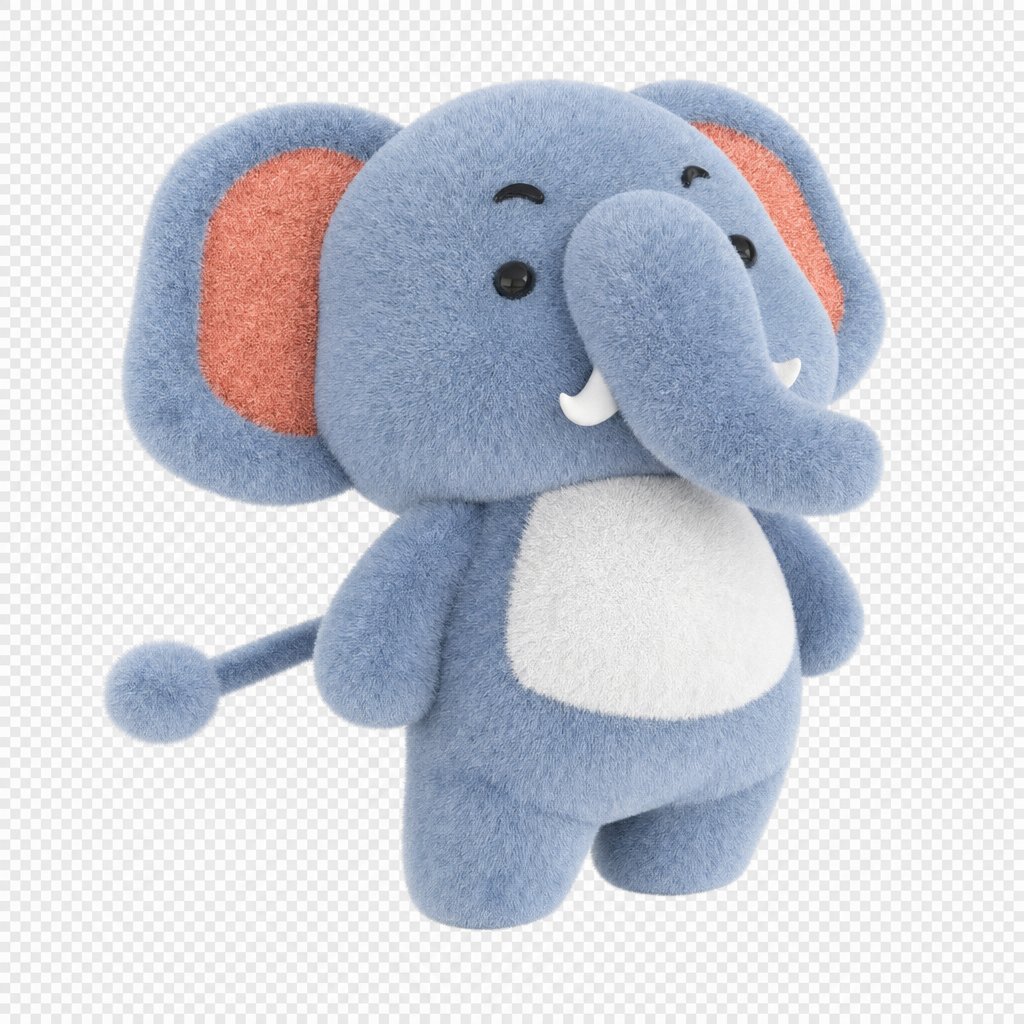
提示词 · EN
将参考图像中的 argsubject: baby elephant 水平旋转 30 度,垂直旋转 45 度,并将相机缩放至原始距离的 1/2。
关于这个提示词
Generate rotated and zoomed 3D views of any subject from a reference image with precise horizontal, vertical, and camera distance controls. 它更适合作为 GPT Image 2 的概念艺术起点:先保留画面结构、主体关系和风格约束,再替换成你的品牌、人物或场景。
使用时优先替换 subject 等占位符,并保持镜头、构图和材质描述的顺序不变。这样更容易获得稳定的画面结果,也方便继续做多版本对比。
如何使用这个提示词
- Copy the prompt template into your preferred AI video or image generation tool that supports Sora 2.
- Select the Sora 2 model or equivalent 3D-aware generator.
- Replace the
{subject}variable with your desired object, e.g., "baby elephant," "red sports car," or "vintage clock." - Adjust the rotation angles (horizontal/vertical) and zoom fraction to experiment with different camera perspectives.
- Upload your reference image and generate to see the subject re-rendered from the new viewpoint.


