
GPT Image 2AI 提示词
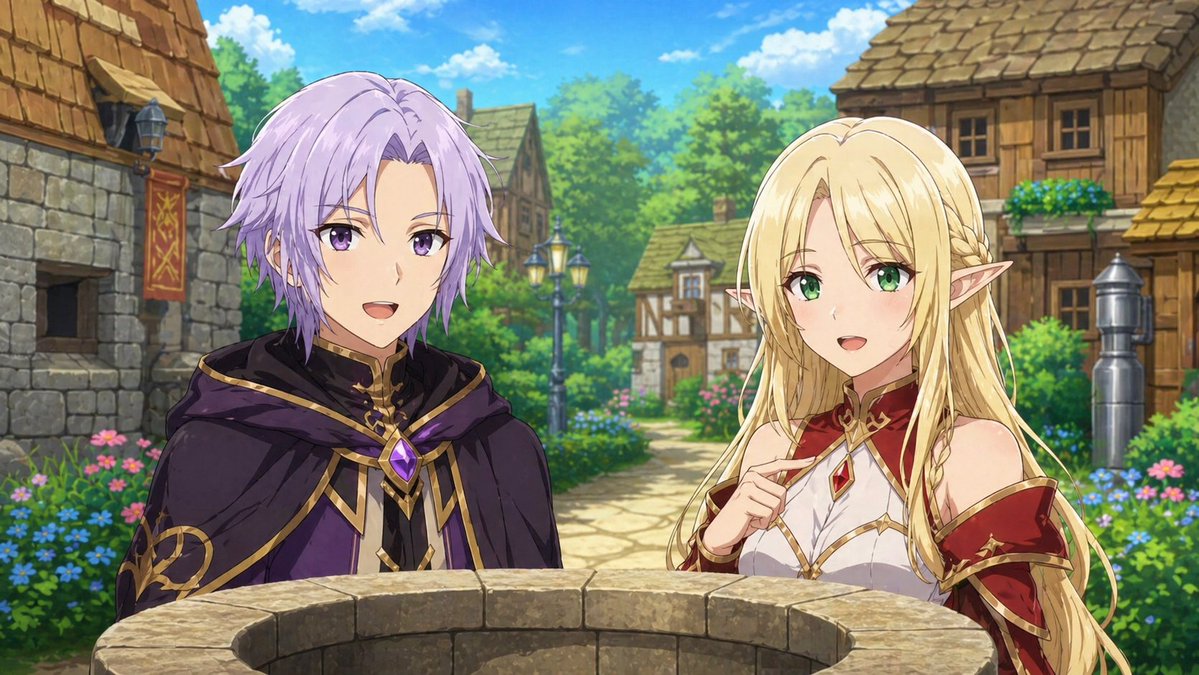
Fantasy Anime Scene Stylized Prompt — Mage & Elf Village
Generate a cinematic anime-style still with a purple-haired mage and golden-haired elf in a village, featuring smooth lines and a vibrant color palette.
提示词 · EN
基于附件图像创建动漫场景剧照。创建角色插画。动漫风格。不要使其看起来像游戏。不允许使用像素艺术风格。argscene action: 两人正在注视着一口井。argcharacters: 一名留着浅紫色短发的男性法师和一名留着金色长发的女性精灵。角色特写。描述背景。背景也应采用动漫风格配色。两人面向前方,正在交谈。场景:arglocation: 村庄 “流畅的线条和配色”
关于这个提示词
Generate a cinematic anime-style still with a purple-haired mage and golden-haired elf in a village, featuring smooth lines and a vibrant color palette. 它更适合作为 GPT Image 2 的概念艺术起点:先保留画面结构、主体关系和风格约束,再替换成你的品牌、人物或场景。
使用时优先替换 scene action、characters、location 等占位符,并保持镜头、构图和材质描述的顺序不变。这样更容易获得稳定的画面结果,也方便继续做多版本对比。
如何使用这个提示词
- Copy the entire prompt text, including the curly-bracket variables.
- Paste it into your preferred AI image generator (e.g., Sora, Midjourney, or Stable Diffusion).
- Customize the
{argument name="scene action"}and{argument name="characters"}variables to change the action or characters. - Adjust the
{argument name="location"}variable to set a different background scene. - Generate the image and refine the prompt if needed for better results.


