
GPT Image 2AI 提示词
Hand-Drawn Doodle Photo Overlay — Sora 2 Prompt
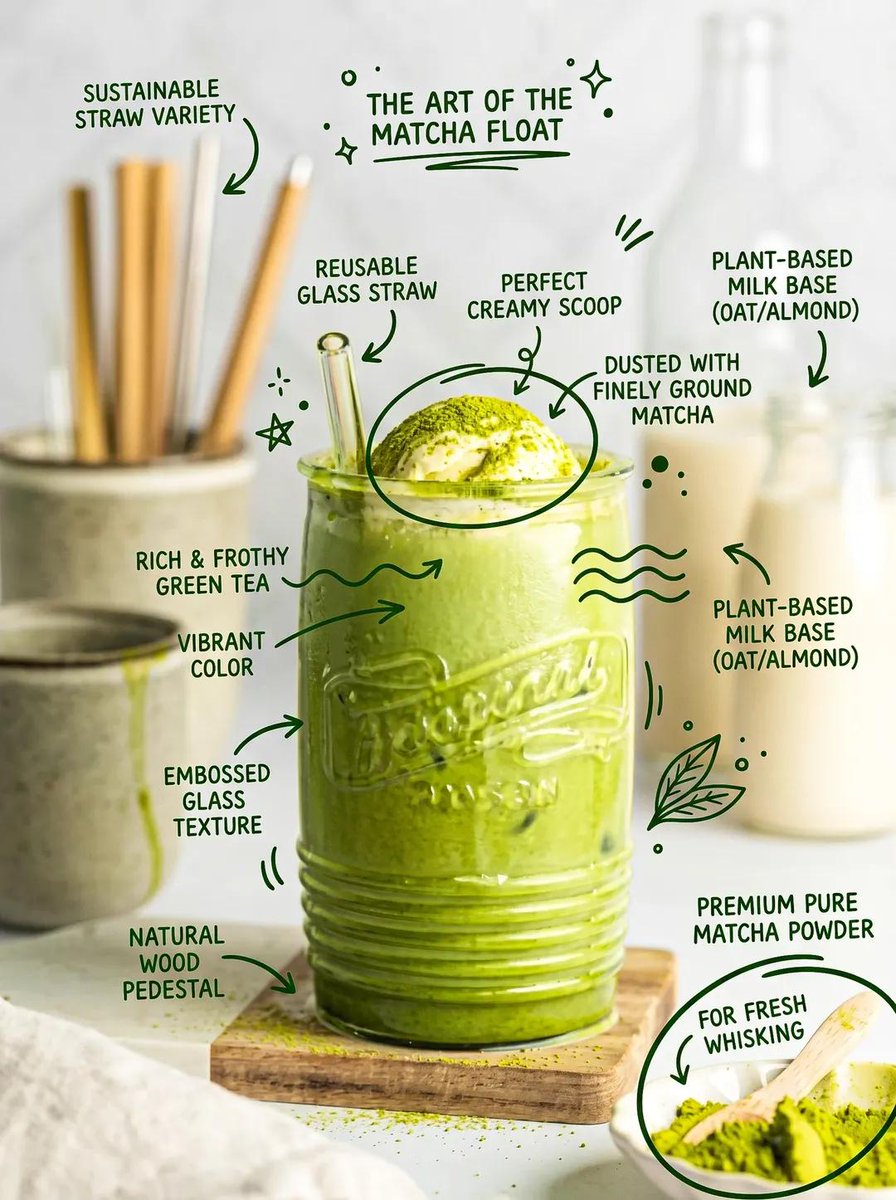
Transform your photos with playful, hand-drawn doodles that interact naturally with subjects, preserving the original image's composition and lighting.
1 / 2
提示词 · EN
分析上传的图片并精确保留原始主体、构图和光影,不得改变主体身份、比例或结构。添加与主体自然互动的趣味手绘涂鸦,例如坐在主体旁边、拥抱主体或对主体做出反应的小角色、笑脸或微型伙伴。涂鸦应遵循主体的形状和透视,采用简洁的细线条风格,呈现略带瑕疵的手绘质感,简约而富有表现力。保持背景原样,整体氛围轻松、有趣且具有美感。
关于这个提示词
Transform your photos with playful, hand-drawn doodles that interact naturally with subjects, preserving the original image's composition and lighting. 它更适合作为 GPT Image 2 的概念艺术起点:先保留画面结构、主体关系和风格约束,再替换成你的品牌、人物或场景。
使用时建议先小幅修改主体、场景、镜头和色调,再生成多个版本对比构图与细节。这样页面内容对用户有实际帮助,也避免把模型名或标签机械堆在正文里。
如何使用这个提示词
- Copy the prompt text above.
- Choose an AI image generation model that supports image uploads and editing (e.g., Sora 2).
- Upload your source photo and paste the prompt into the text field.
- Generate and review the output. You can tweak the prompt by specifying different doodle styles (e.g., 'cute cartoon characters' or 'line-art monsters') or interaction types (e.g., 'sitting on top of' or 'peeking from behind').
- Re-generate until you achieve the desired aesthetic.


