
GPT Image 2AI 提示词
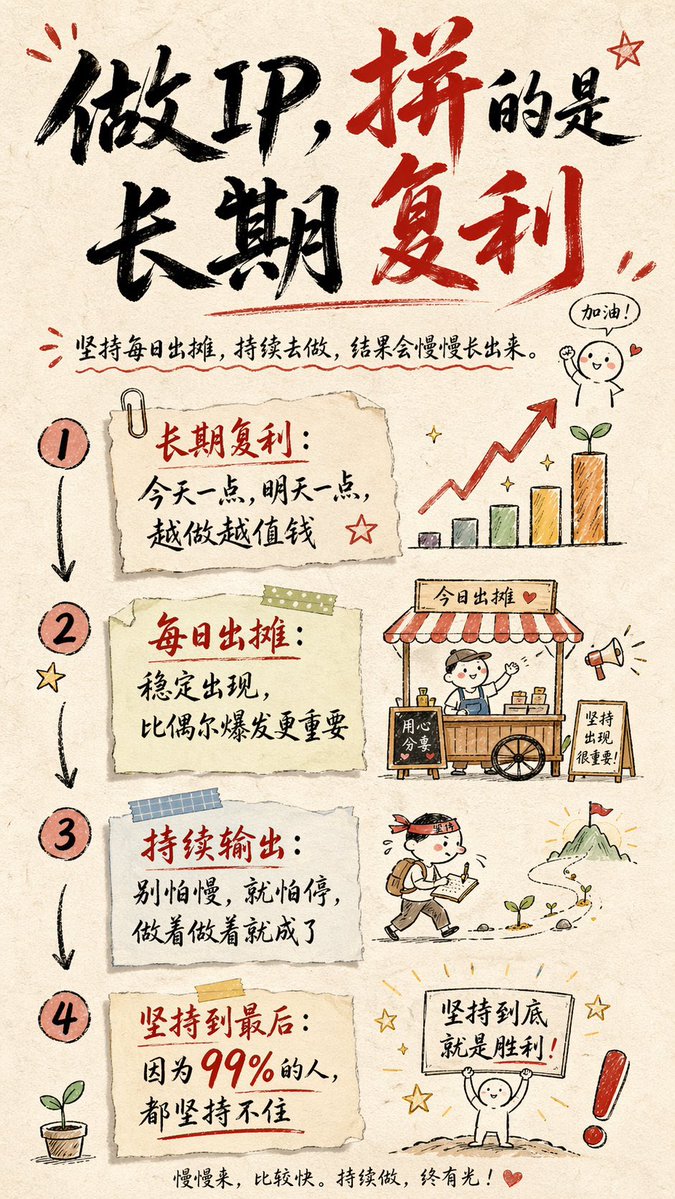
Hand-Drawn Chinese Infographic Card — Sora 2 Prompt
Generate beautiful hand-drawn infographic cards with Chinese brush calligraphy and paper texture, perfect for presenting ideas in a unique, artistic style.
提示词 · EN
创建一个 9:16 竖版比例的手绘风格信息图卡片。卡片主题明确,背景为米色或米白色纸张纹理,整体设计呈现出简约友好的手绘美感。卡片顶部使用醒目的红黑对比色毛笔草书字体突出标题,以吸引视觉焦点。文本内容均为中文草书,整体布局分为 2 到 4 个清晰的板块,每个板块用简练的中文短语表达核心观点。字体保持草书流畅的节奏感,既清晰易读又充满艺术气息。卡片上点缀着简单有趣的手绘插图或图标(如人物或象征性符号),以增强视觉吸引力并引发读者的思考与共鸣。注意整体布局的视觉平衡,保留足够的留白,确保画面简洁明了,易于阅读和理解。主题为:"argtheme: 打造 IP 是长期的复利;坚持每天出摊,持续做下去,一定会有结果,因为 99% 的人都无法坚持。 "
关于这个提示词
Generate beautiful hand-drawn infographic cards with Chinese brush calligraphy and paper texture, perfect for presenting ideas in a unique, artistic style. 它更适合作为 GPT Image 2 的概念艺术起点:先保留画面结构、主体关系和风格约束,再替换成你的品牌、人物或场景。
使用时优先替换 theme 等占位符,并保持镜头、构图和材质描述的顺序不变。这样更容易获得稳定的画面结果,也方便继续做多版本对比。
如何使用这个提示词
- Copy the prompt.
- Replace the
themevariable with your desired message. - Paste into an AI image generator like Sora 2, Midjourney, or DALL·E.
- Generate the image and review the result.
- Tweak the prompt if needed to adjust styling or details.


