
GPT Image 2AI 提示词
Crayon Drawing Style Image Transformation — Sora 2 Prompt
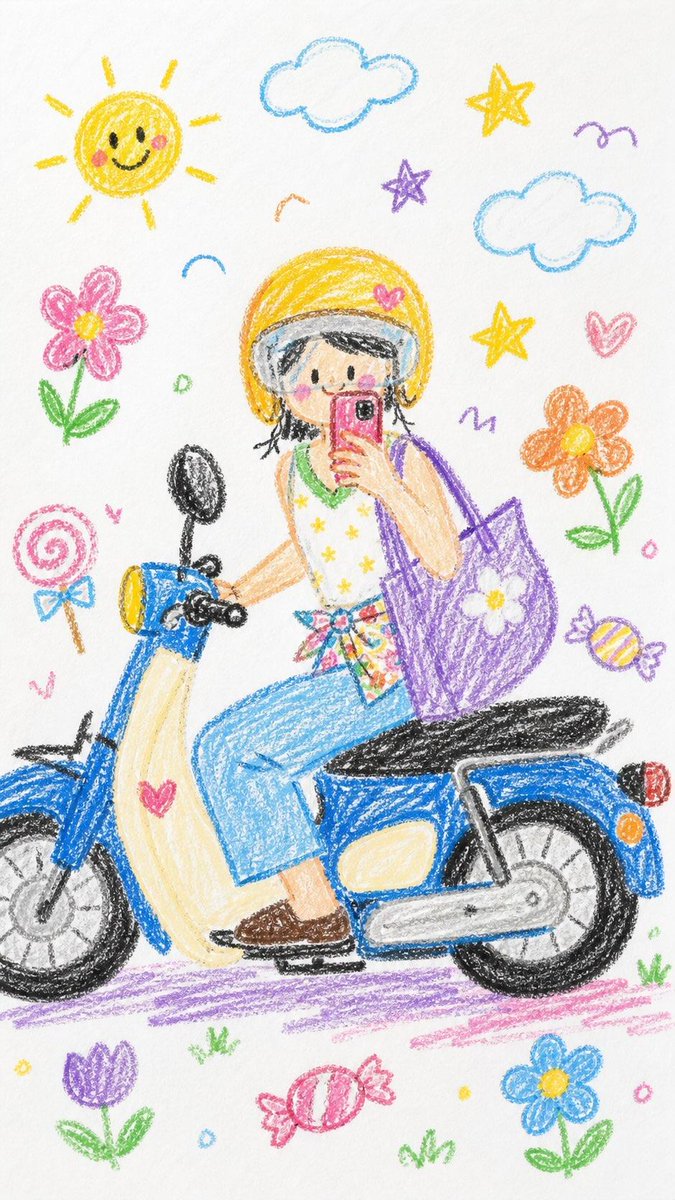
Transform any photo into a playful, hand-drawn crayon artwork on white paper, filled with cute elements like flowers and stars.
提示词 · EN
请将整张图像转换为 argstyle: 蜡笔画风格。简化细节,使其看起来像是 argage: 10 岁儿童 画的作品。不要使用照片中的原始颜色。使其看起来像是画在白纸上的,具有非常可爱和俏皮的感觉。你可以添加一些可爱的元素,例如 argelements: 花朵、糖果、星星、云朵 等,使其看起来更具童真和天真感。
关于这个提示词
Transform any photo into a playful, hand-drawn crayon artwork on white paper, filled with cute elements like flowers and stars. 它更适合作为 GPT Image 2 的概念艺术起点:先保留画面结构、主体关系和风格约束,再替换成你的品牌、人物或场景。
使用时优先替换 style、age、elements 等占位符,并保持镜头、构图和材质描述的顺序不变。这样更容易获得稳定的画面结果,也方便继续做多版本对比。
如何使用这个提示词
- Copy the prompt into your AI image generation tool (e.g., Sora 2).
- Select or confirm the model is set to handle image transformation or style transfer.
- Replace the placeholder variables: choose a drawing style (e.g., watercolor, marker), specify an age for the artwork's style, and add desired cute elements.
- Upload your source image to the tool as the base for transformation.
- Generate the image, review the output, and tweak the variables if needed to refine the result.


