
GPT Image 2AI 提示词
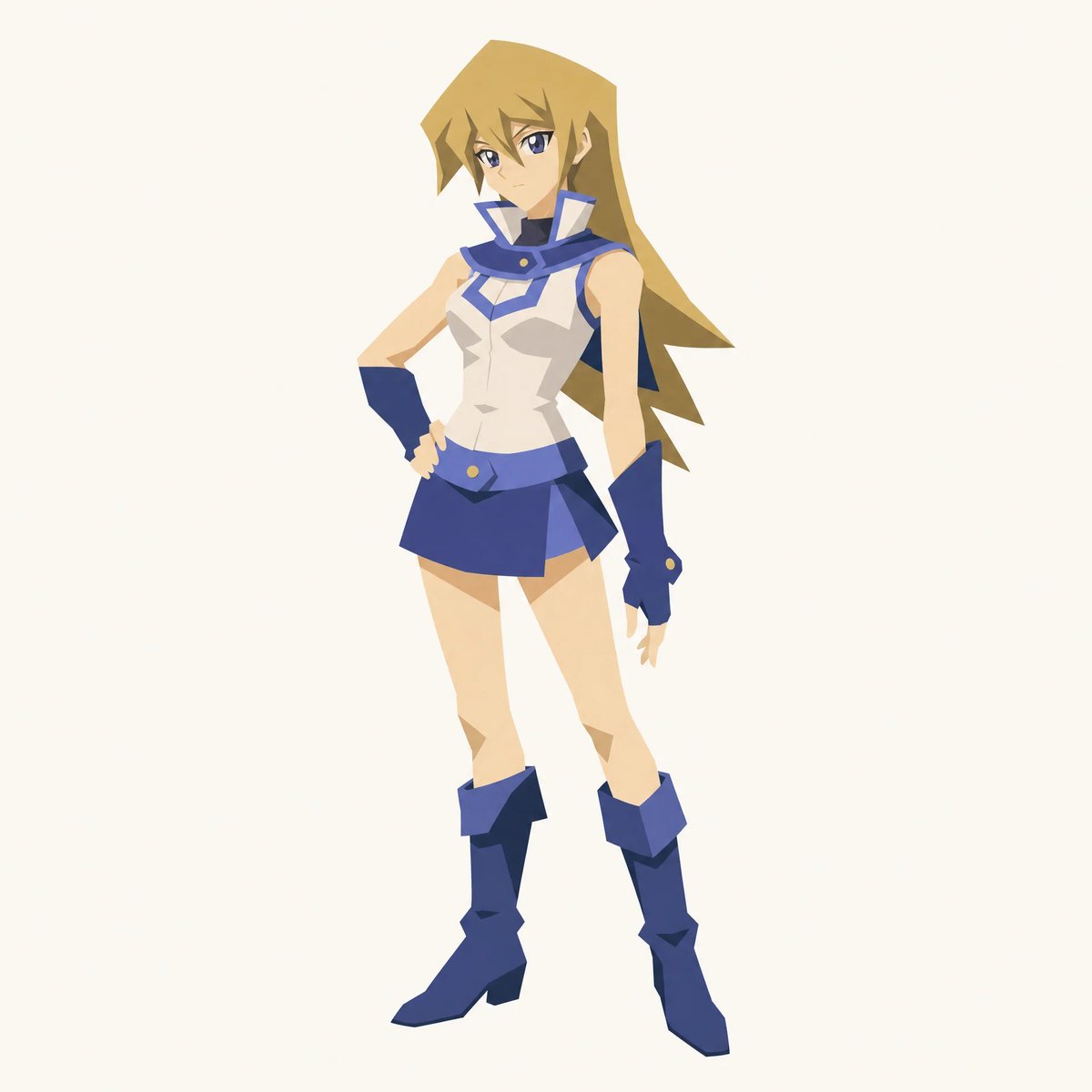
Paper-Cut Portrait — Minimalist Flat Graphic Prompt
Create striking paper-cut style portraits with bold flat shapes, minimal lines, and a clean poster-like aesthetic perfect for graphic design projects.
1 / 3
提示词 · EN
一张剪纸风格的人物插画。通过大面积的扁平色块来构建人物形象,如同剪纸拼贴一般,并使用极简的线条。将头发和服装简化为大块、干净的形状,不包含任何精细细节,使人物主要通过轮廓呈现。采用有限的配色方案,几乎没有纹理,阴影极少,构图居中且静止,背景留白,呈现出清晰的海报式图形质感。面部细节保持极简,表情克制,通过比例、轮廓和形状组合来传达情绪。 人物 : argcharacter: [chracter]
关于这个提示词
Create striking paper-cut style portraits with bold flat shapes, minimal lines, and a clean poster-like aesthetic perfect for graphic design projects. 它更适合作为 GPT Image 2 的概念艺术起点:先保留画面结构、主体关系和风格约束,再替换成你的品牌、人物或场景。
使用时优先替换 character 等占位符,并保持镜头、构图和材质描述的顺序不变。这样更容易获得稳定的画面结果,也方便继续做多版本对比。
如何使用这个提示词
- Copy this prompt and paste it into your preferred AI image generator (e.g., Sora 2, Midjourney, DALL·E).
- Select a model optimized for illustrative or graphic styles.
- Replace the
{character}variable with your desired subject description (e.g., "a young woman with short hair" or "a bearded man in a suit"). - Adjust the color palette or style keywords if needed to match your vision.
- Generate and refine by iterating on the character description for best results.


