
GPT Image 2AI 提示词
Sunlit Privacy Portrait — Realistic Sora 2 Prompt
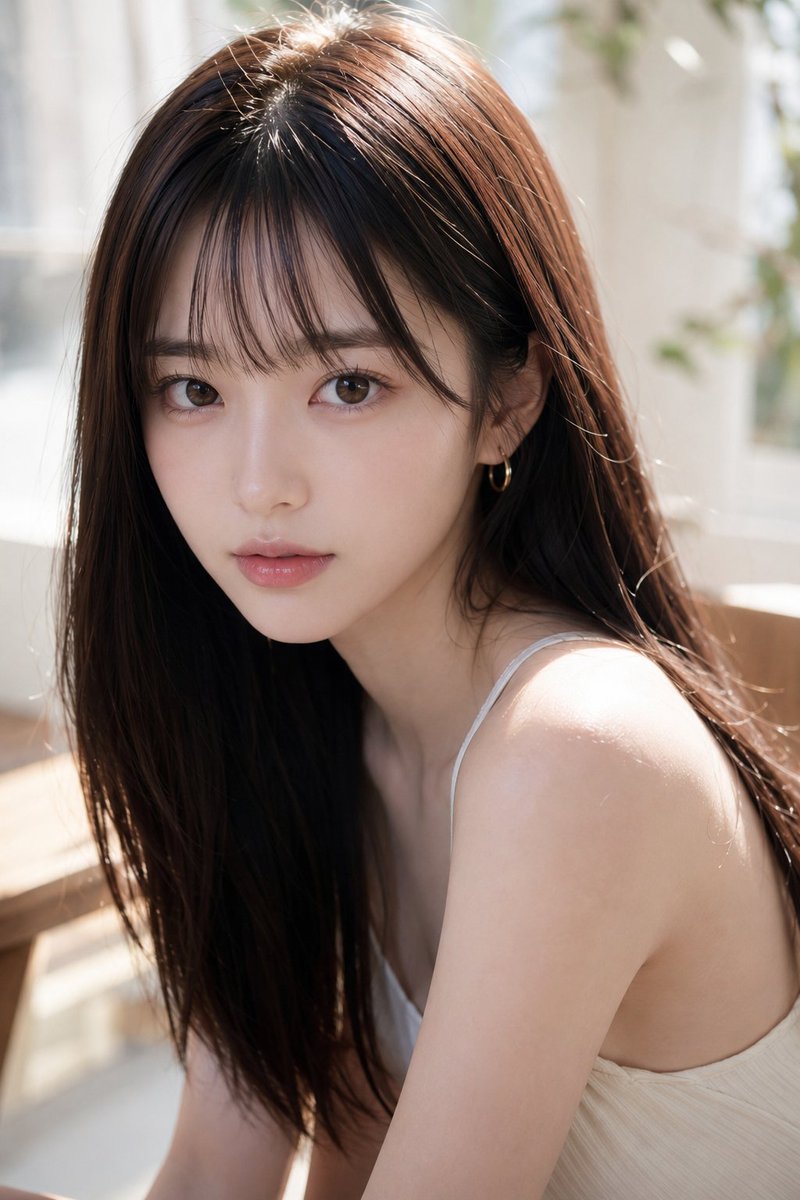
Create a high-resolution, lifestyle portrait of a woman by a window, her face tastefully obscured by a soft, square block for a unique, intimate aesthetic.
提示词 · EN
创作一张写实的竖版肖像,主体为 argsubject: 一位年轻的东亚女性,她正坐在明亮且阳光充足的窗边,身处一个柔和、通透的房间内。她拥有 arghair color and style: 中分的长直深棕色头发,垂在一侧肩头,皮肤白皙,身材苗条,身穿 argoutfit: 一件简单的米白色细肩带吊带衫,一侧耳朵上戴着一枚小巧的金色圆环耳饰。采用近距离、亲密的构图,从上半身开始取景,拍摄角度略微从上方和侧面切入,让她的肩膀和锁骨捕捉到温暖的自然光。她的面部被一个位于正中央的大型不透明方形遮挡块刻意遮住,遮挡块呈现出从棕色到灰褐色的柔和哑光渐变,覆盖了眼睛、鼻子和嘴巴,同时露出头发、耳朵、脖子、肩膀和衣物。背景应进行柔焦处理,呈现出白色窗框、浅色窗帘、隐约的绿植和明亮的晨光,运用浅景深、真实的皮肤纹理、有光泽的头发高光、自然的阴影,营造出干净的生活方式摄影美感。使用 arglighting: 温暖的自然窗光和柔和的逆光,呈现高分辨率相机质感,竖版 2:3 纵横比。
关于这个提示词
Create a high-resolution, lifestyle portrait of a woman by a window, her face tastefully obscured by a soft, square block for a unique, intimate aesthetic. 它更适合作为 GPT Image 2 的概念艺术起点:先保留画面结构、主体关系和风格约束,再替换成你的品牌、人物或场景。
使用时优先替换 subject、hair color and style、outfit、lighting 等占位符,并保持镜头、构图和材质描述的顺序不变。这样更容易获得稳定的画面结果,也方便继续做多版本对比。
如何使用这个提示词
- Copy the entire prompt text.
- Select your preferred AI model (e.g., Sora 2) in the generation interface.
- Customize the subject's hair, outfit, or lighting by editing the {argument} variables.
- Generate the image and refine the prompt if needed for your desired result.


