
GPT Image 2AI 提示词
Reference Photo to Soft Watercolor — Sora 2 Prompt
Transform any portrait photo into a loose, translucent watercolor illustration with gentle color bleeding and a modern, anonymized aesthetic.
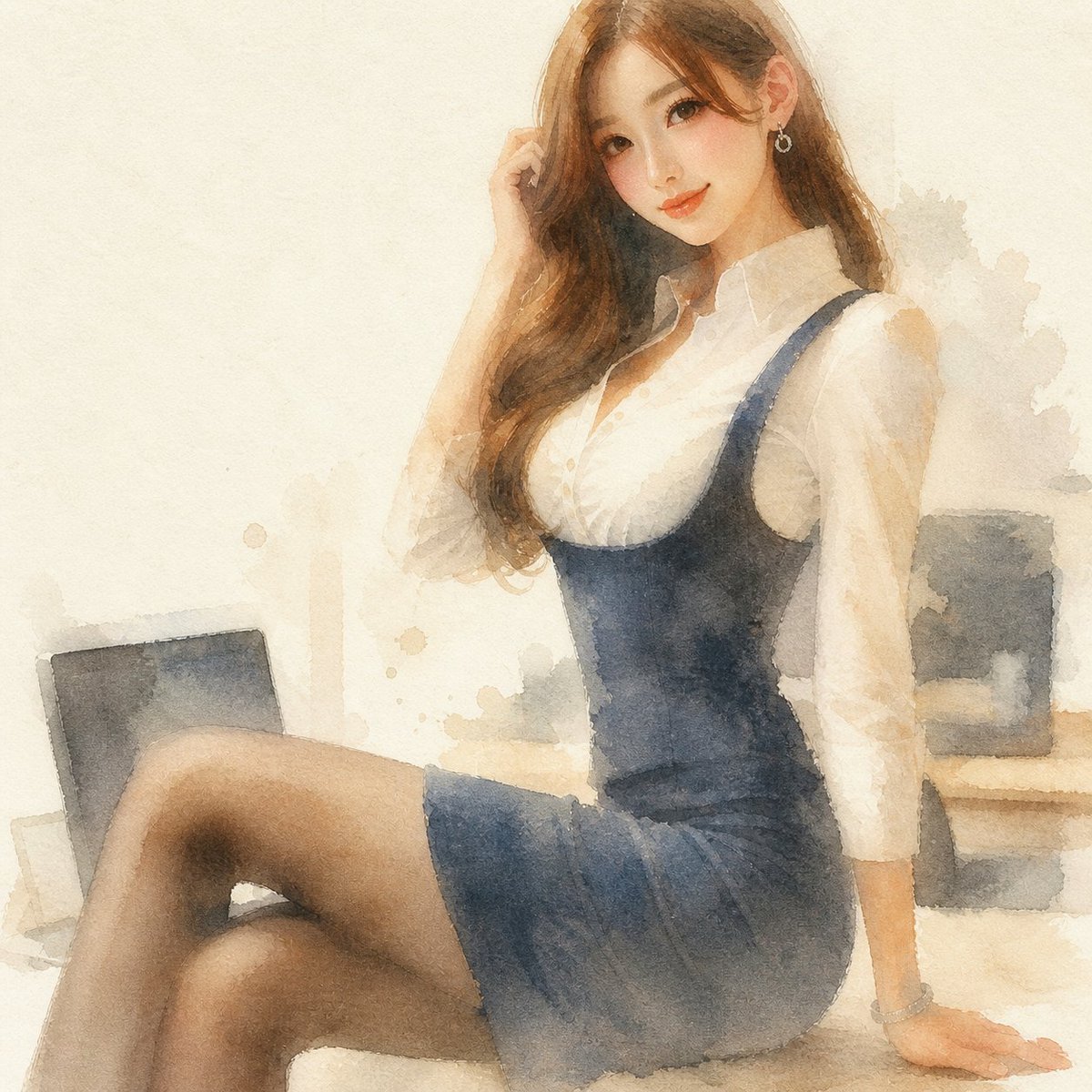
提示词 · EN
Using the provided reference image, regenerate the same composition as a soft modern watercolor illustration. Preserve the subject’s pose, outfit, proportions, cropped face anonymization, and office-window setting, but reinterpret everything with translucent washes, loose edges, granulating paper texture, muted warm beige lighting, gentle color bleeding, and lightly suggested background details instead of photorealism. Keep the image square and maintain the same overall framing.
关于这个提示词
Transform any portrait photo into a loose, translucent watercolor illustration with gentle color bleeding and a modern, anonymized aesthetic. 它更适合作为 GPT Image 2 的概念艺术起点:先保留画面结构、主体关系和风格约束,再替换成你的品牌、人物或场景。
使用时建议先小幅修改主体、场景、镜头和色调,再生成多个版本对比构图与细节。这样页面内容对用户有实际帮助,也避免把模型名或标签机械堆在正文里。
如何使用这个提示词
- Copy the full prompt text from the page.
- Choose an image-to-image capable model like Sora 2 or Midjourney.
- Upload your reference portrait photo as the input image.
- Optionally adjust the lighting description (e.g., 'warm beige' to 'cool blue') or texture details.
- Generate and review, refining the prompt if the style wash is too heavy or light.


