
GPT Image 2AI 提示词
Studio Headshot Portrait from Reference — Sora 2 Prompt
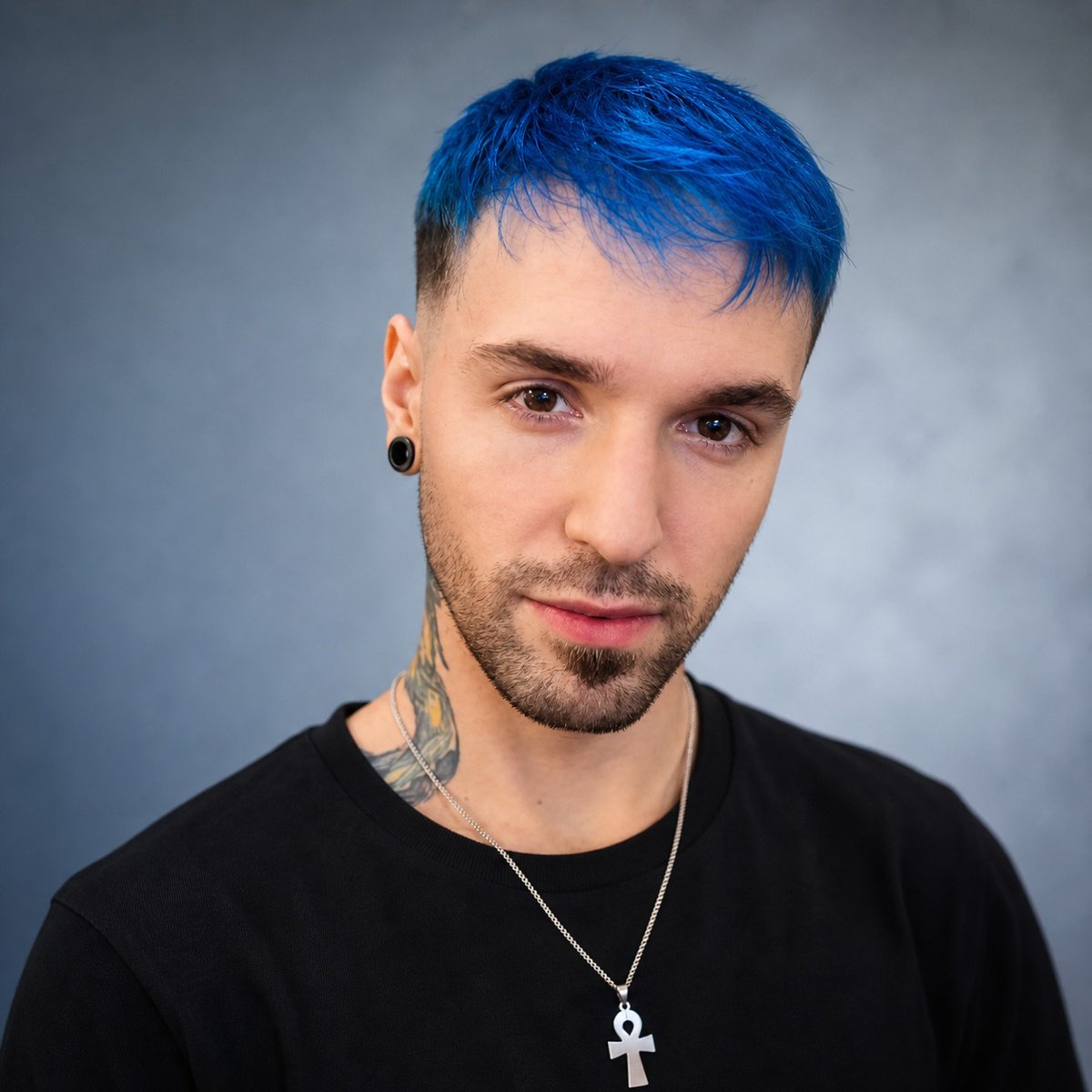
Turn a casual selfie into a polished studio headshot with neutral backdrop and professional lighting, keeping your unique look and privacy blur intact.
提示词 · EN
Using the provided reference image, create a clean professional studio headshot portrait of the same person while preserving their face identity, blue hair, black shirt, ear plug, neck tattoo, silver chain, and ankh pendant. Reframe to a centered chest-up composition with the subject facing forward, replace the room/gaming-chair/bookshelf background with a softly lit neutral gray-blue studio backdrop, improve lighting and sharpness, and make the image look like a polished profile photo. Keep the large square privacy blur over the face in the same style, centered over the facial features.
关于这个提示词
Turn a casual selfie into a polished studio headshot with neutral backdrop and professional lighting, keeping your unique look and privacy blur intact. 它更适合作为 GPT Image 2 的概念艺术起点:先保留画面结构、主体关系和风格约束,再替换成你的品牌、人物或场景。
使用时建议先小幅修改主体、场景、镜头和色调,再生成多个版本对比构图与细节。这样页面内容对用户有实际帮助,也避免把模型名或标签机械堆在正文里。
如何使用这个提示词
- Copy the full prompt text and paste it into your chosen AI image generator (e.g., Sora 2 or similar).
- Upload or link your reference image when the platform requests it.
- Tweak variables like backdrop color, clothing details, or composition framing to match your vision.
- Generate the image and review the output for face identity and privacy blur accuracy.
- Re-roll or adjust the prompt if needed until you get a clean, professional result.


