
GPT Image 2AI 提示词
Electric Blue Lens Flare VFX — Sora 2 Prompt
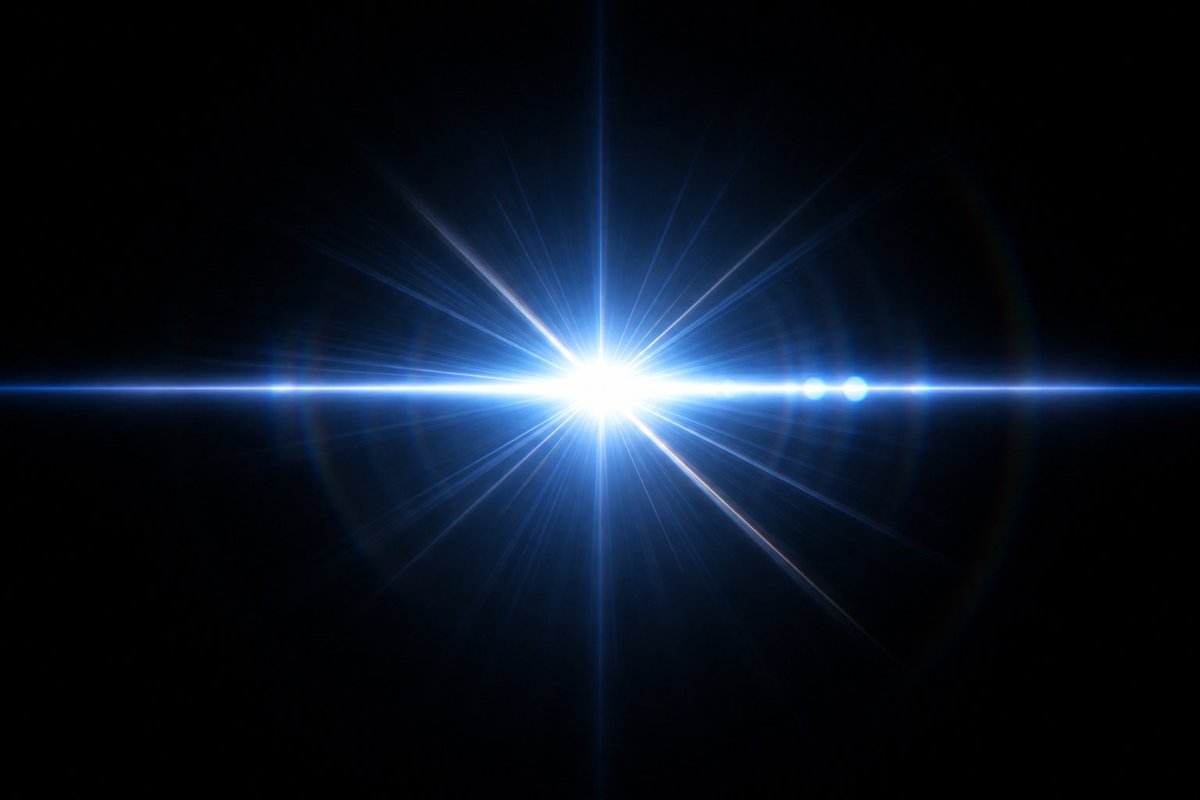
Generate a cinematic, high-resolution blue-white starburst lens flare effect with transparent edges, perfect for compositing over dark backgrounds in motion graphics.
提示词 · EN
创建一个高分辨率的电影级 VFX 素材,展示一个绚丽的 arglight color: 电光蓝白色 镜头光晕,背景为纯黑色。构图略微偏向画面左侧,中心为高曝光的白色核心,周围环绕着耀眼的蓝色光芒。一条笔直的水平光束横跨画面边缘,与中心垂直光束交汇形成明亮的十字。在核心周围添加许多向外放射的细长星芒射线,并带有柔和的体积光晕、细腻的蓝色雾气以及中心周围淡淡的圆形镜头伪影。在水平光束上精确添加 4 个小型次级光晕球:核心左侧 1 个微弱的小球,右侧 3 个更明亮的蓝白色球体。保持背景完全黑色,无文字、无物体、无边框且无可见纹理,旨在打造一种即便渲染在黑色背景上也能呈现透明感的动漫/游戏特效素材。采用 16:9 宽屏比例,高光锐利,具备逼真的光学光晕物理效果、高对比度、光泽感的科幻能量,以及适合后期合成的干净边缘。
关于这个提示词
Generate a cinematic, high-resolution blue-white starburst lens flare effect with transparent edges, perfect for compositing over dark backgrounds in motion graphics. 它更适合作为 GPT Image 2 的概念艺术起点:先保留画面结构、主体关系和风格约束,再替换成你的品牌、人物或场景。
使用时优先替换 light color 等占位符,并保持镜头、构图和材质描述的顺序不变。这样更容易获得稳定的画面结果,也方便继续做多版本对比。
如何使用这个提示词
- Copy this entire prompt block.
- Select your preferred video generation model (e.g., Sora 2).
- Optionally, change the "light color" argument from the default to another hue (e.g., "golden amber").
- Submit the prompt to generate a high-resolution, 16:9 VFX asset.
- Download the result and composite it into your video project with a "Screen" or "Add" blending mode.


