
GPT Image 2AI 提示词
WeChat Chat Screenshot with Smudges & Glare — Sora 2 Prompt
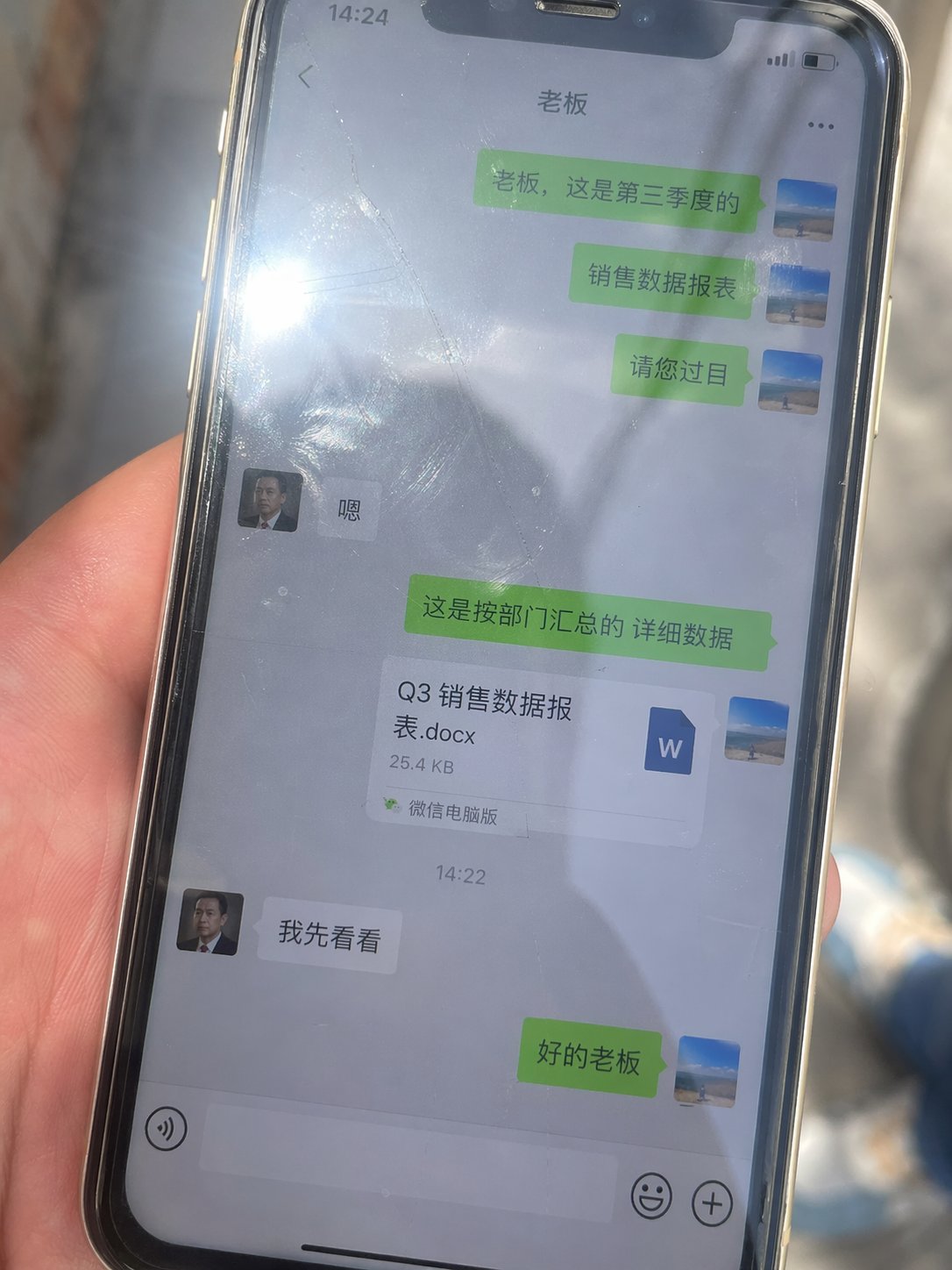
Generate a hyper-realistic smartphone photo showing a WeChat chat with Chinese dialogue, smudges, and glare, perfect for testing AI photorealism.
提示词 · EN
Generate an image, aspect ratio 3:4. A real-life smartphone photo, with the phone screen displaying a WeChat chat interface in Chinese dialogue, featuring chat bubbles and a Word document attachment. The interface has green and gray bubbles. The screen shows obvious fingerprints, smudges, and scratches. The glass has strong reflections and a direct light source creating glare. The frame is slightly tilted, handheld shot, natural ambient light, imperfect composition, strong sense of realism, casual everyday snapshot, high detail, 4K. The dialogue is between a boss and an employee: the employee sends a file to the boss, and the boss replies that they will take a look first.
关于这个提示词
Generate a hyper-realistic smartphone photo showing a WeChat chat with Chinese dialogue, smudges, and glare, perfect for testing AI photorealism. 它更适合作为 GPT Image 2 的概念艺术起点:先保留画面结构、主体关系和风格约束,再替换成你的品牌、人物或场景。
常见用途包括 ui/ux & social media。这些标签只作为创作方向参考,实际生成时仍应以提示词结构和预览图为准。
使用时建议先小幅修改主体、场景、镜头和色调,再生成多个版本对比构图与细节。这样页面内容对用户有实际帮助,也避免把模型名或标签机械堆在正文里。
如何使用这个提示词
- Copy the prompt text from the page.
- Paste it into your AI image generator (e.g., Sora, Midjourney, Stable Diffusion).
- Adjust the aspect ratio to 3:4 if your tool requires it.
- Optionally tweak the dialogue content or file attachment type.
- Generate and iterate to refine the realism of imperfections like fingerprints and reflections.


