
Same-input evaluation
Keep the prompt, reference image, and aspect ratio aligned so the result differences reflect the model rather than the setup.
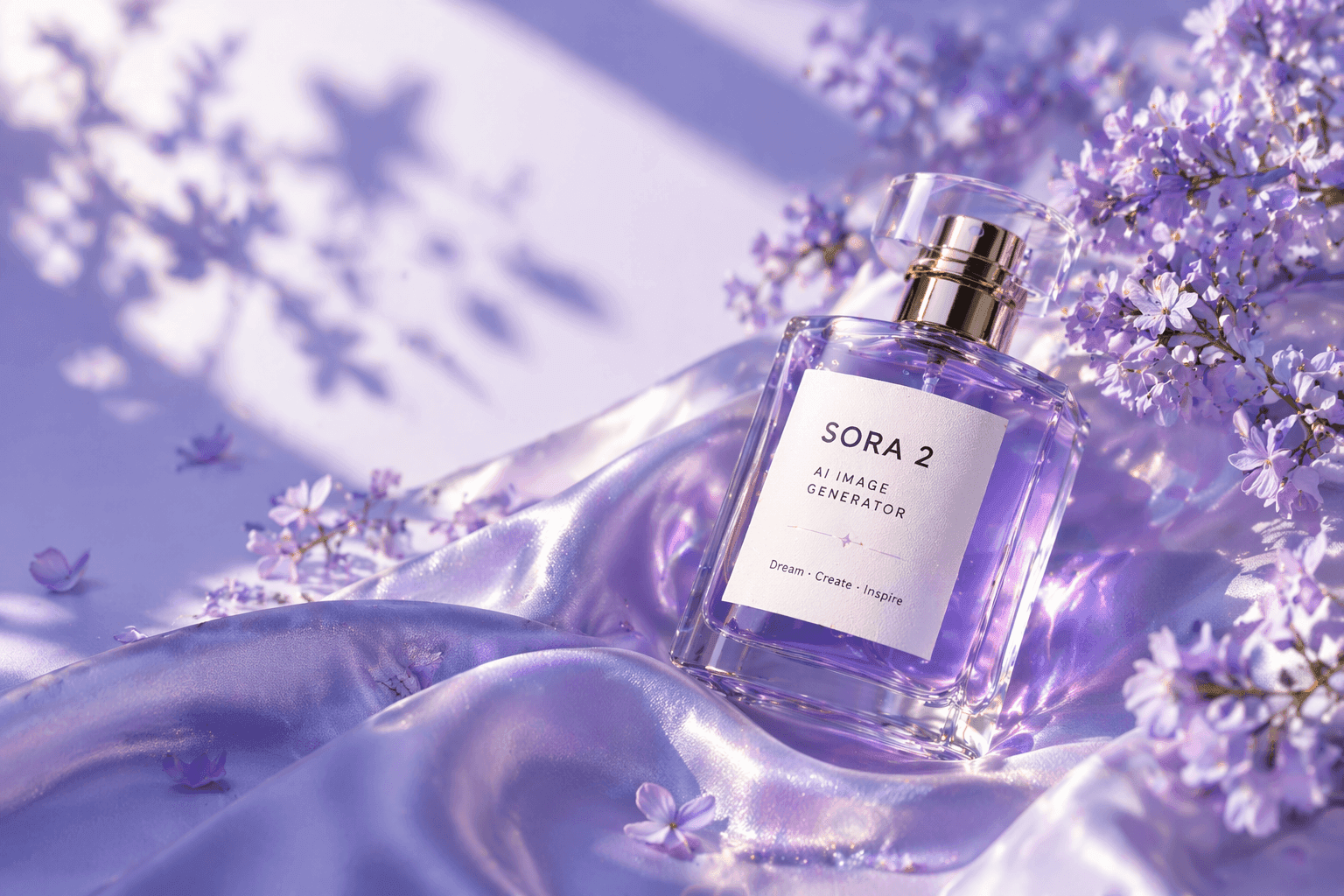
Enter a prompt, choose a model, and generate multiple visual styles in one click.
More looks, more variety.
Sharper detail, cleaner quality.
One click, faster output.
Ratio and style control.
Pick models and submit one grouped run to fill this board.
Use one prompt, one optional reference image, and one aspect ratio to evaluate multiple image models under the same conditions.
An AI image model comparison workflow makes it easier to judge how different models handle realism, prompt adherence, lighting, product detail, typography, and overall composition. Instead of changing prompts one model at a time, you can keep the setup consistent and see the output differences more clearly.
This matters when you are choosing the best model for ads, product renders, social graphics, brand exploration, or prompt QA. A grouped comparison page shortens the path from experimentation to a usable production choice because the winning output, the failed cards, and the credit impact are all visible in one place.
A side-by-side comparison page helps you choose image models faster and review results with less noise.
Keep the prompt, reference image, and aspect ratio aligned so the result differences reflect the model rather than the setup.
Review multiple outputs in one run when you need to choose the best model for a real campaign, product page, or creative brief.
Check which models follow subject, composition, lighting, text, and styling instructions most reliably.
Retry only the failed cards instead of rerunning an entire batch when one or two model calls break.
The compare workflow is most useful when you need an evidence-based model choice, not just a one-off image.
Compare which models deliver cleaner packaging detail, more premium highlights, and better brand-ready composition.
Test the same prompt across models when your image needs label text, signage, or on-canvas lettering.
Run the same idea through several models to compare editorial, cinematic, minimal, and ad-style directions quickly.
Share grouped outputs so creative teams can review trade-offs together before choosing a model for production.
Use the same input across multiple models, then compare the outputs as one grouped result set.
Choose the image models you want to evaluate in the same run.
Enter one prompt and optionally add a reference image to keep art direction aligned.
Inspect the cards side by side, download the best result, or retry only the failed ones.
Key questions about compare groups, inputs, and billing.
You can compare up to ten image models in one grouped request.
Yes. You can run prompt-only comparisons or add one reference image when you want more consistent art direction.
Keep the prompt, aspect ratio, and any reference image consistent. That makes it easier to compare model quality fairly.
Credits are estimated per selected model, reserved when the compare group starts, and retries only charge the card that is rerun.